Processing Tools
Transform cryoET data from the command line — convert between picks, segmentations, and meshes; process volumes and segmentations; and run spatial / boolean operations. Every tool below is a copick CLI command; click through for full usage and examples.
Convert
Convert one copick type to another.
-
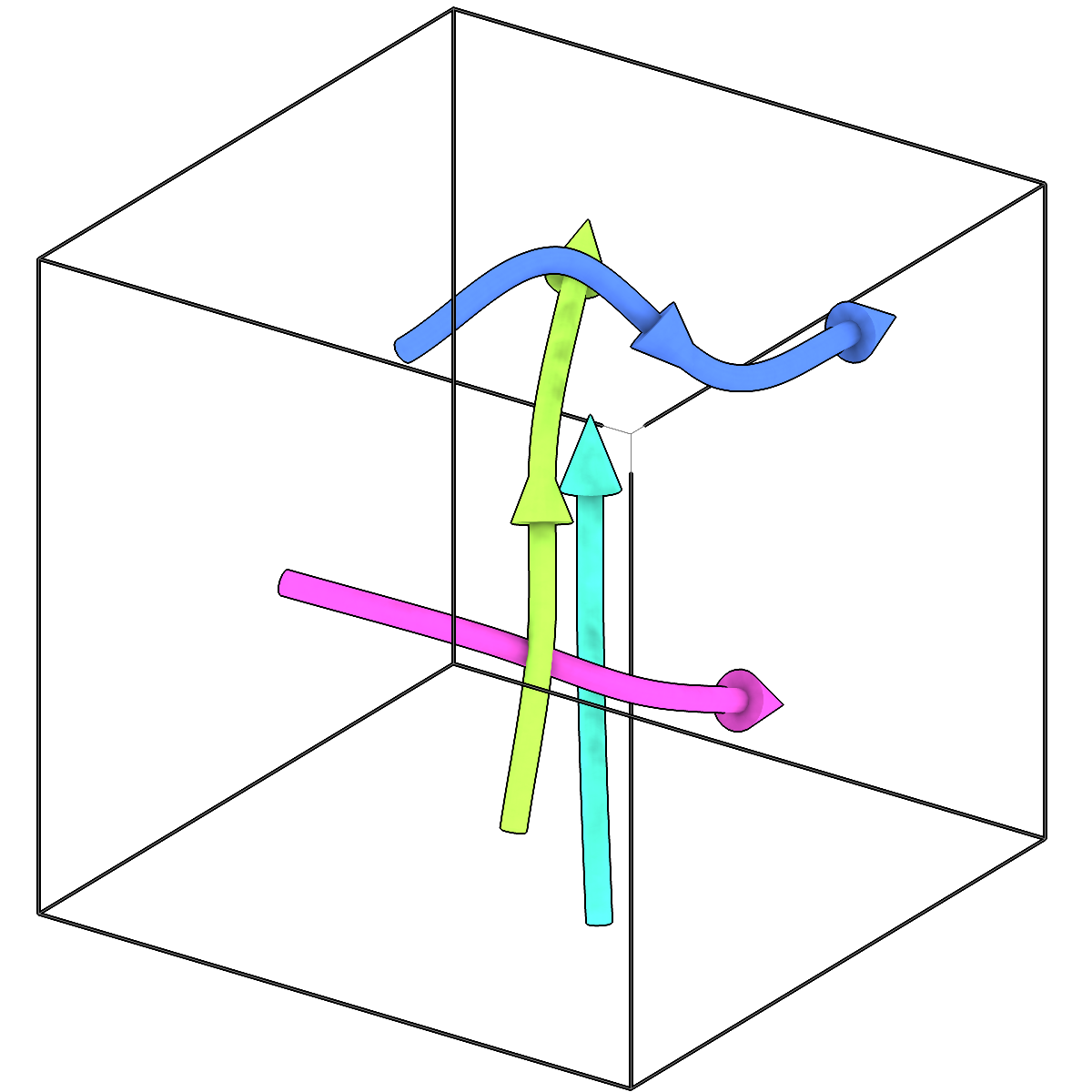
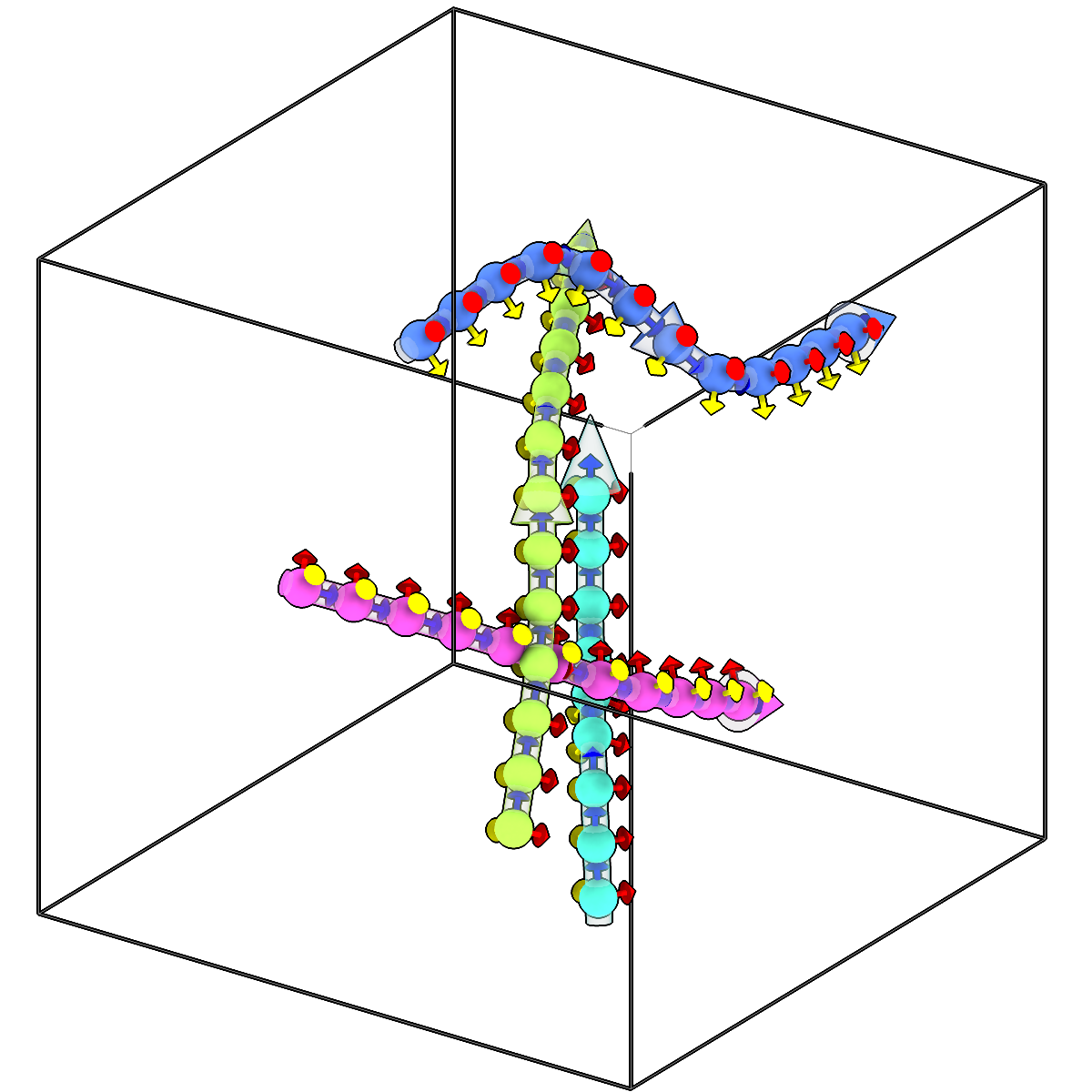
Sample picks along filaments.
-
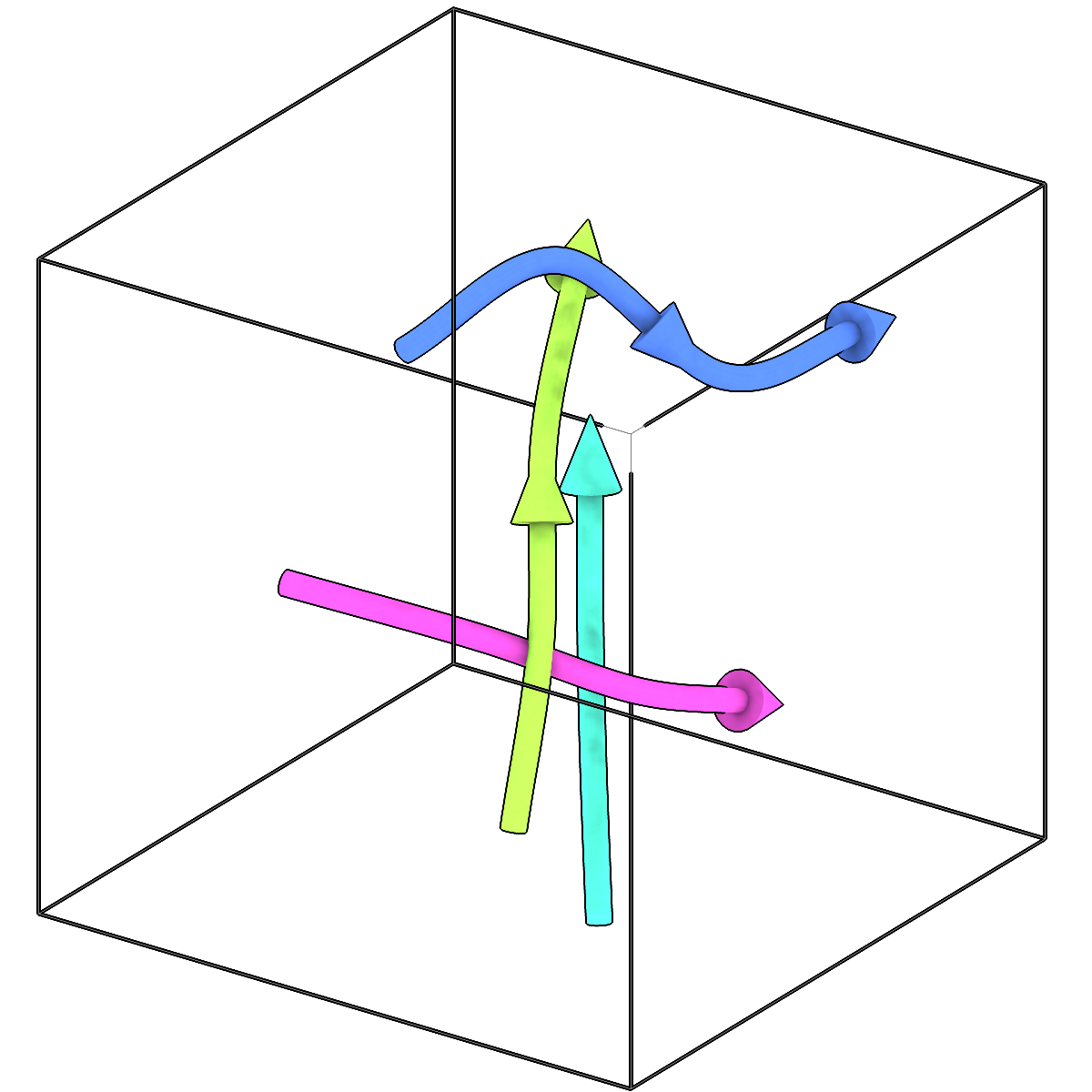
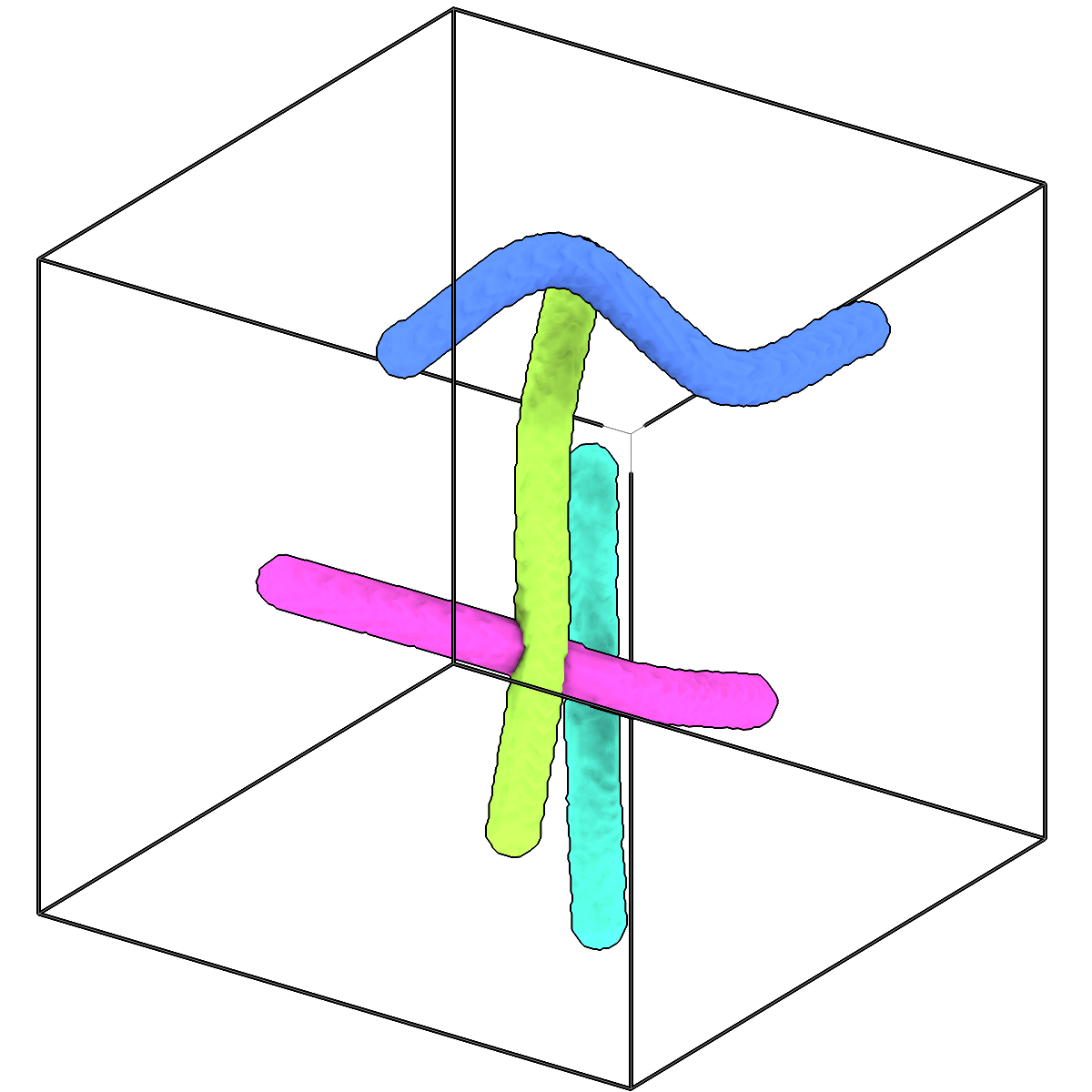
Paint tubes around filaments into an instance segmentation.
-
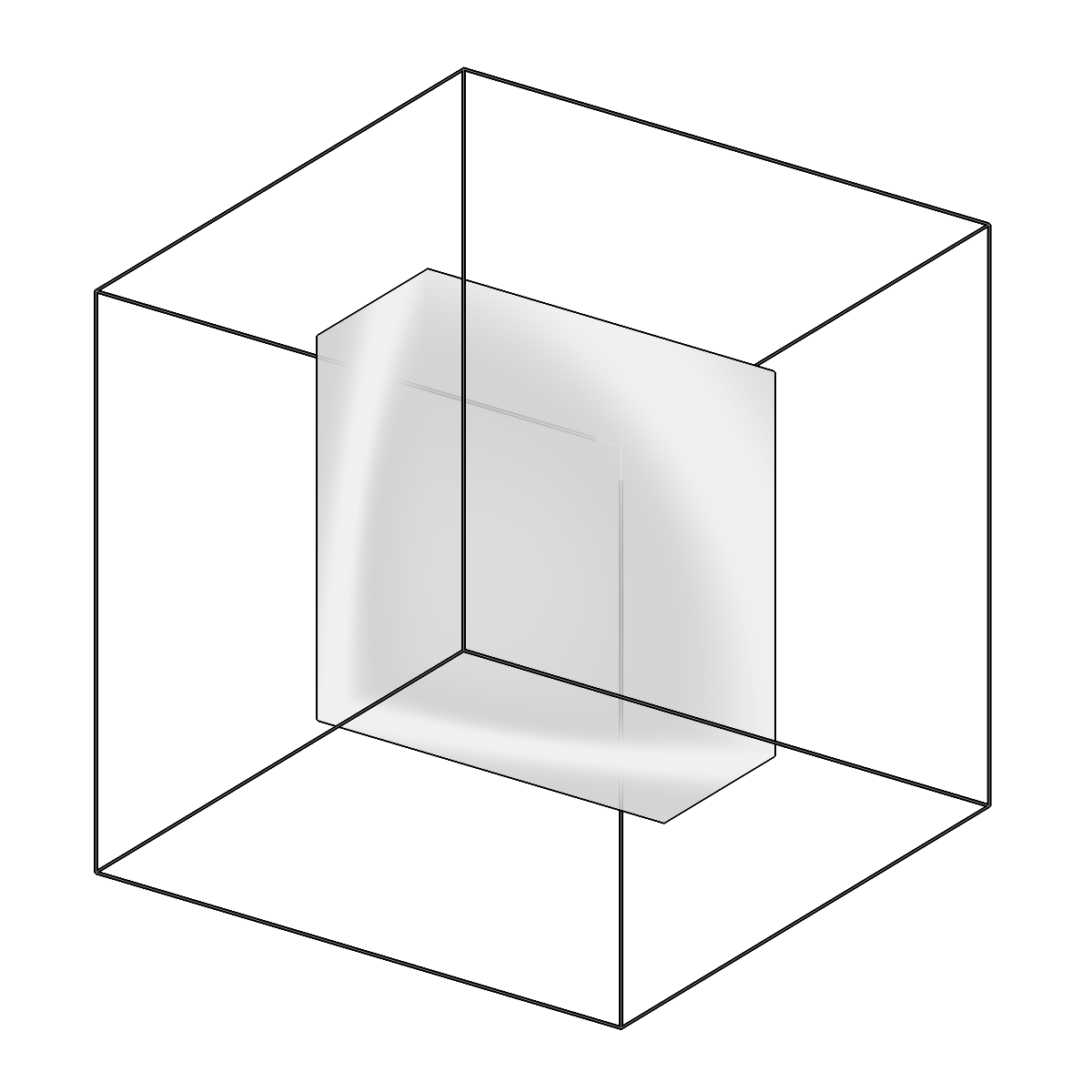
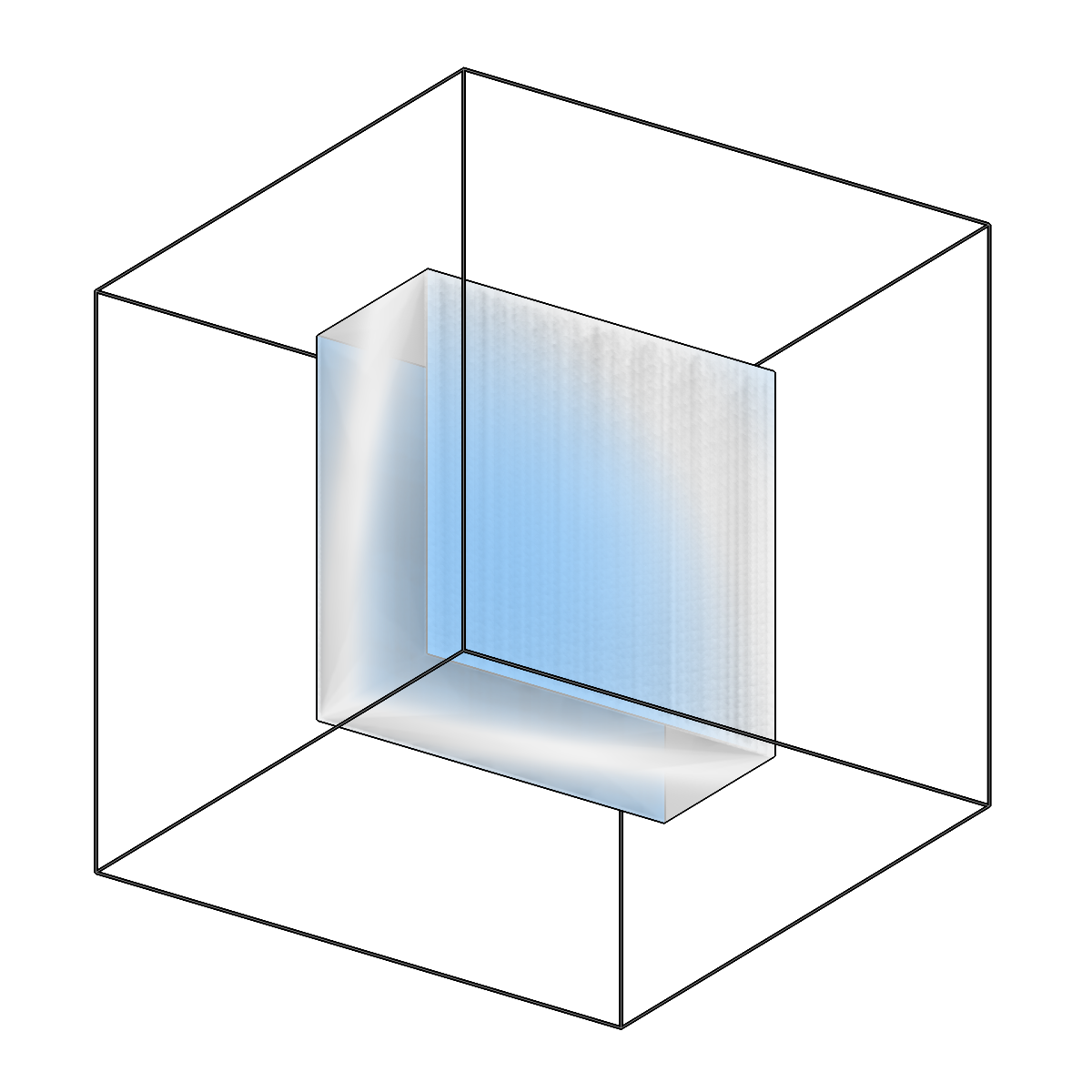
Extract the top/bottom surfaces (caps) of a slab box mesh.
-
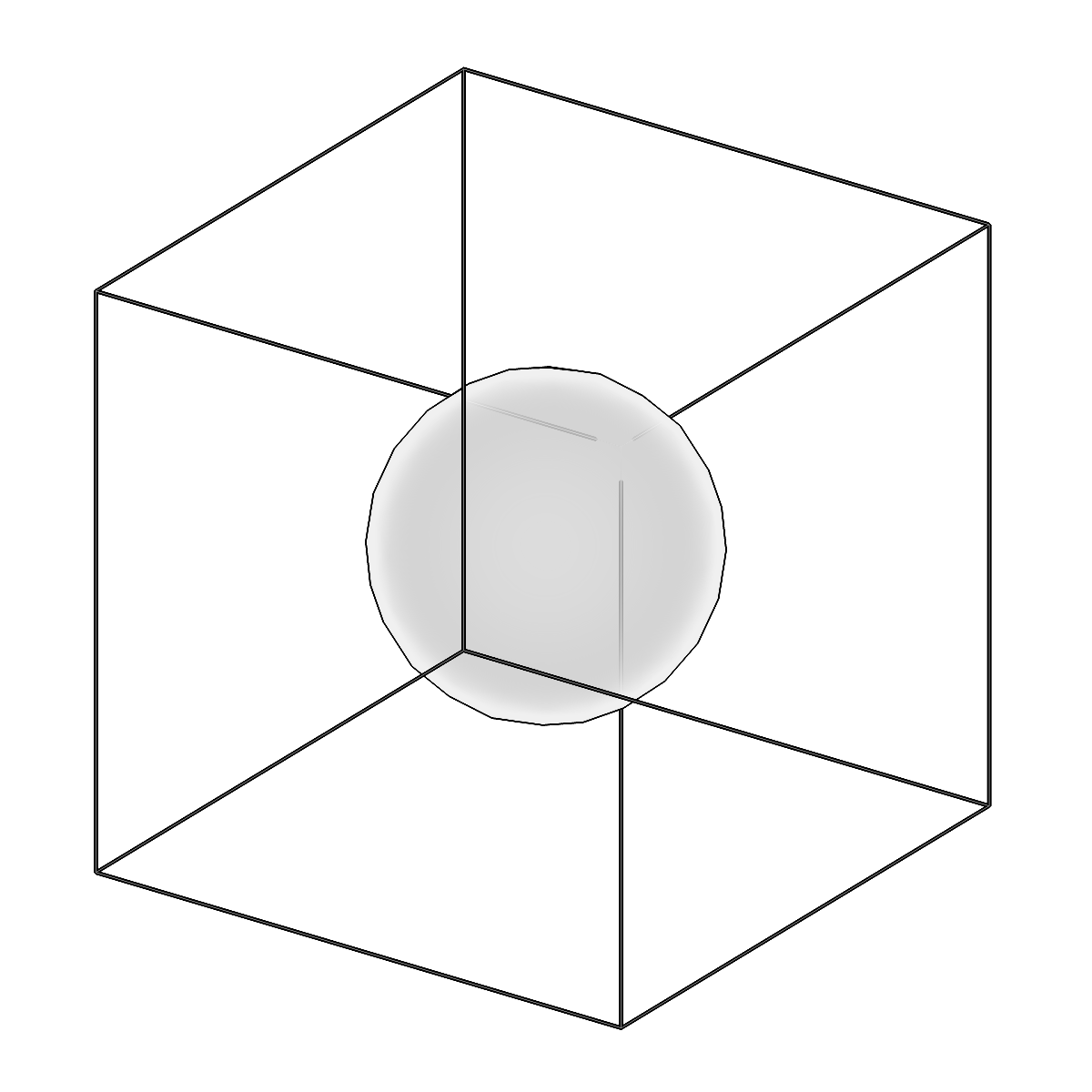
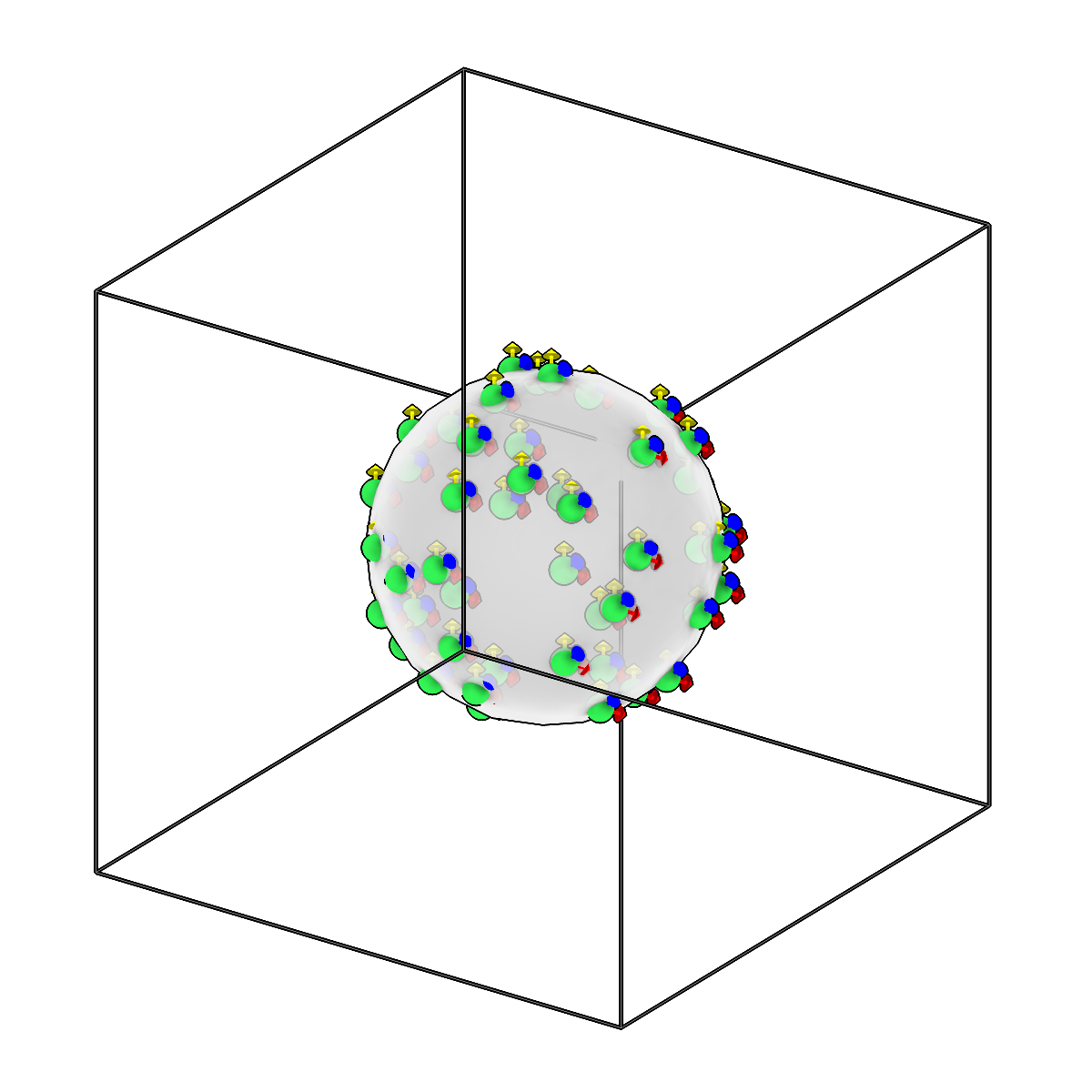
Convert meshes to picks using different sampling strategies.
-
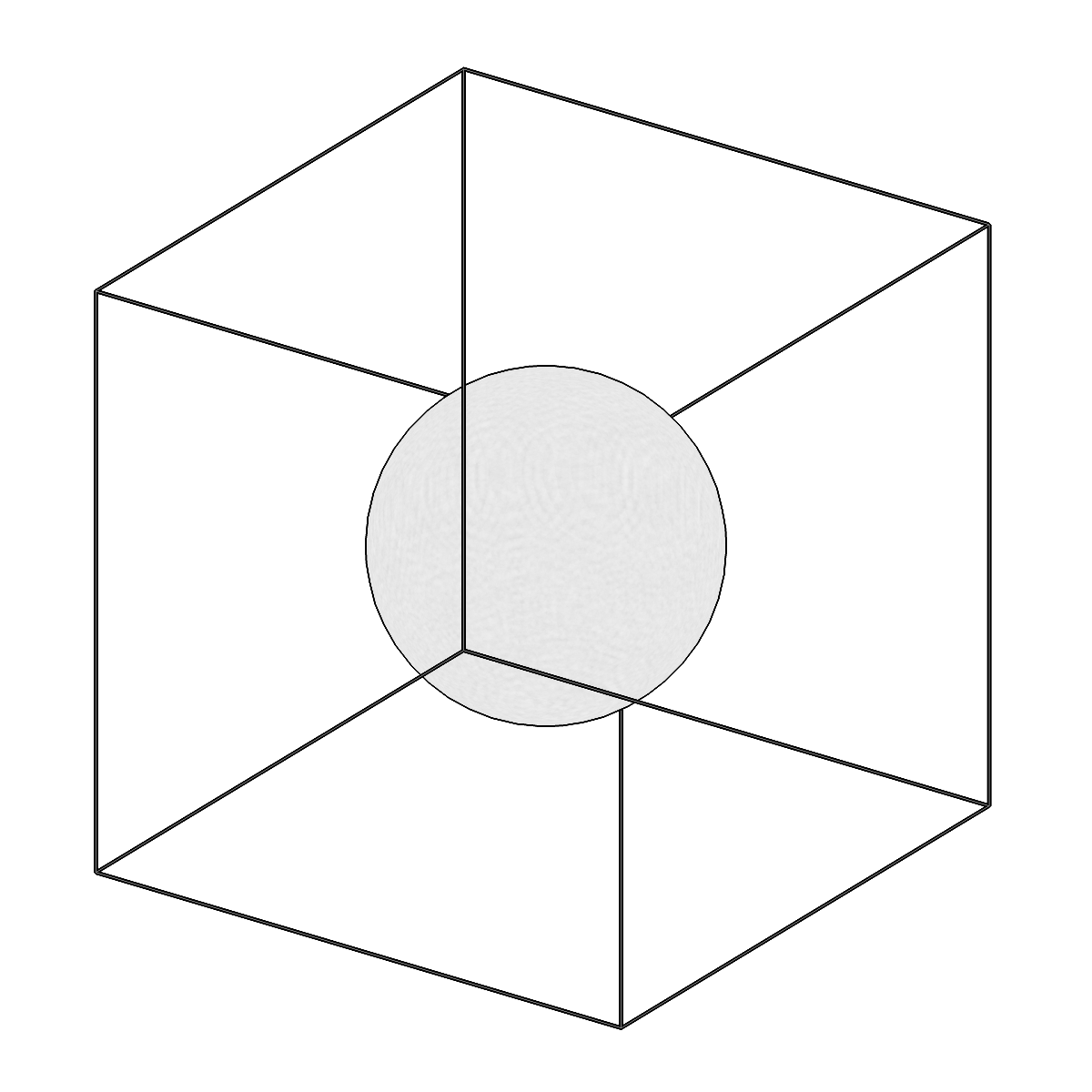
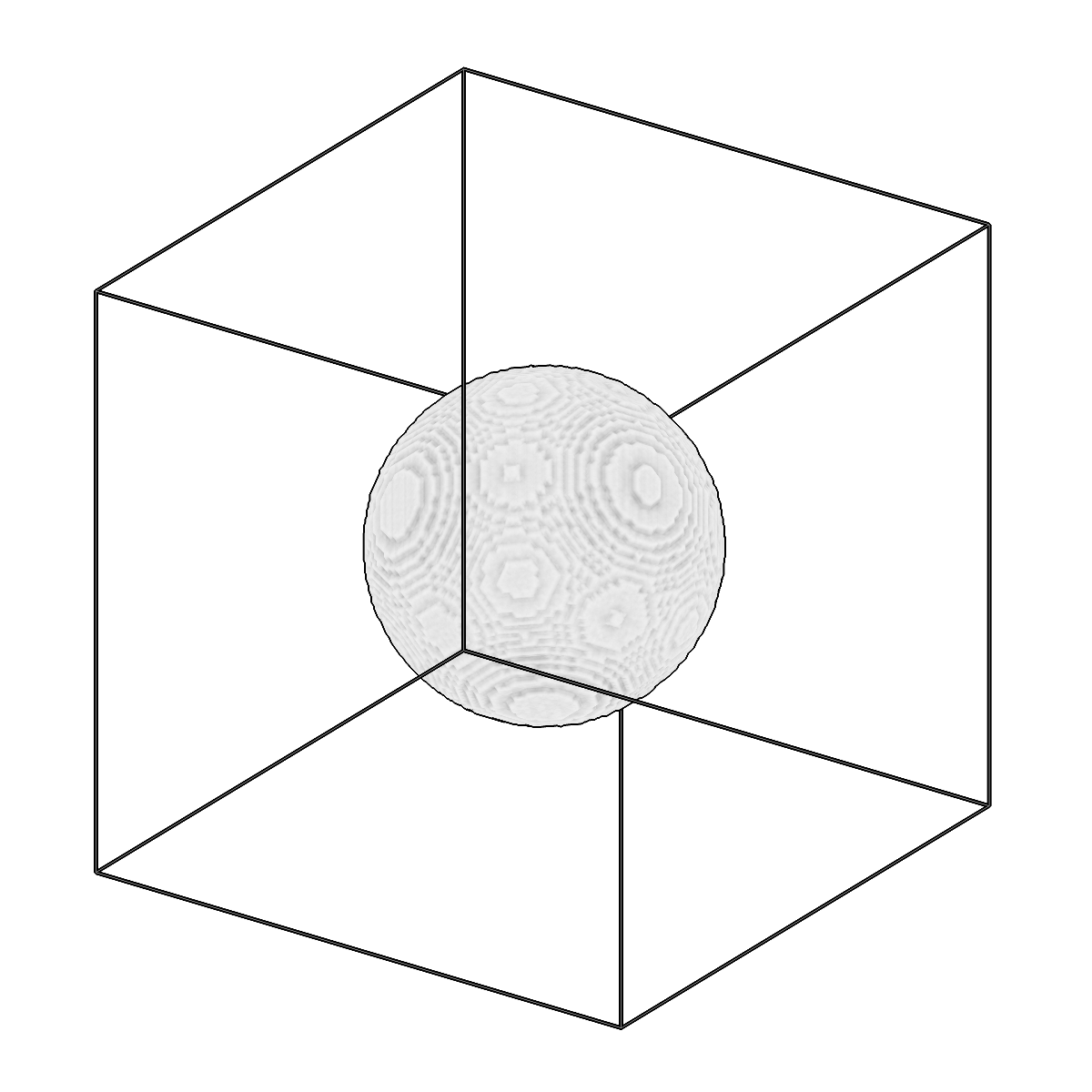
Convert meshes to segmentation volumes.
-

Convert a copick project to nnUNet raw dataset format.
-
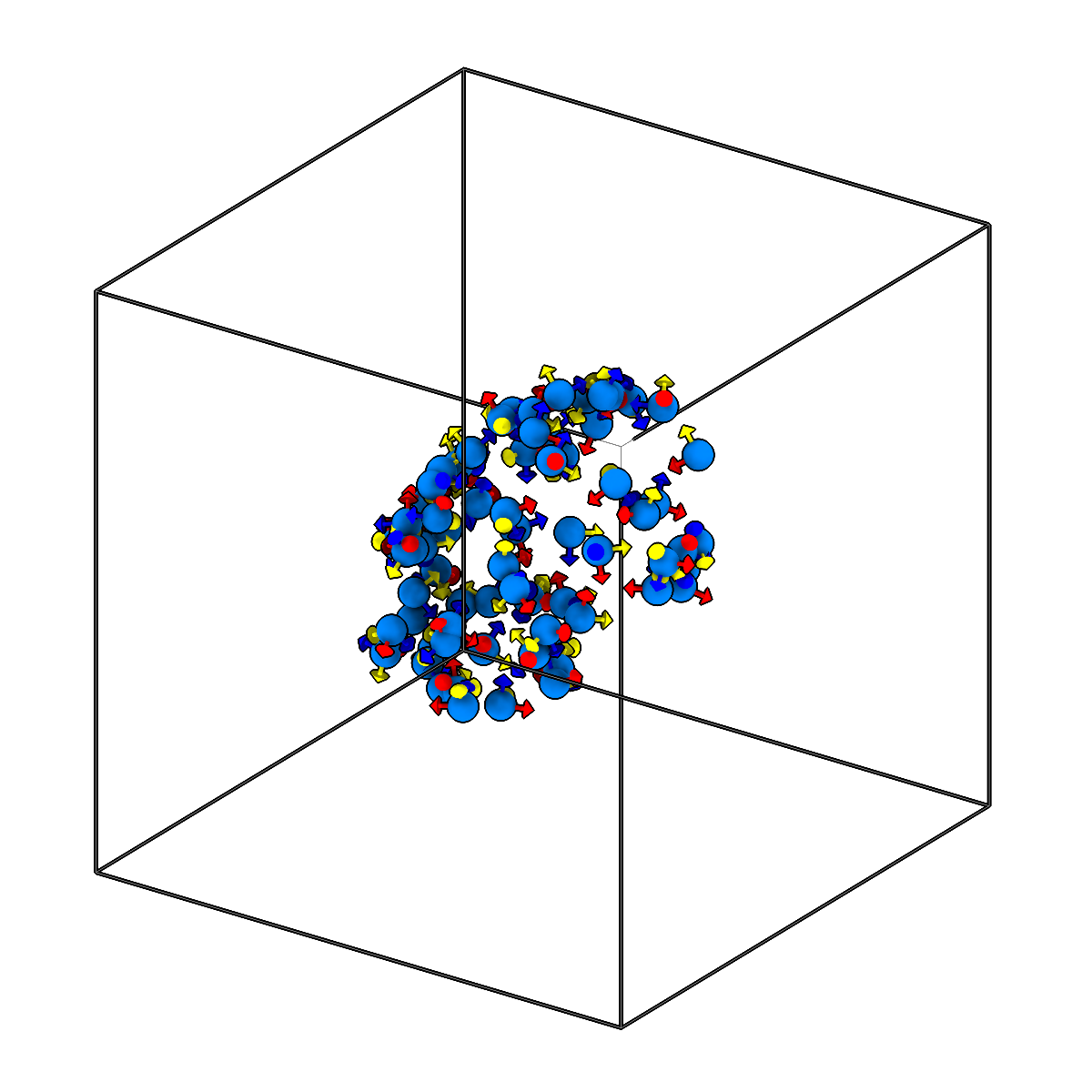
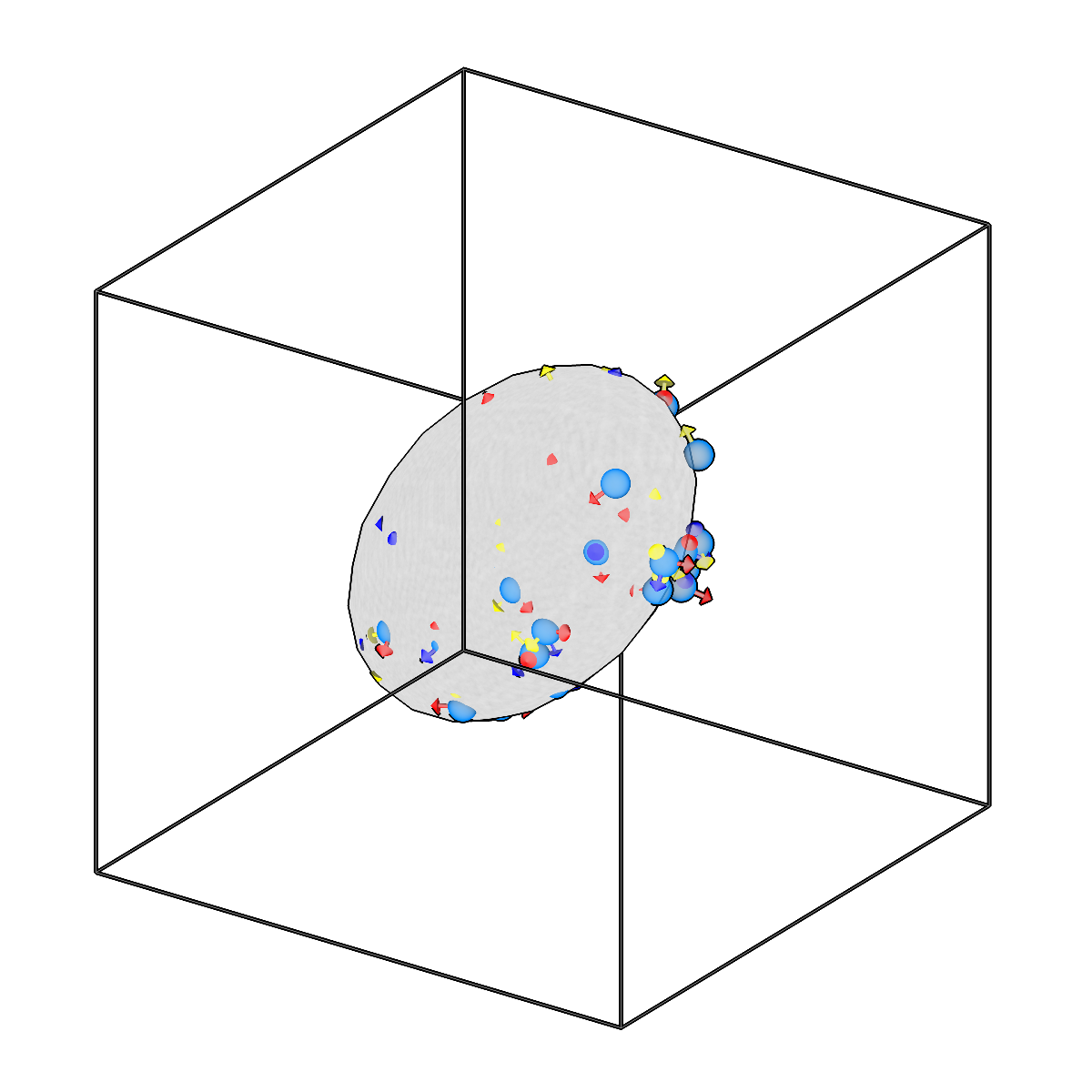
Convert picks to ellipsoid meshes.
-
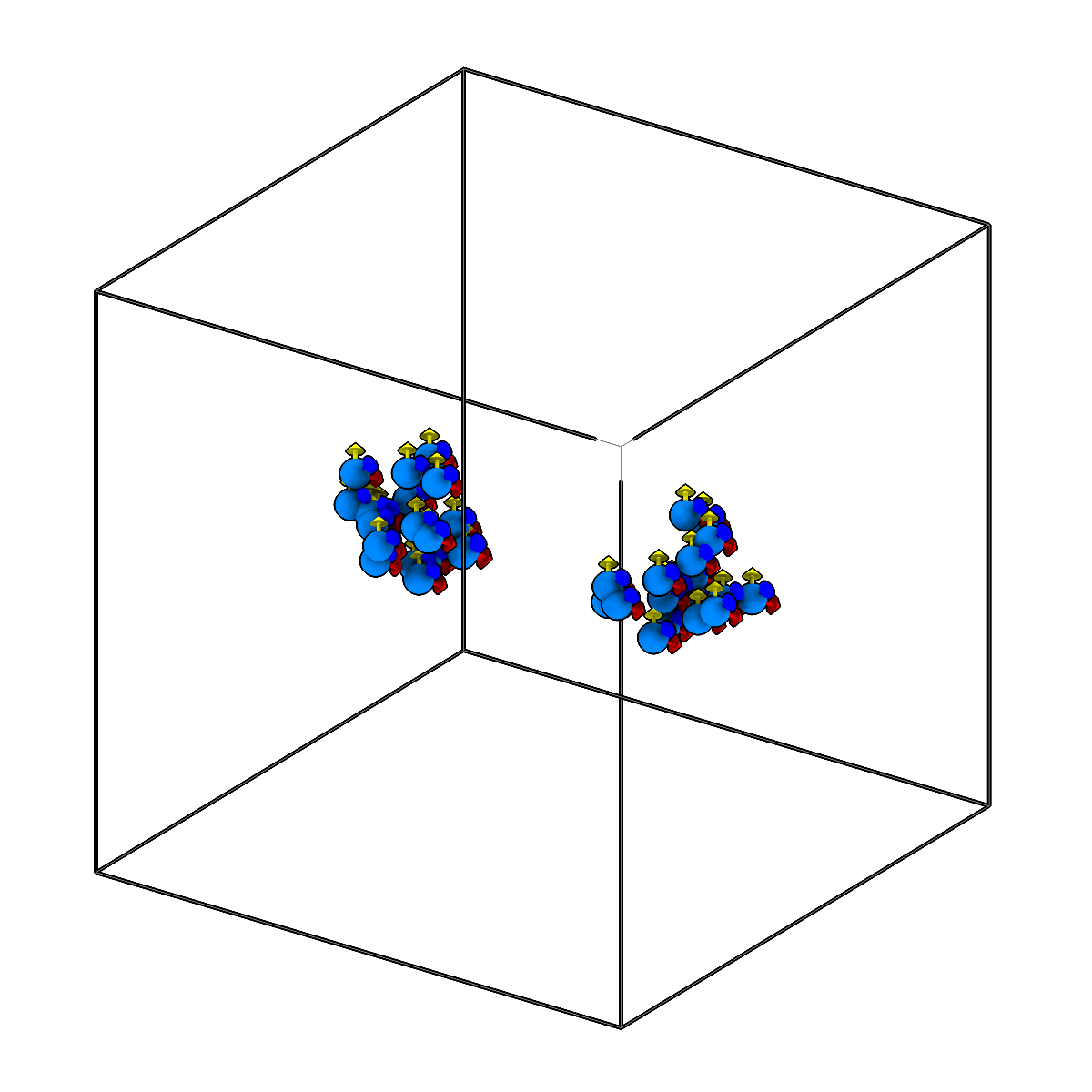
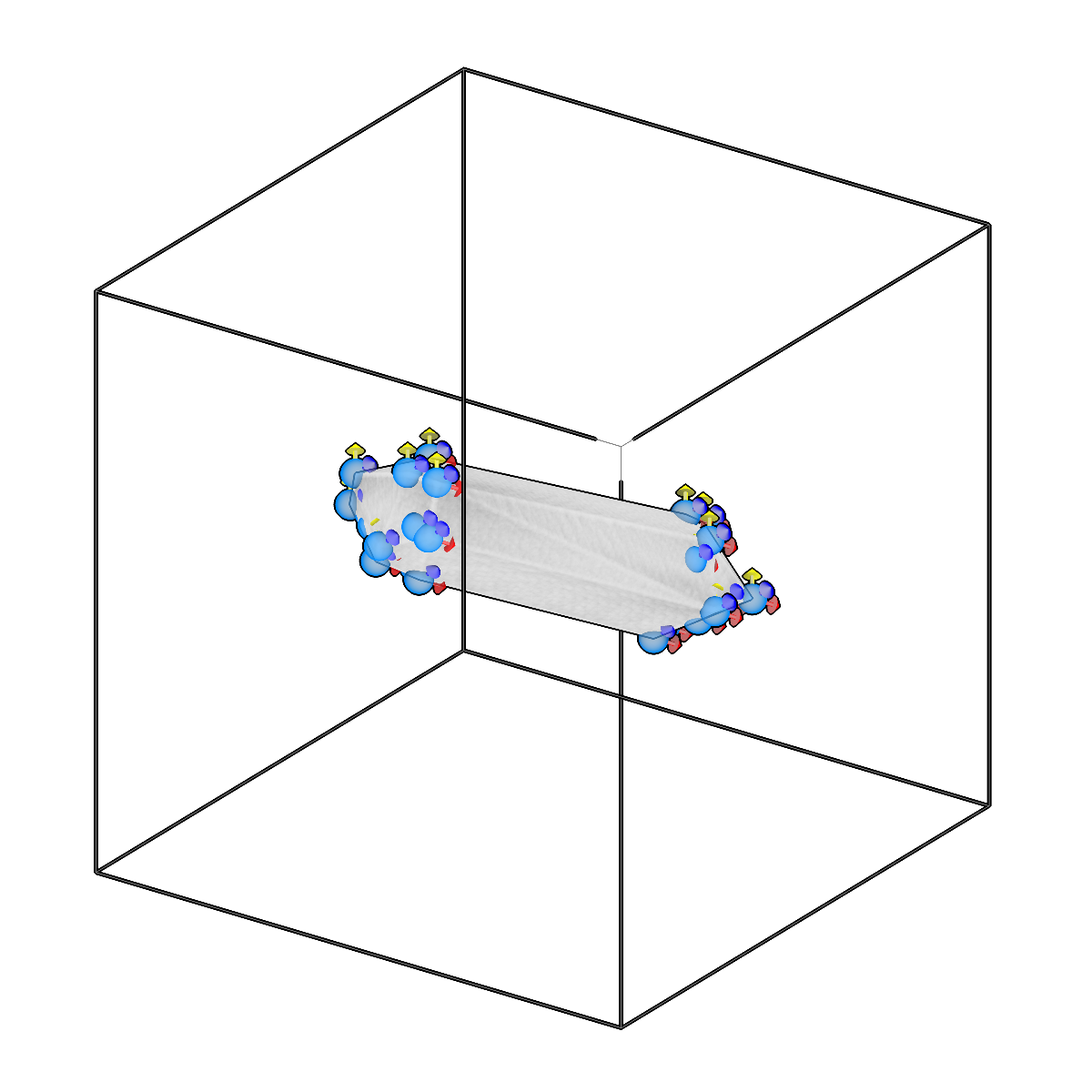
Convert picks to meshes using convex hull or alpha shapes.
-
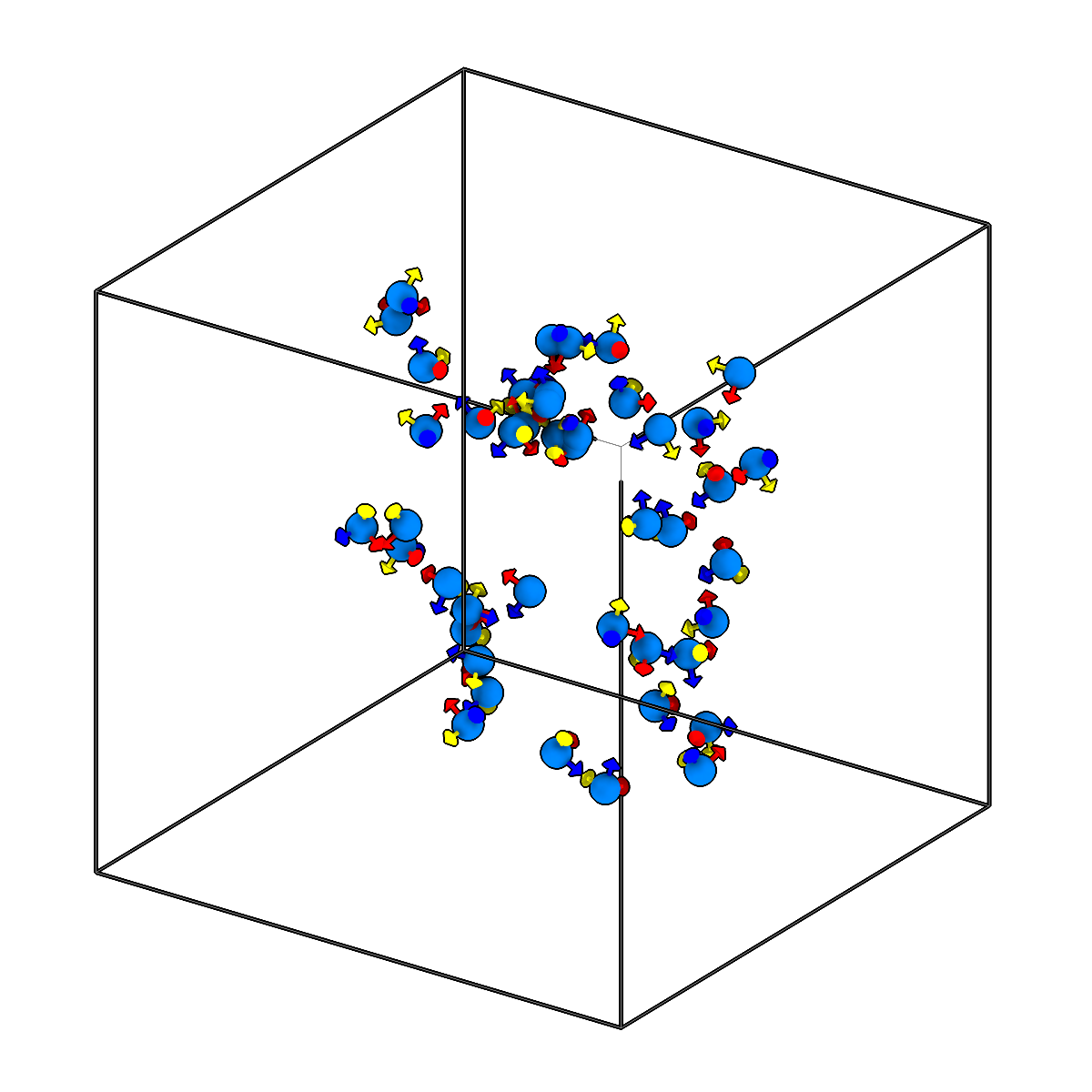
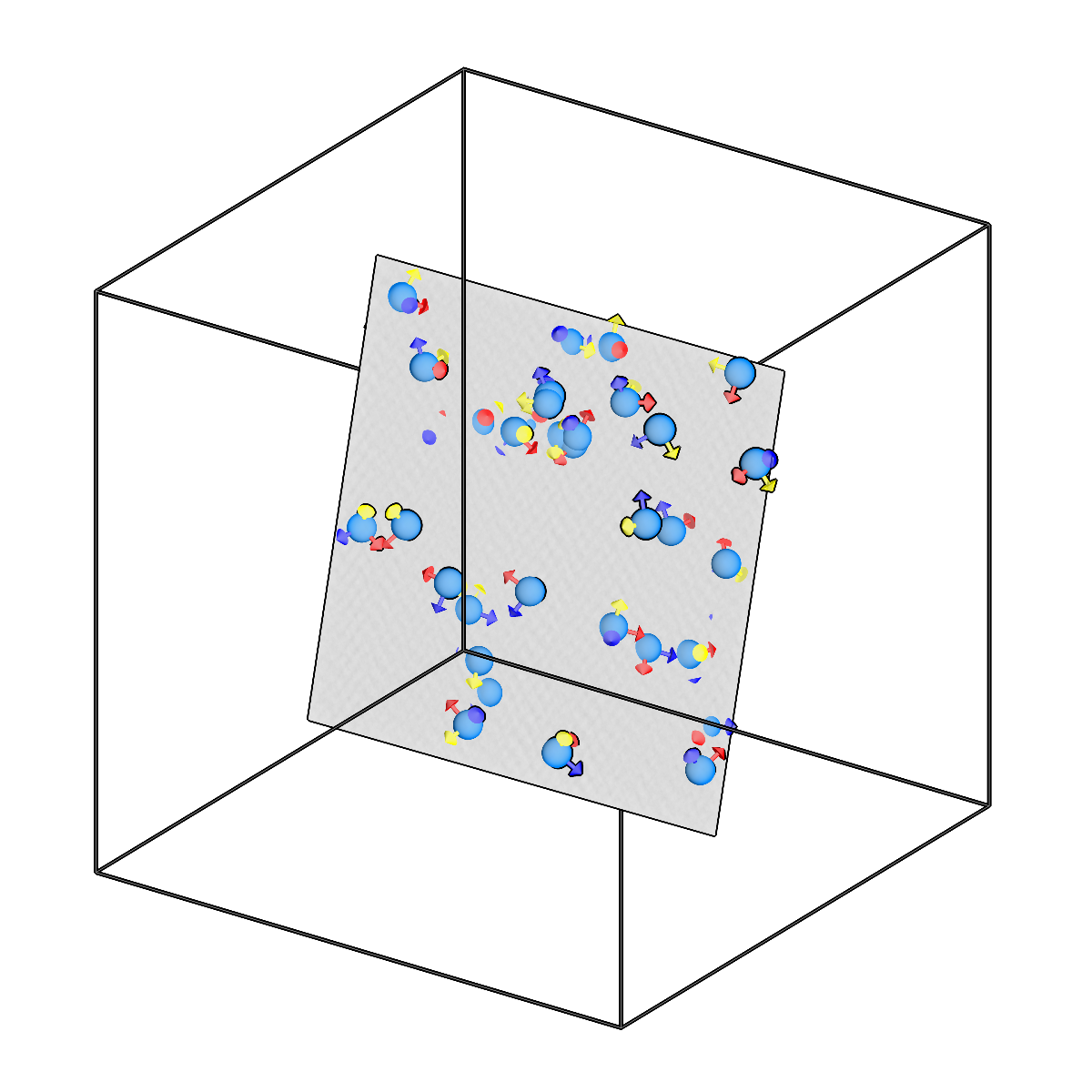
Convert picks to plane meshes.
-
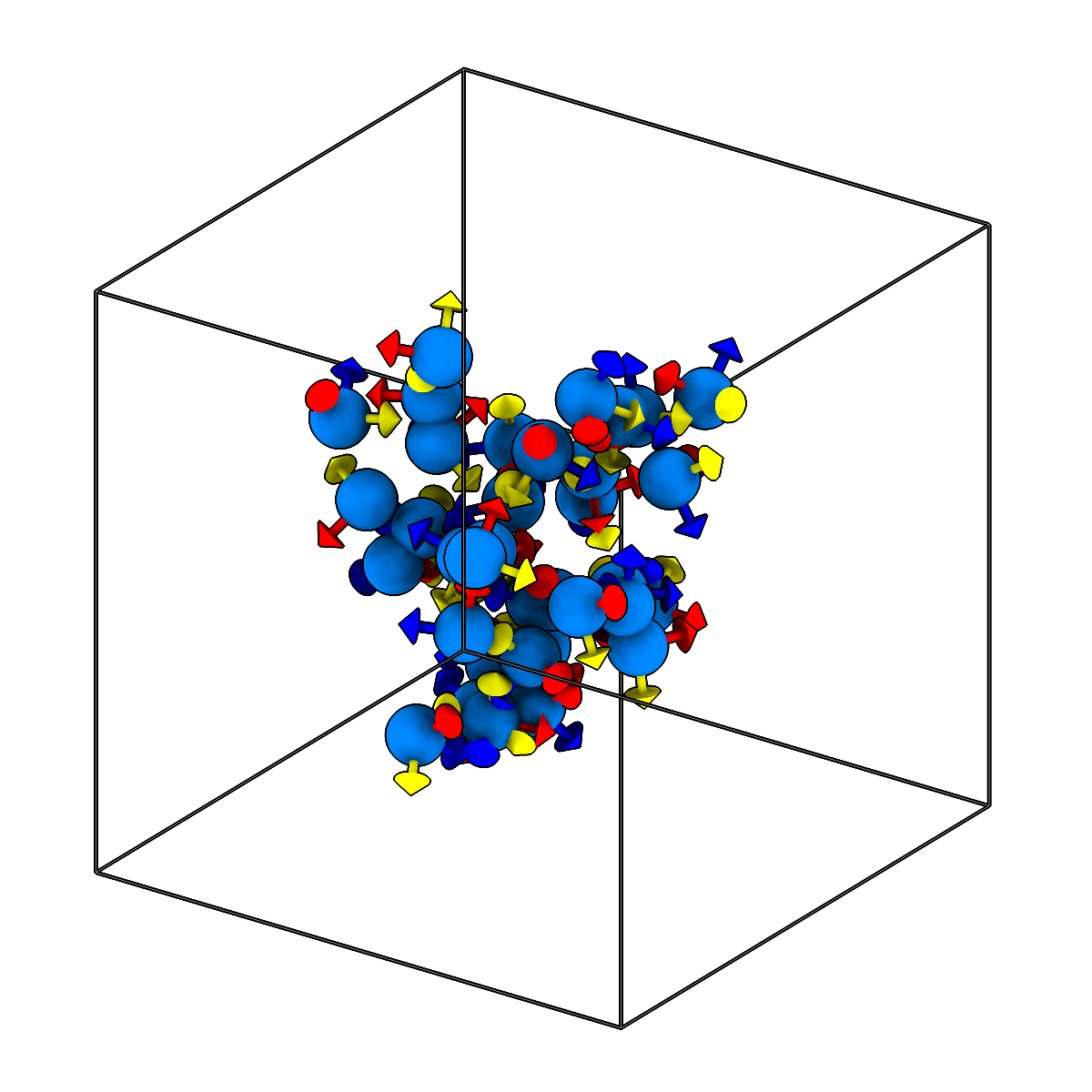
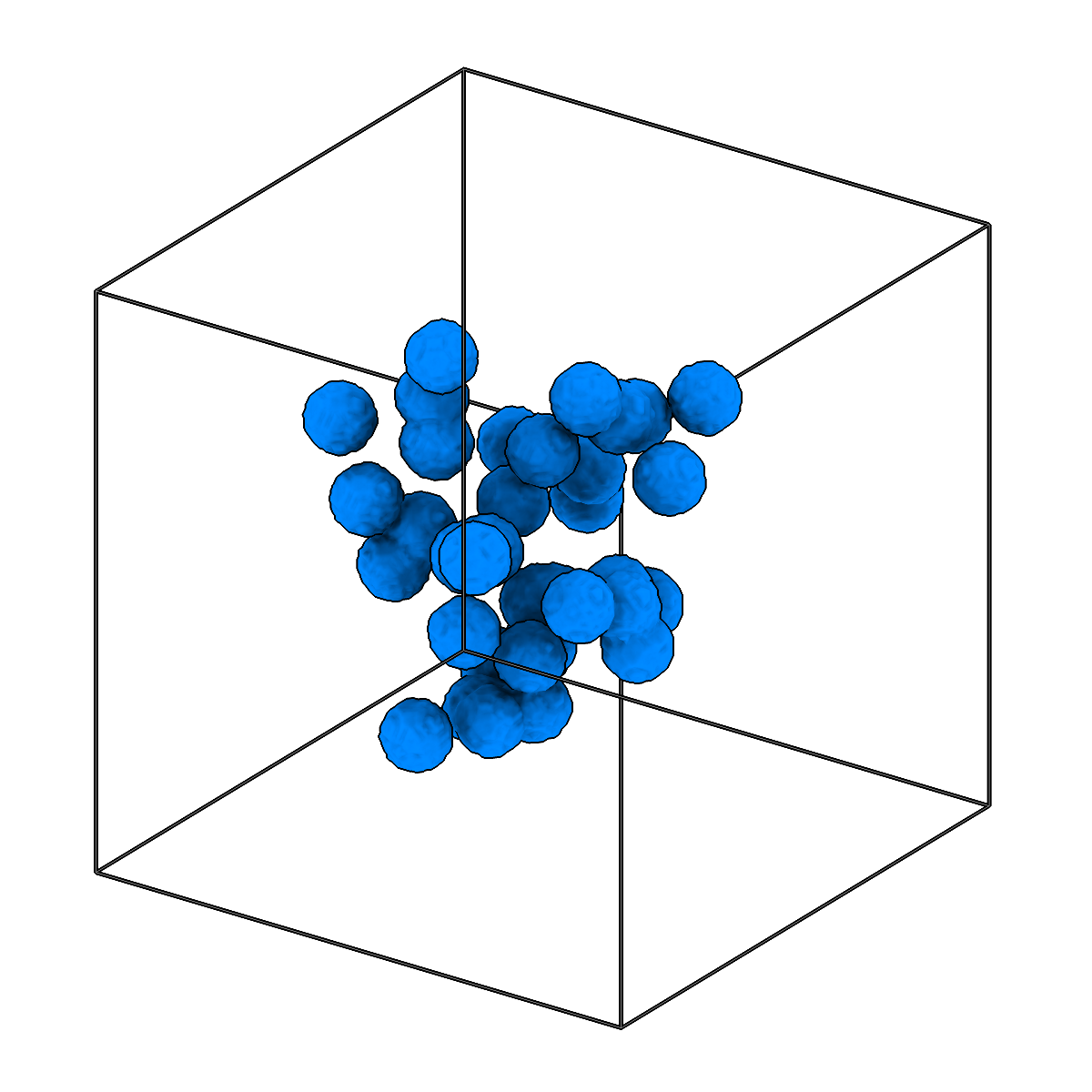
Convert picks to segmentation volumes by painting spheres.
-
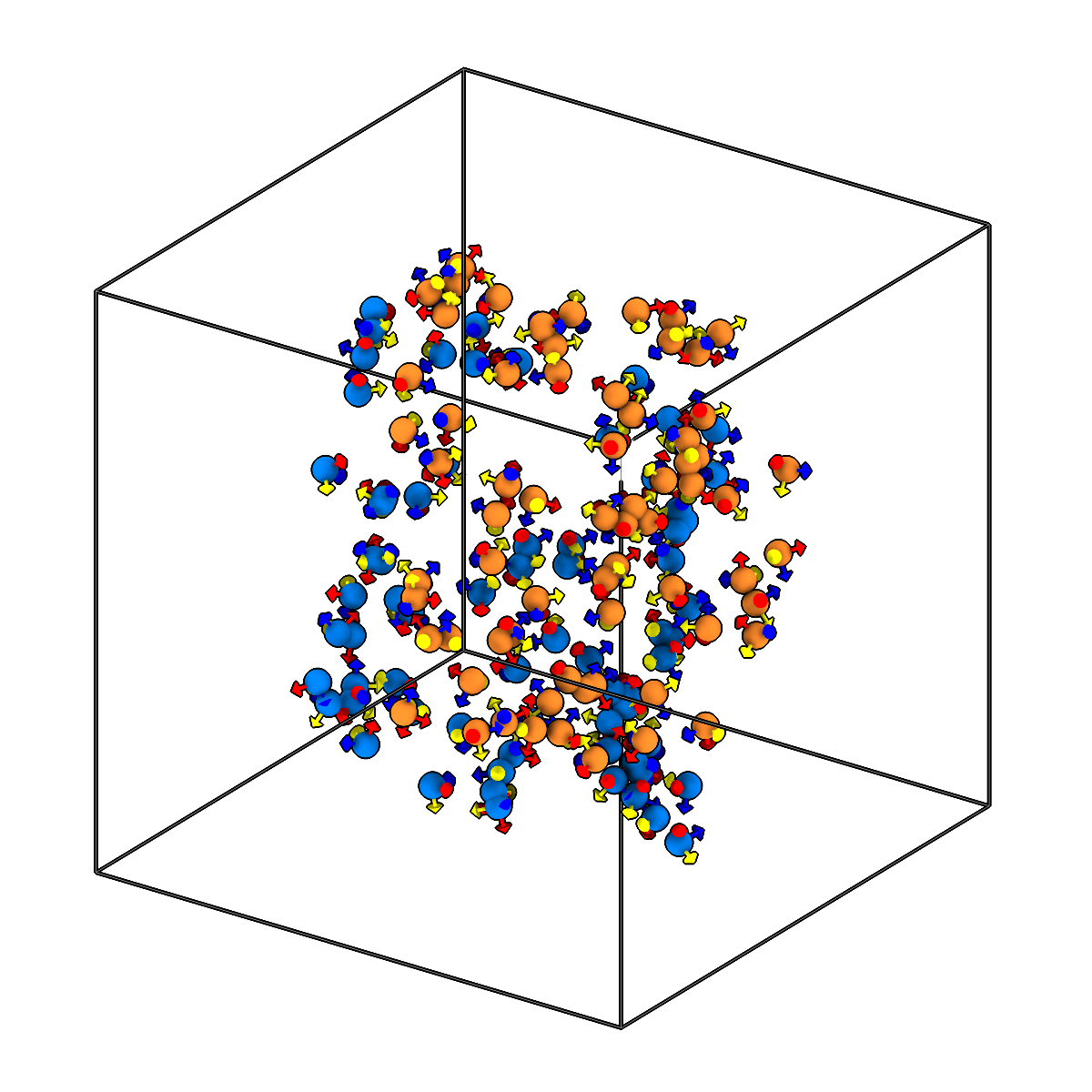
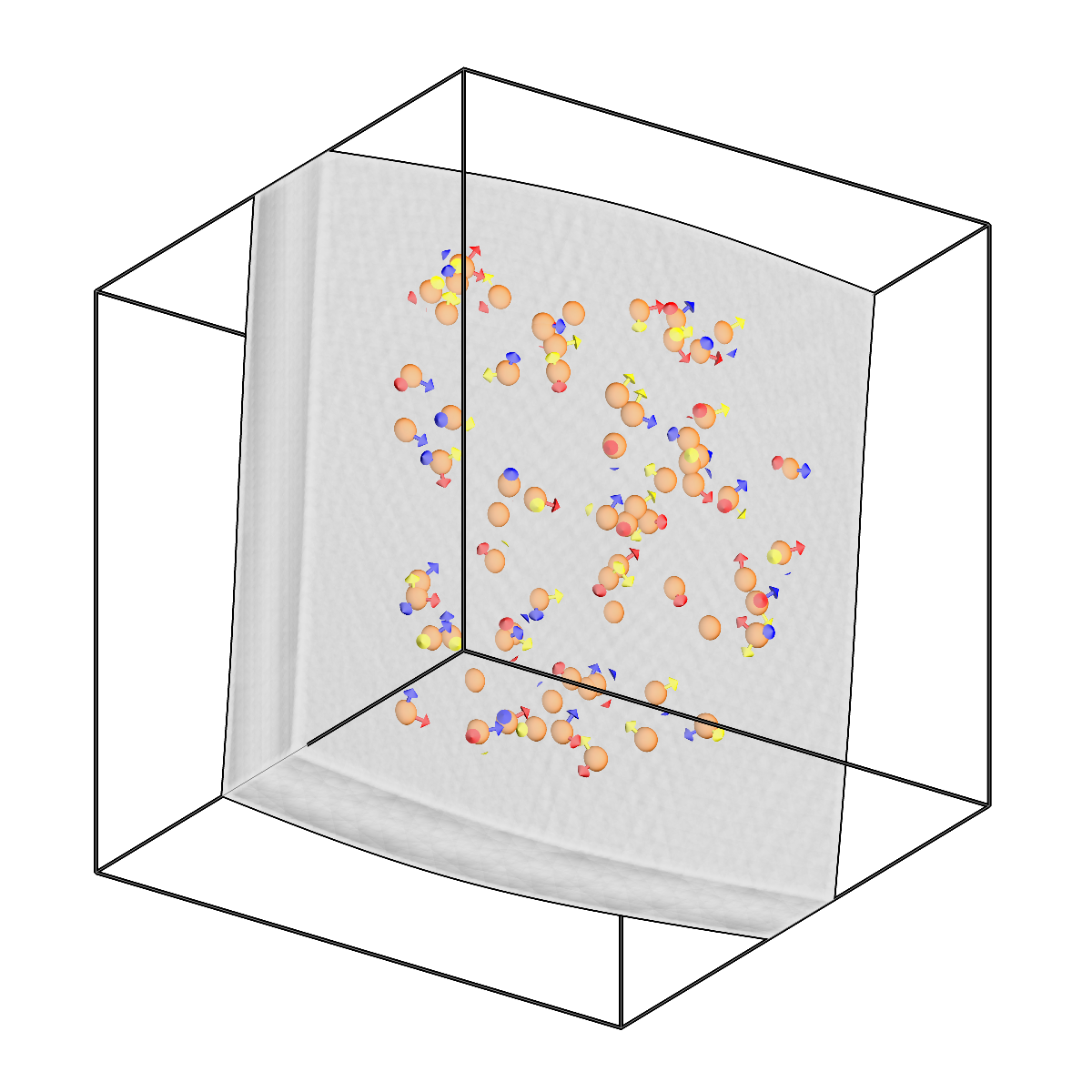
Fit spline surfaces to two pick sets and create a slab mesh.
-
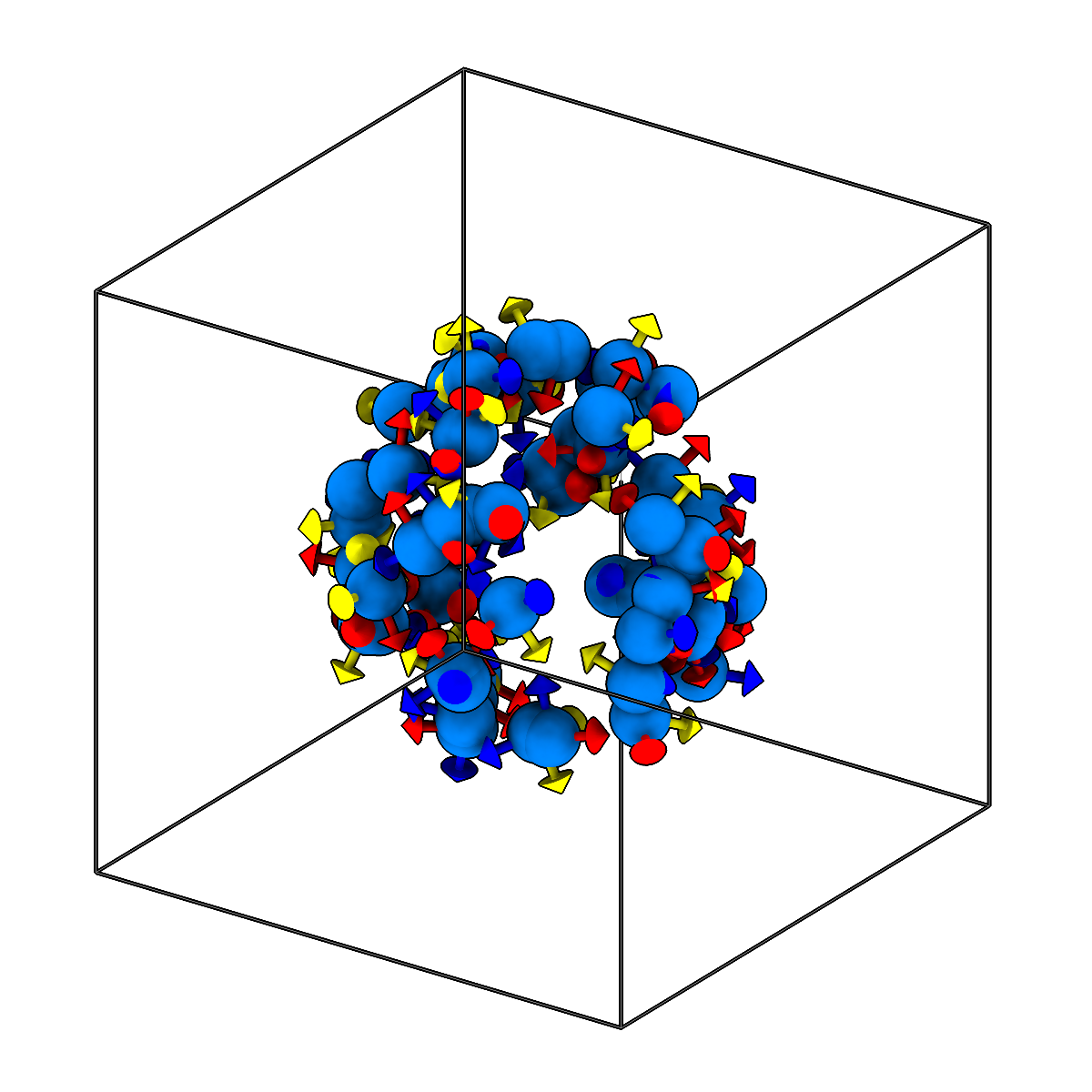
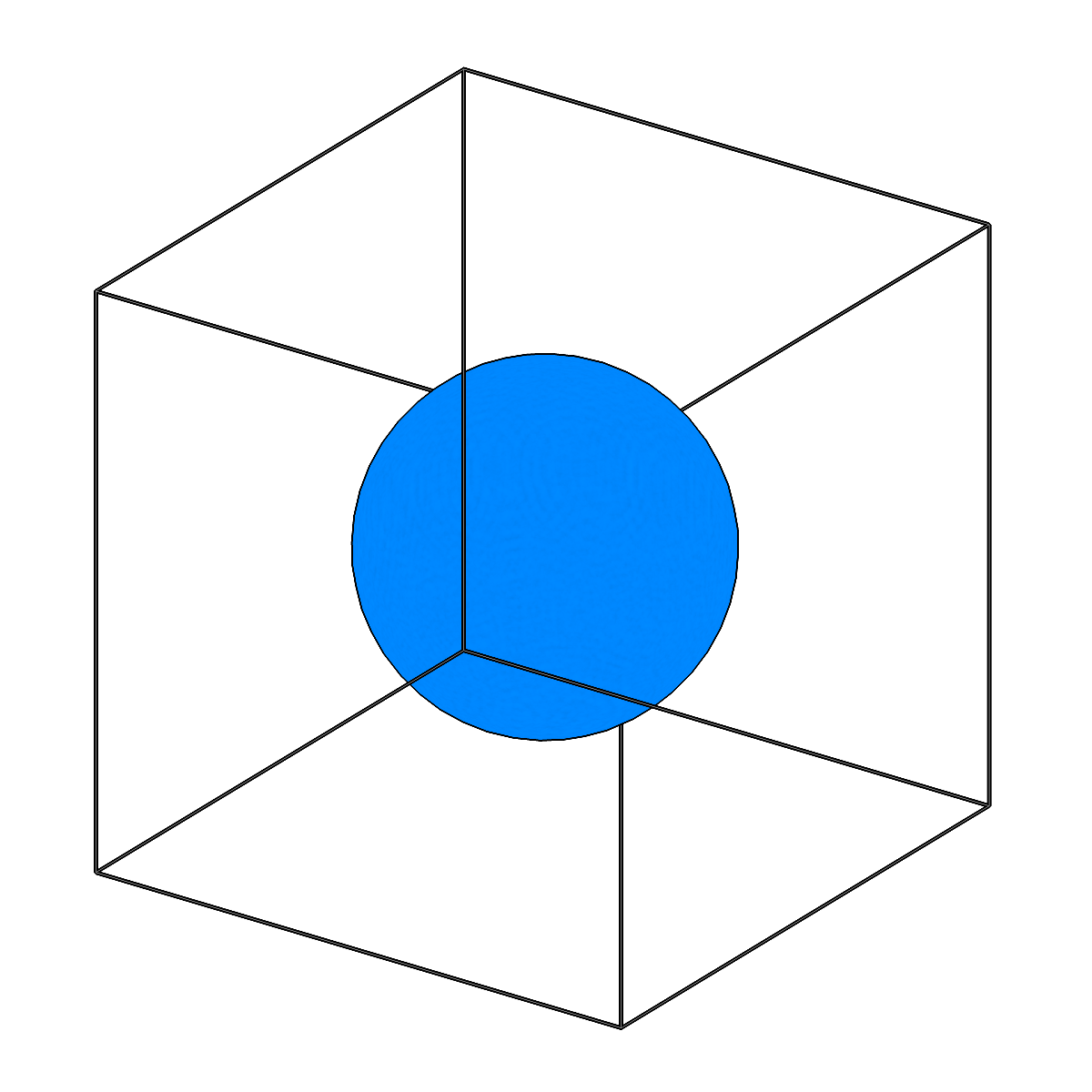
Convert picks to sphere meshes.
-
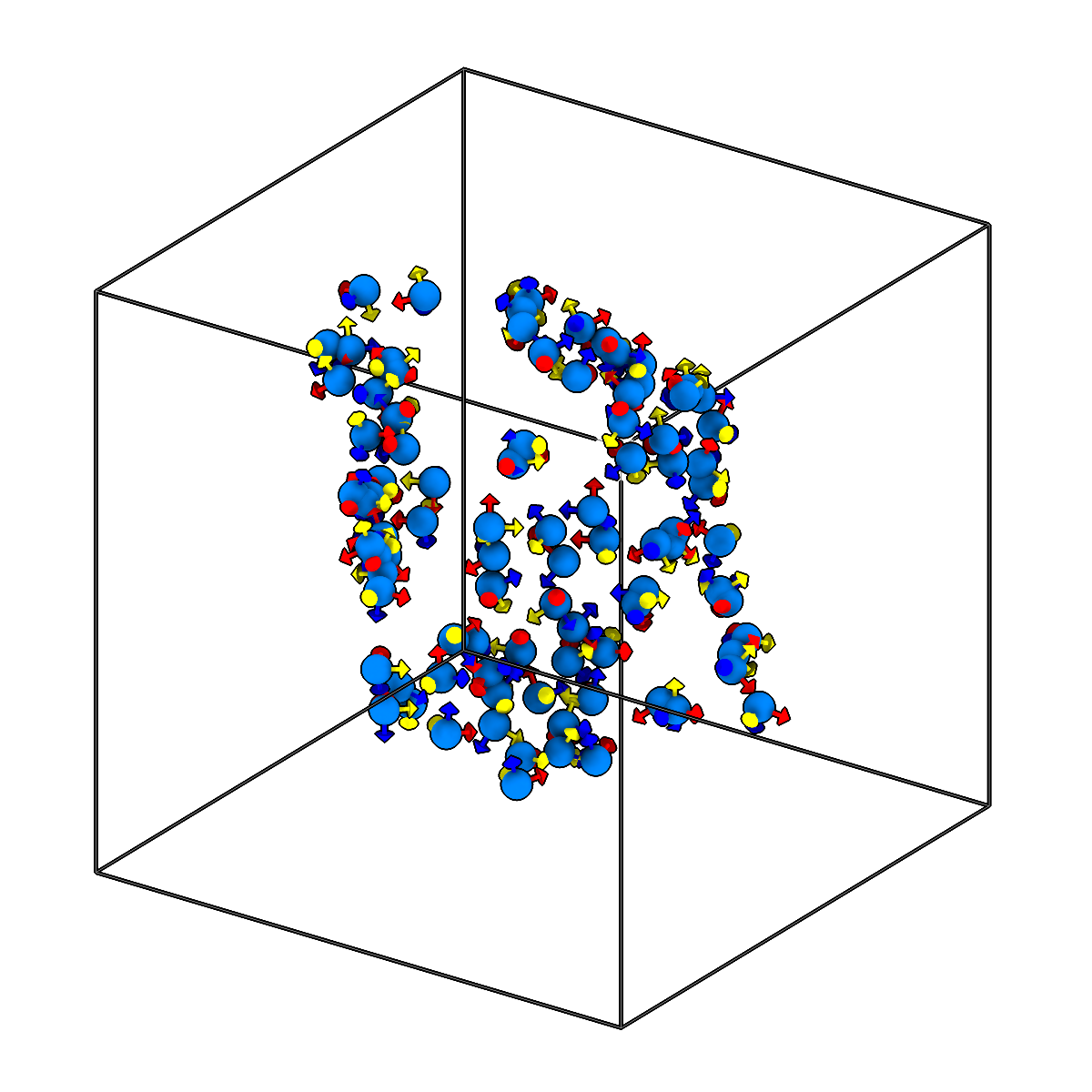
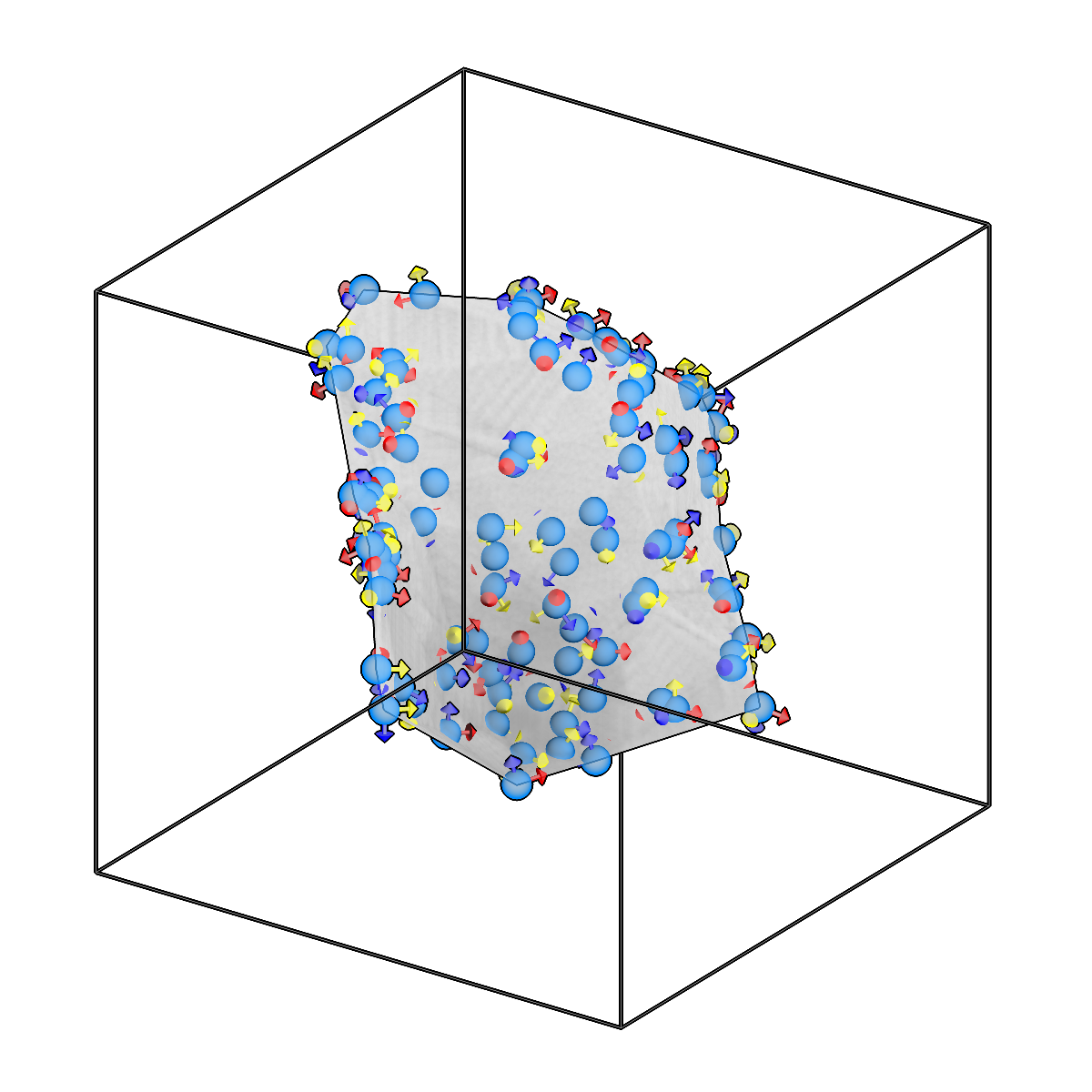
Convert picks to 2D surface meshes.
-
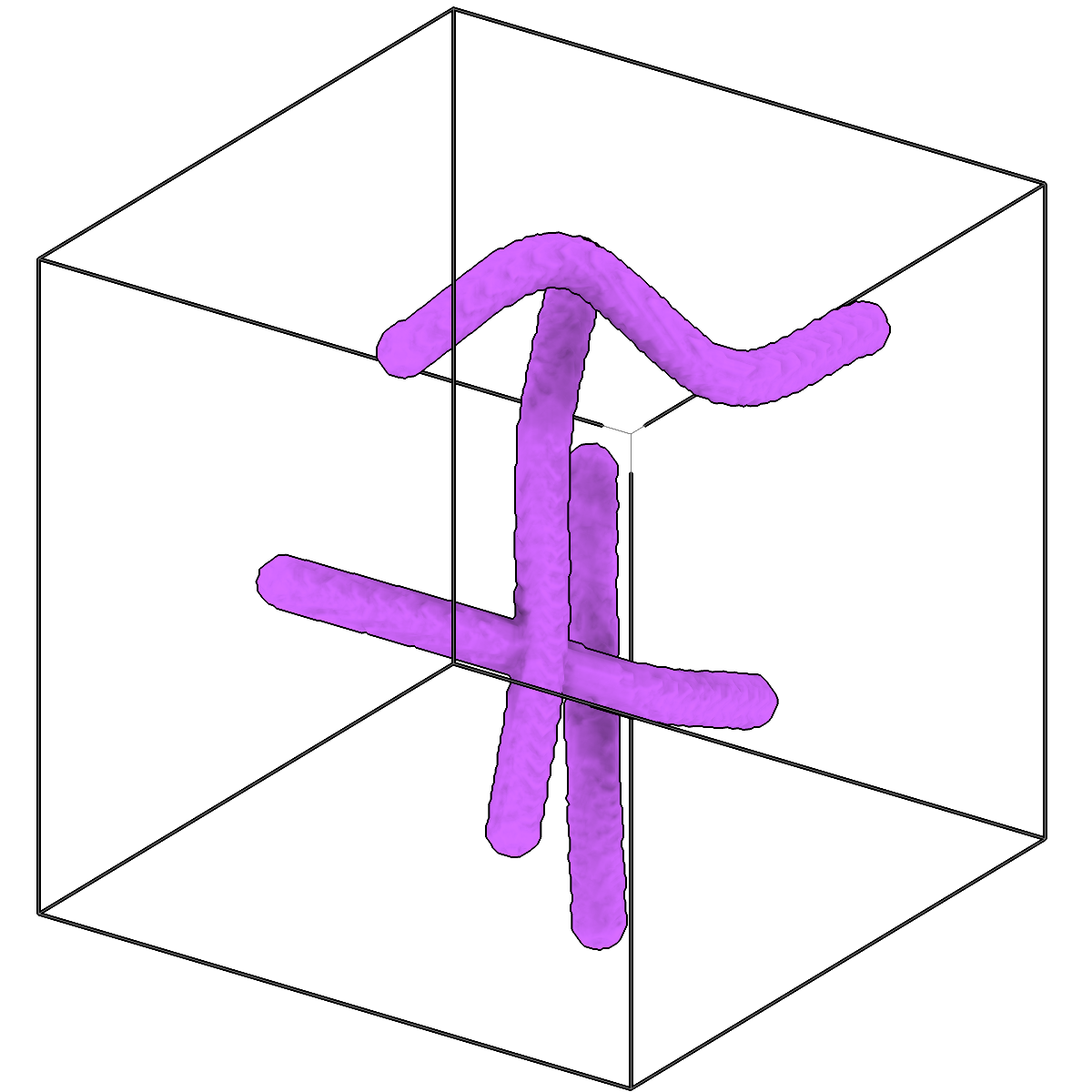
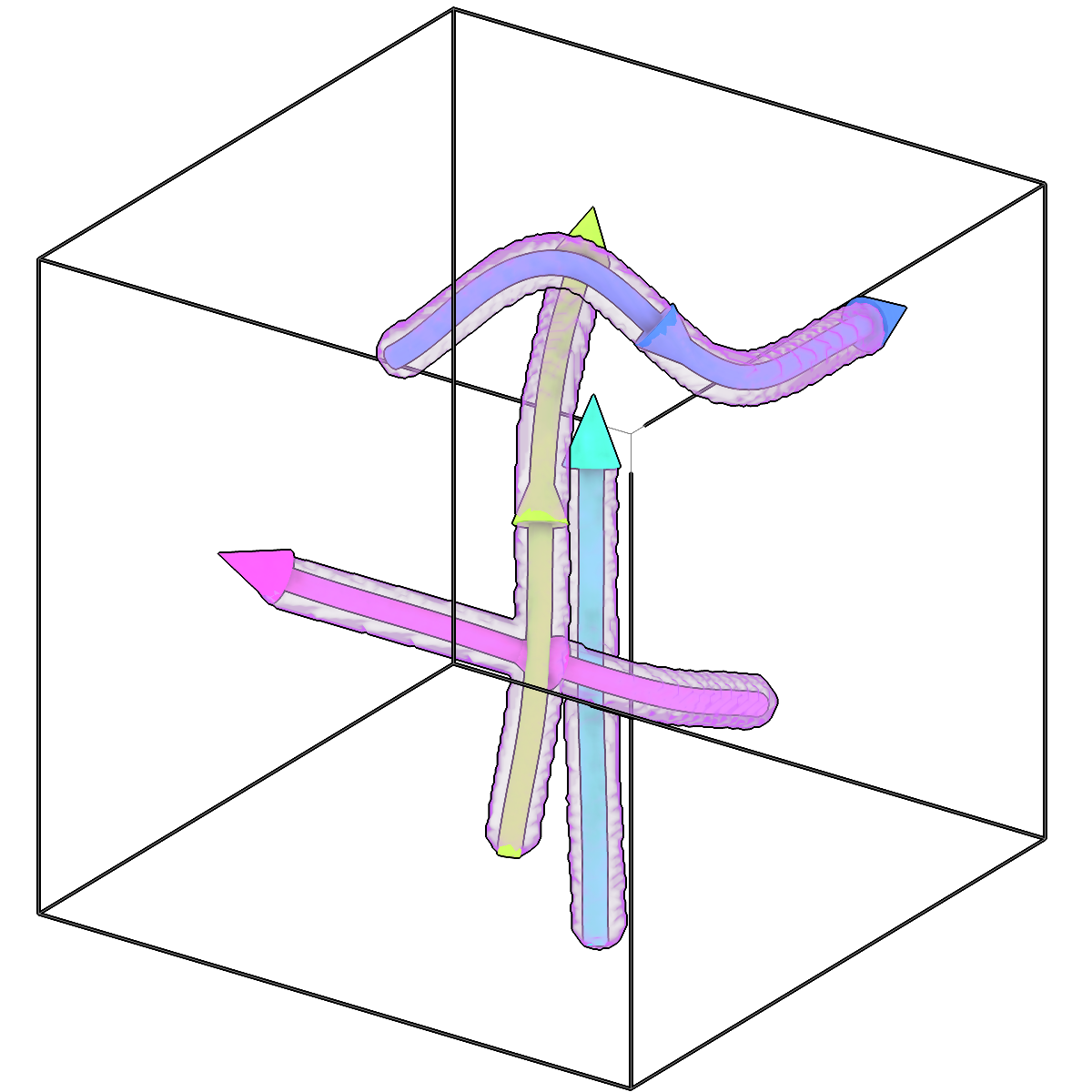
Trace filaments in segmentations.
-
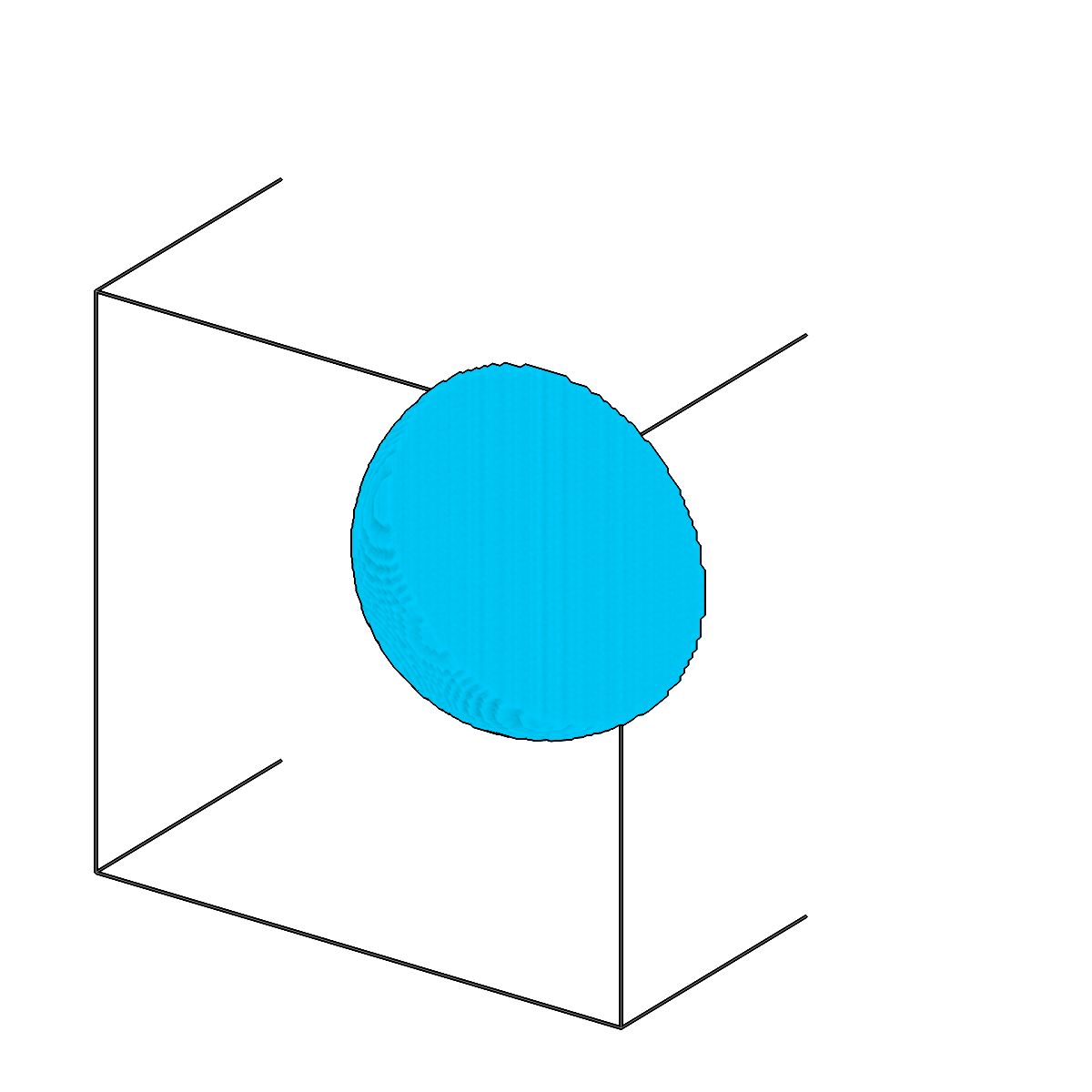
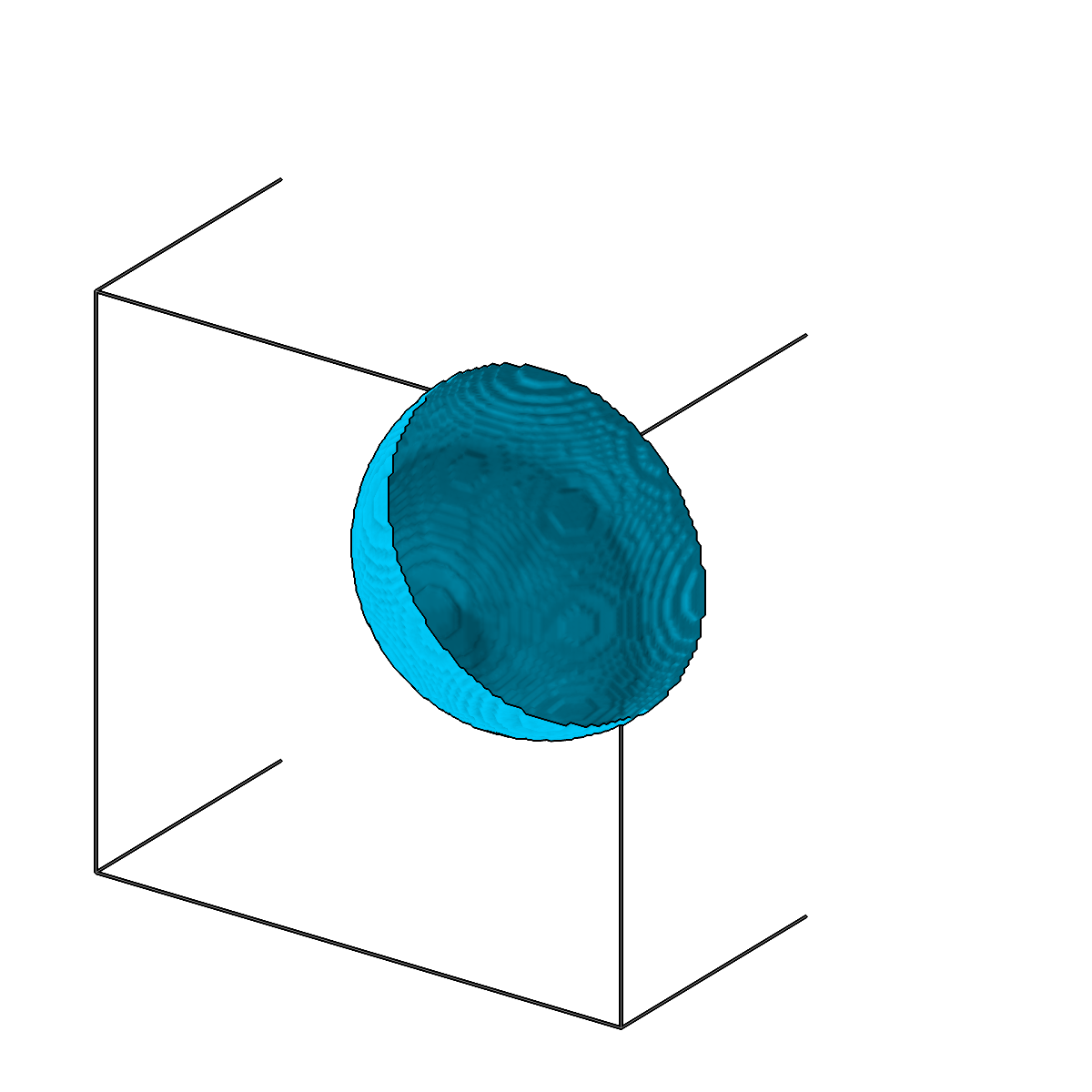
Convert segmentation volumes to meshes using marching cubes.
-
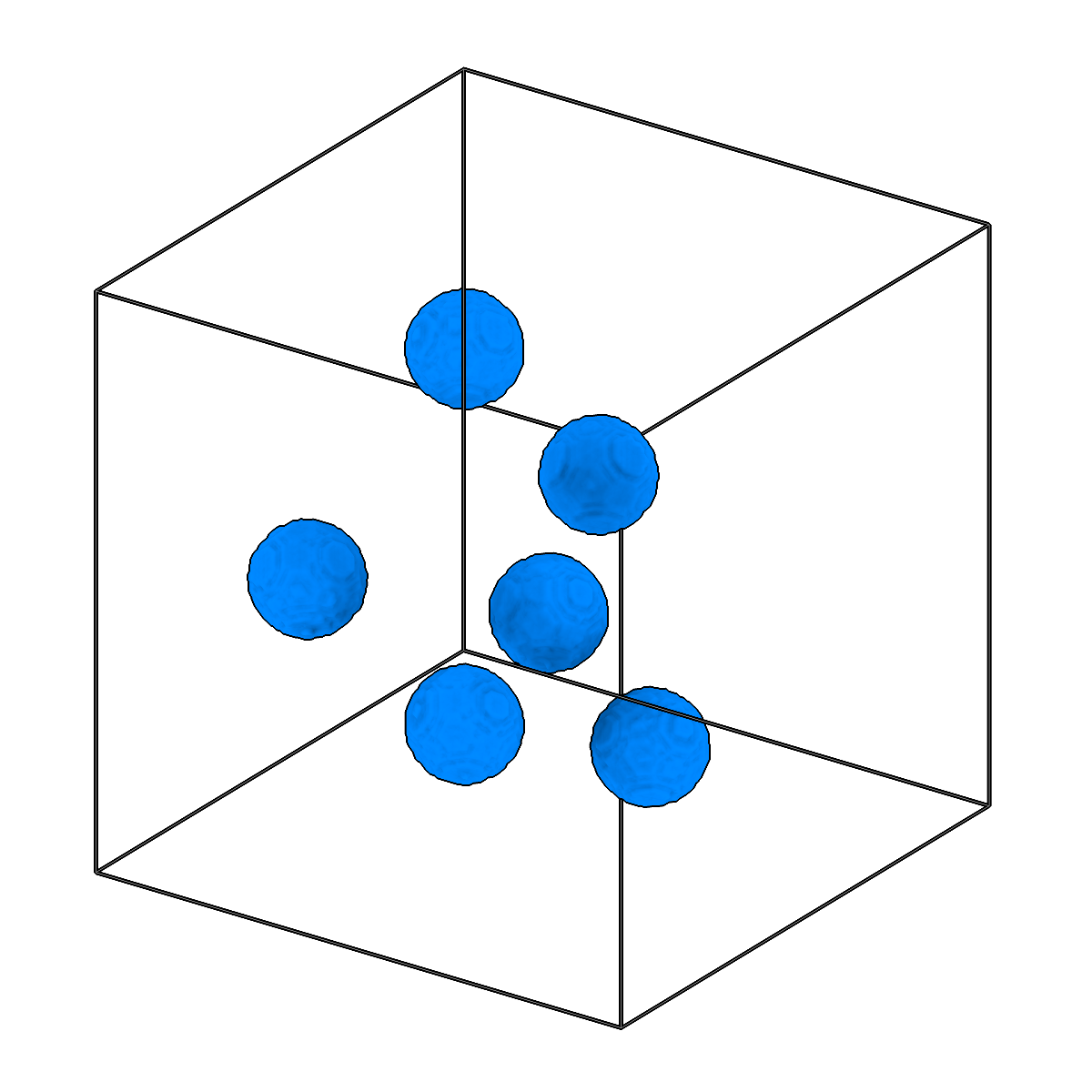
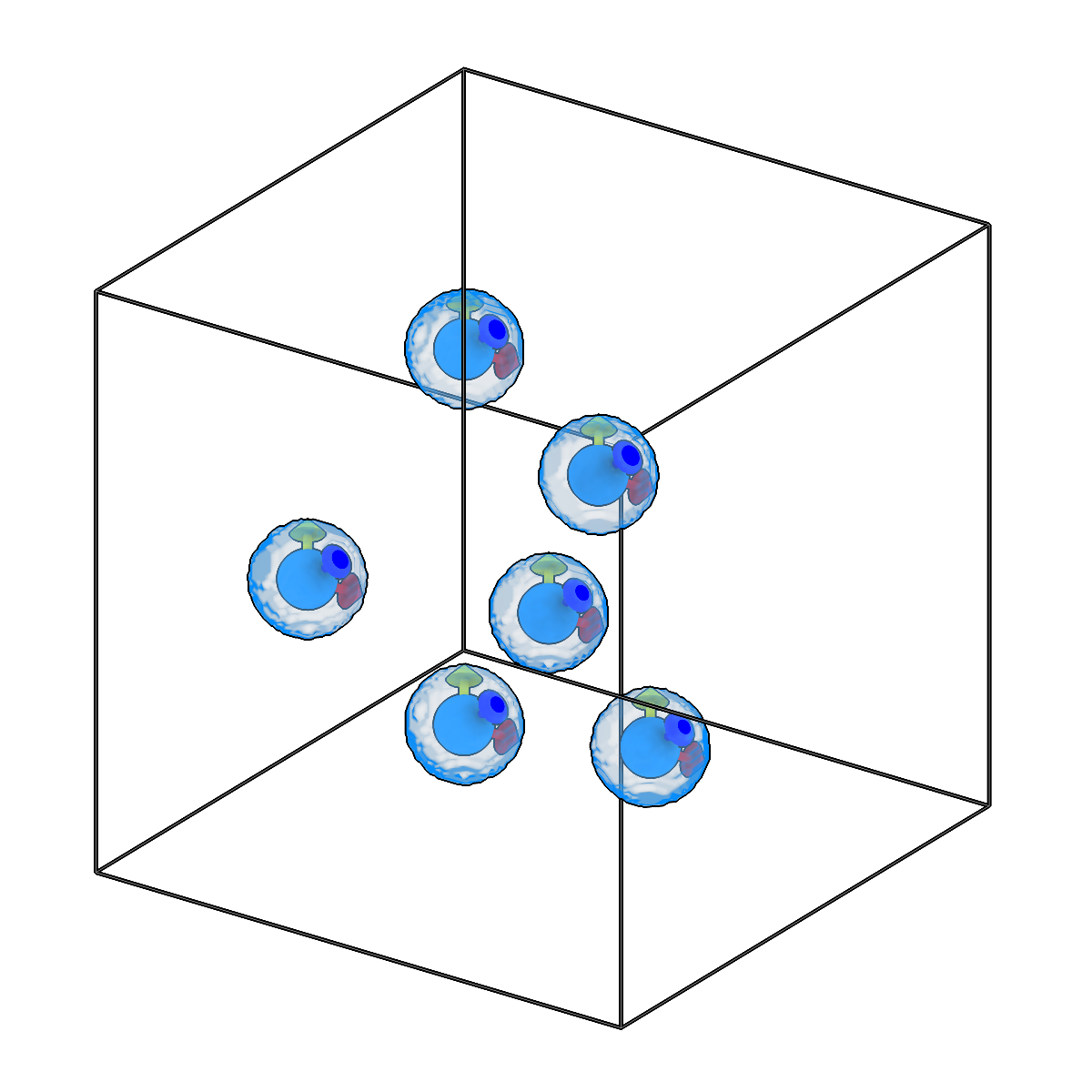
Convert segmentation to picks.
-
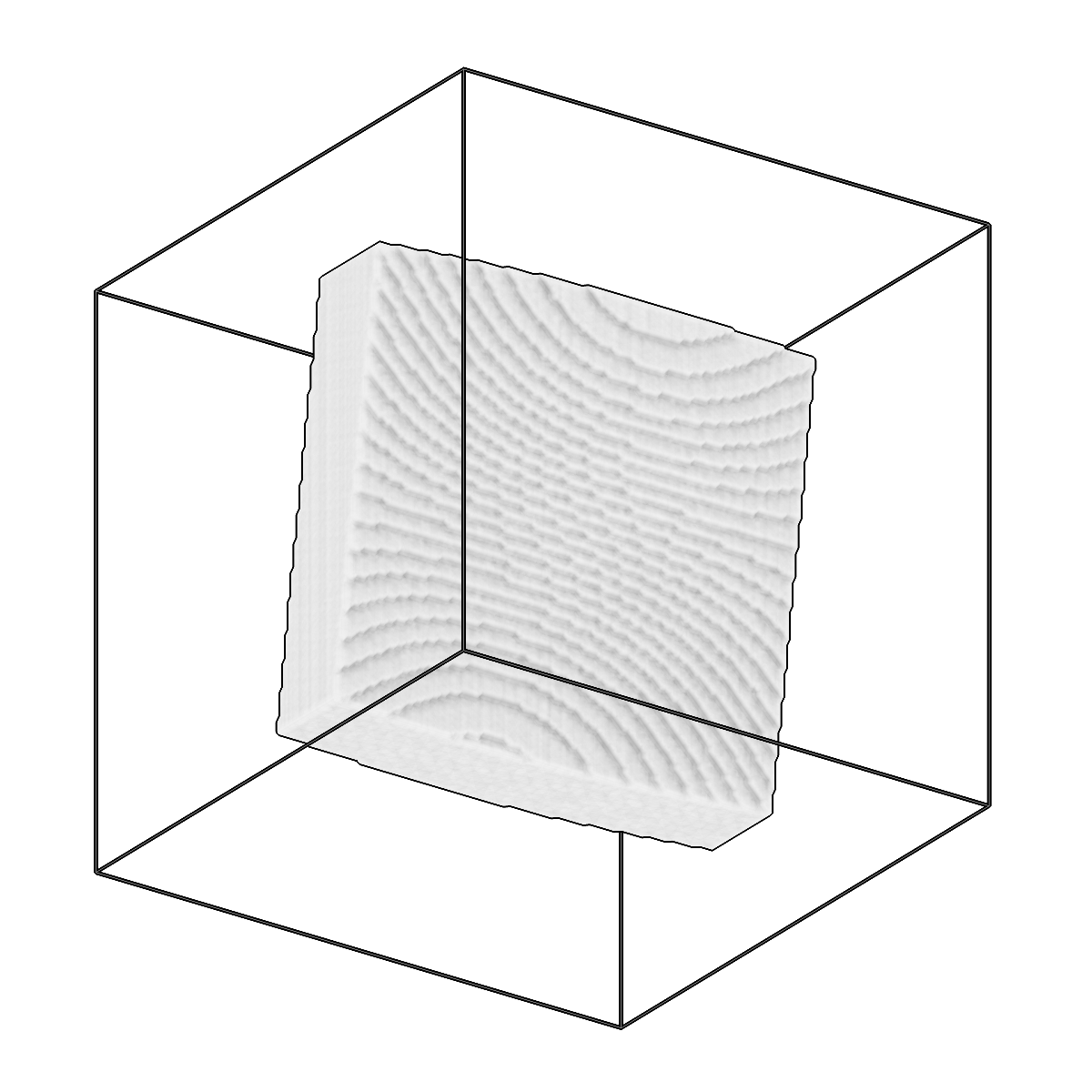
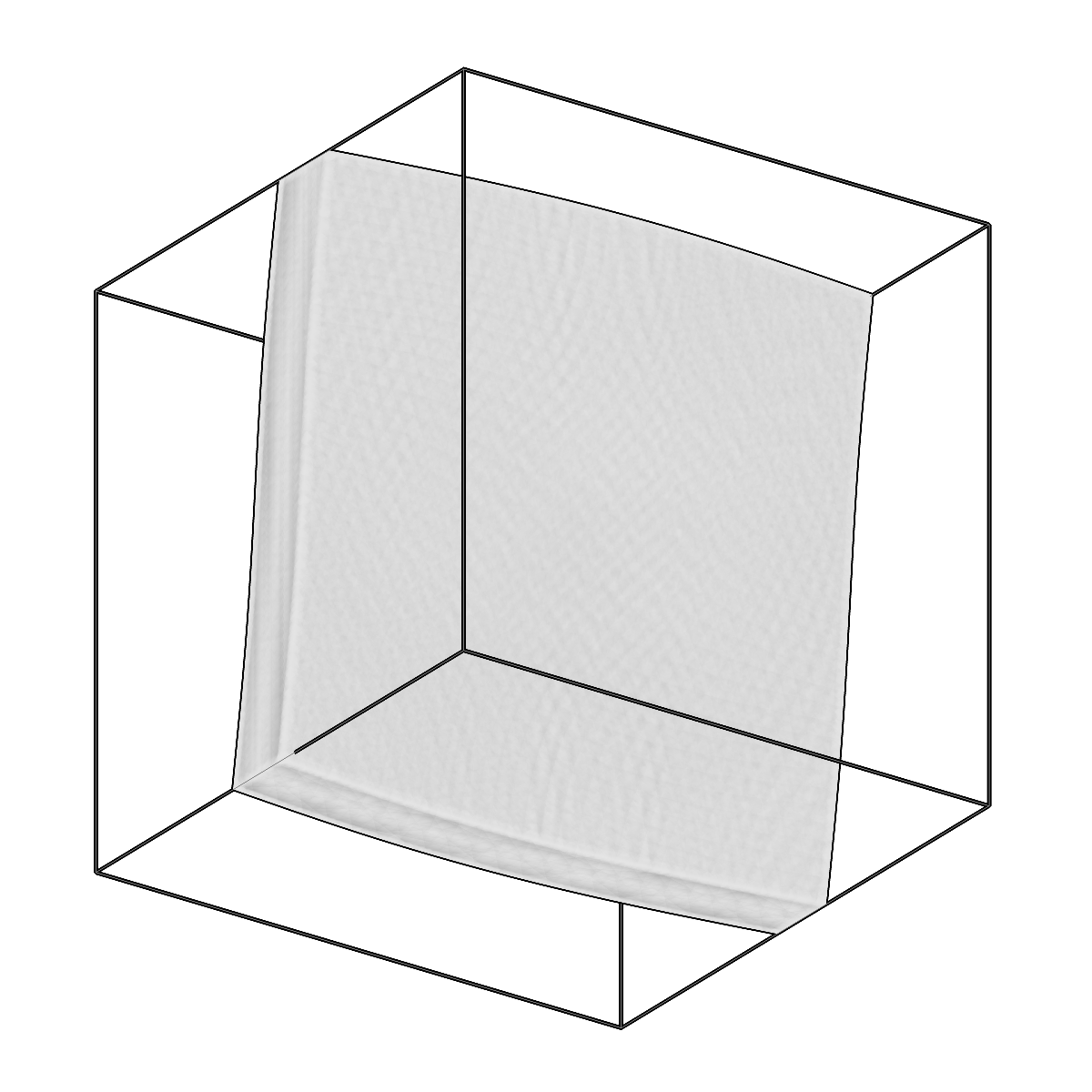
Fit parallel planes to a segmentation and create a slab mesh.
Process
Apply processing methods to copick data.
-
Band-pass filter tomograms in 3D.
-
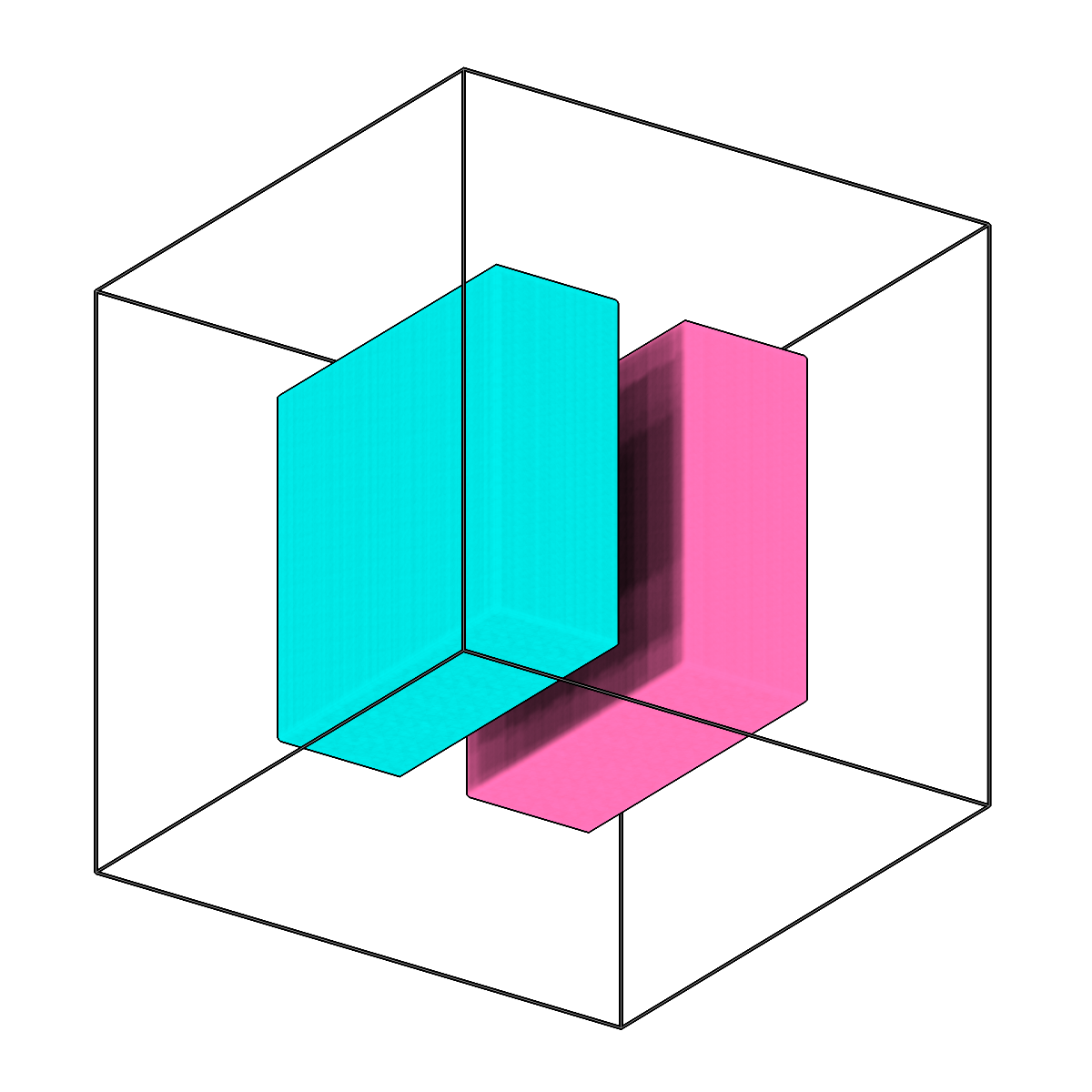
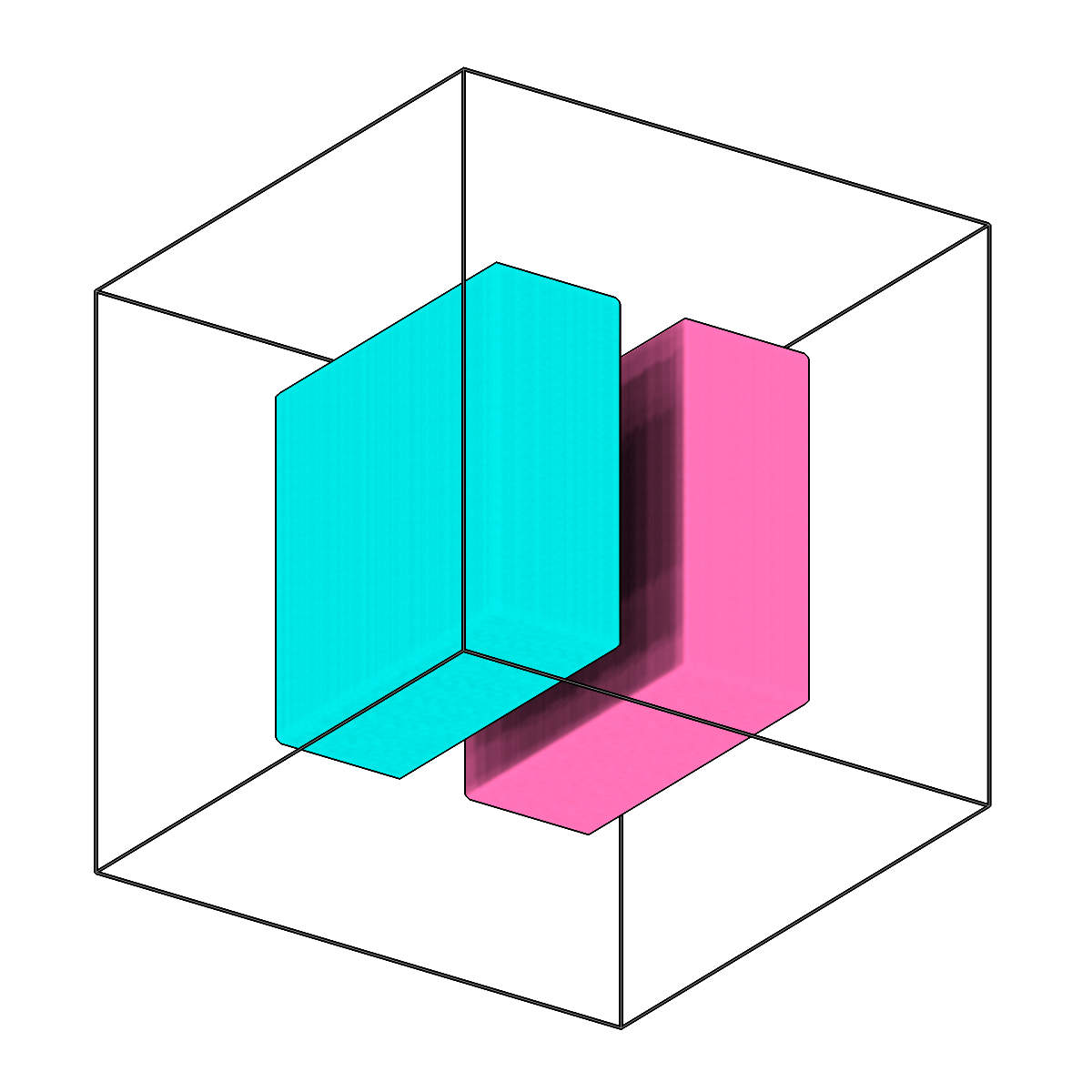
Combine single-label segmentations into a multilabel segmentation.
-
Downsample tomograms via Fourier rescaling.
-
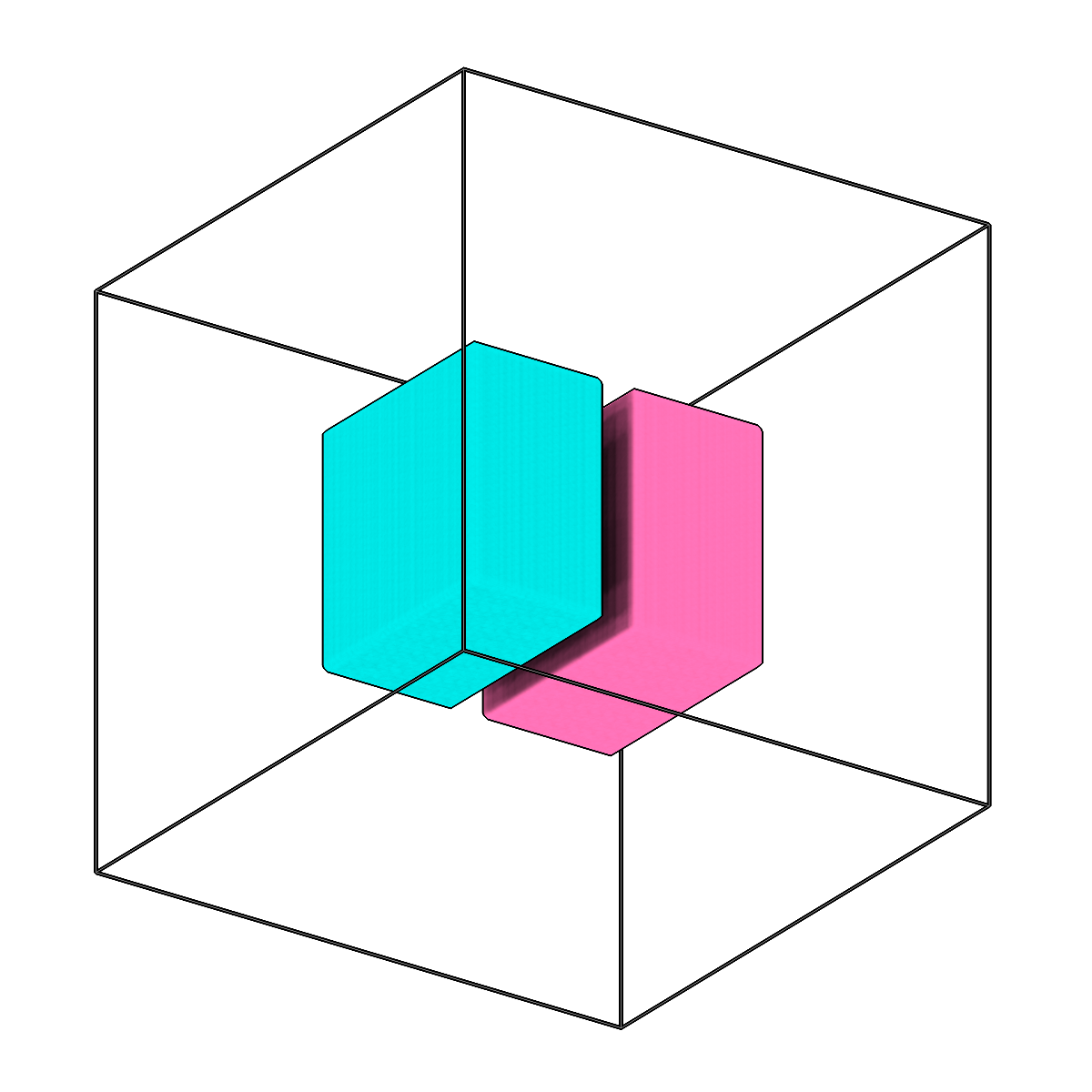
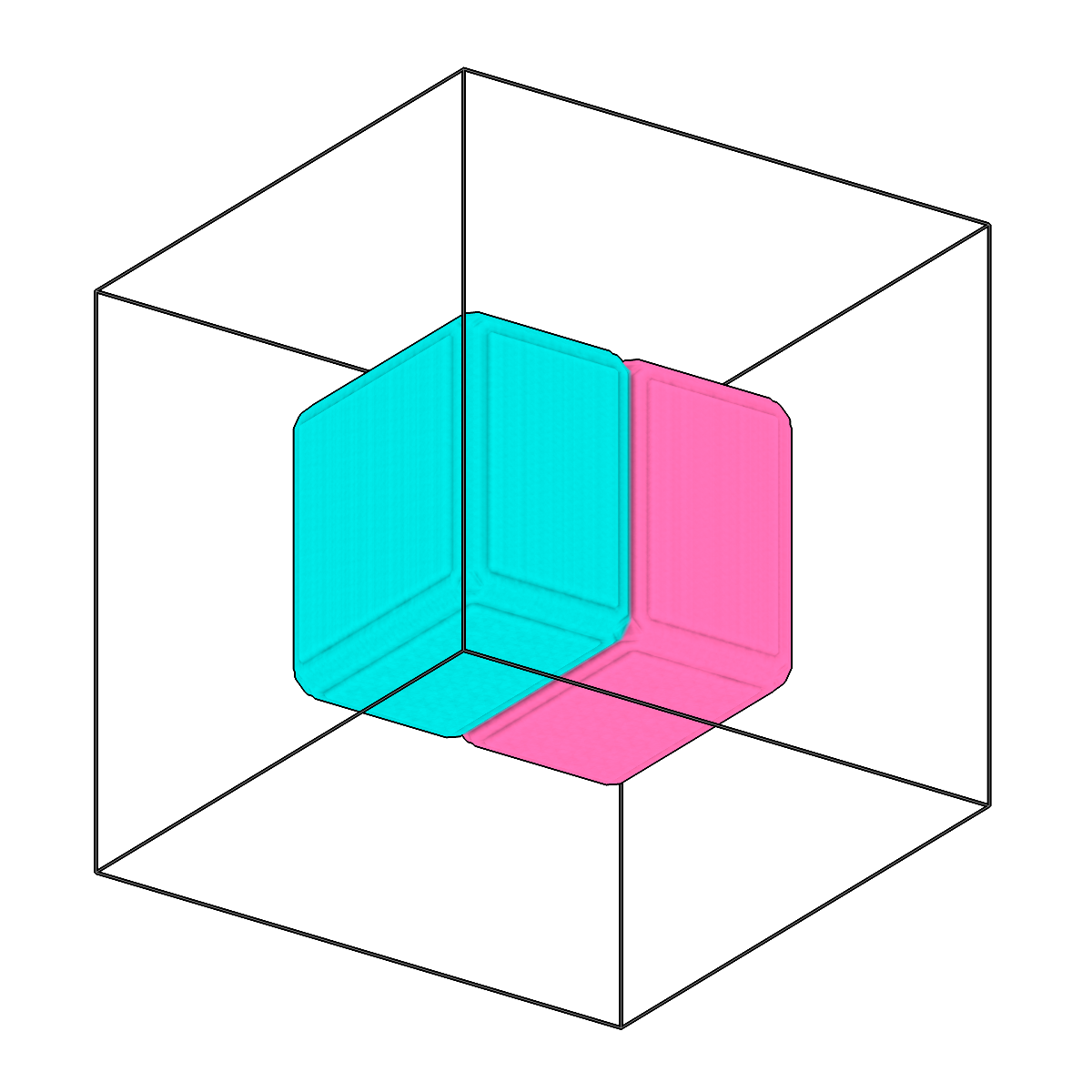
Expand labels in segmentations to fill holes and gaps.
-
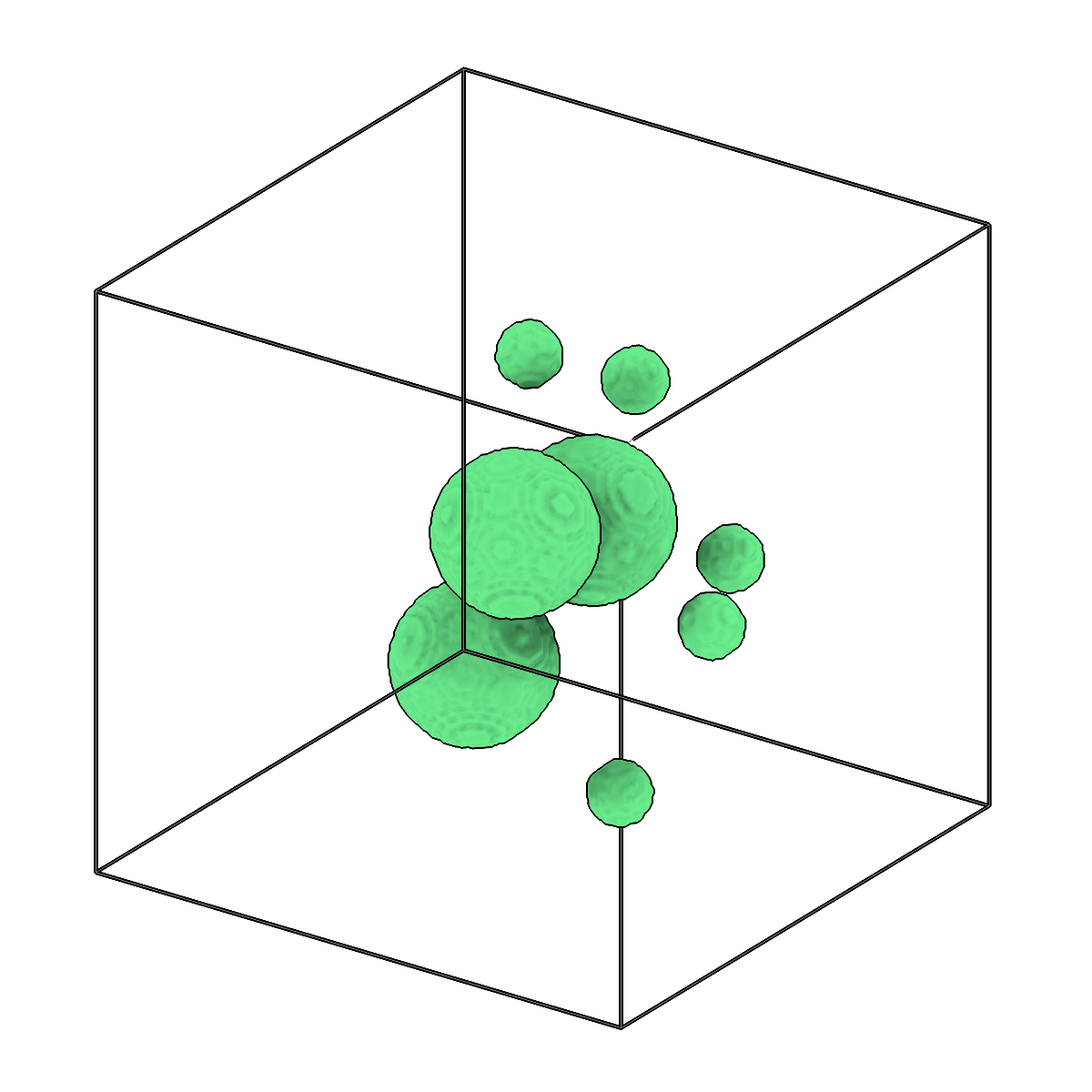
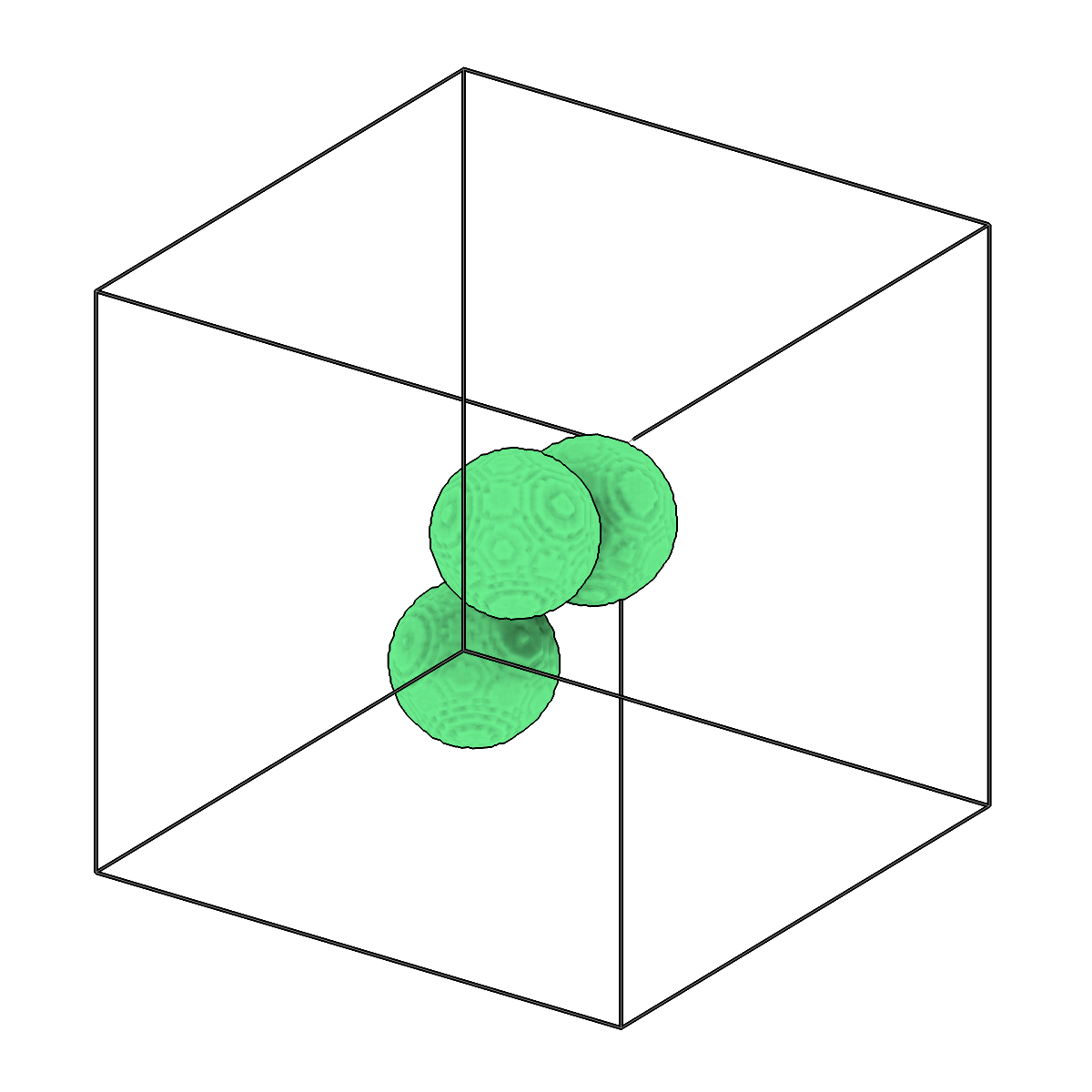
Filter connected components in segmentations by size.
-
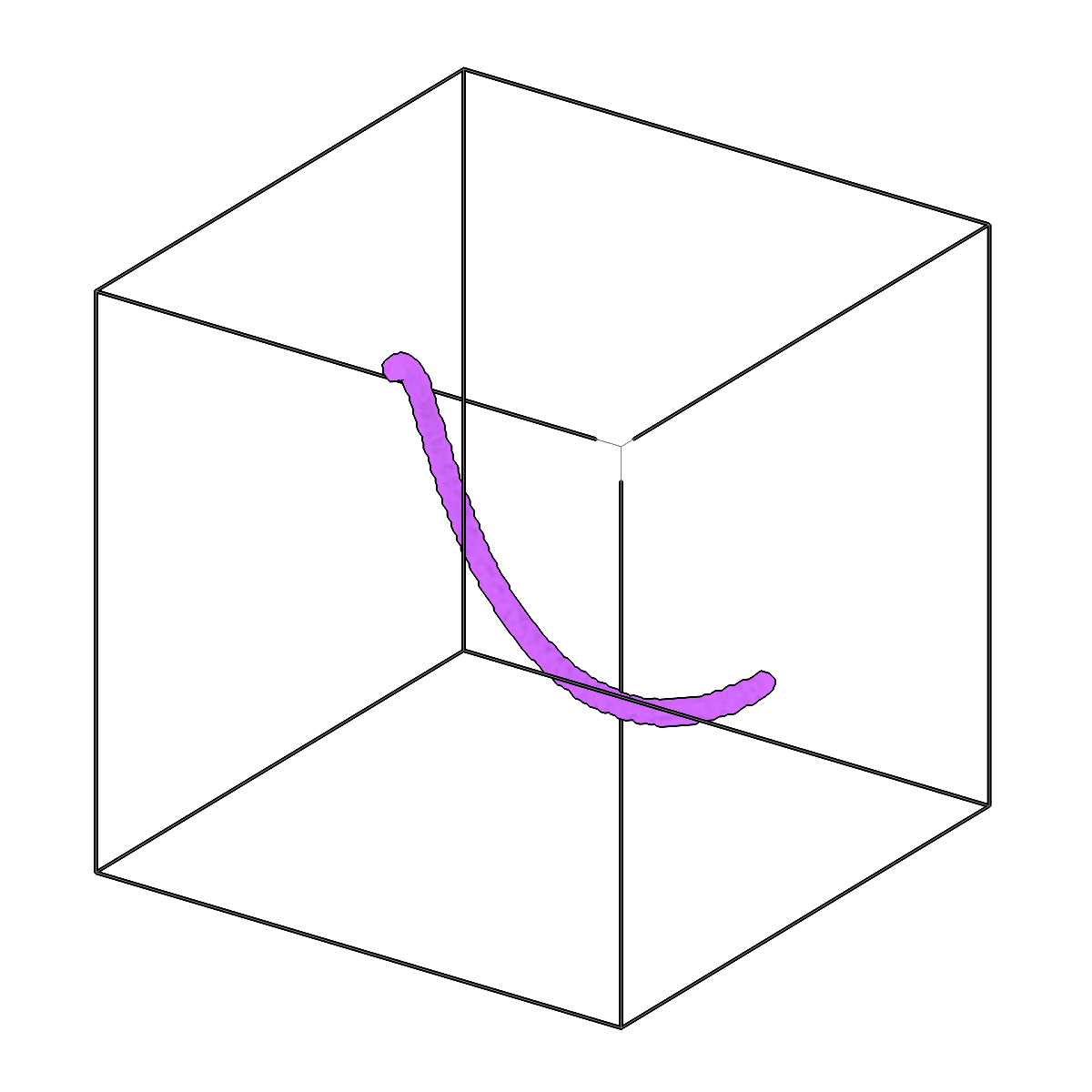
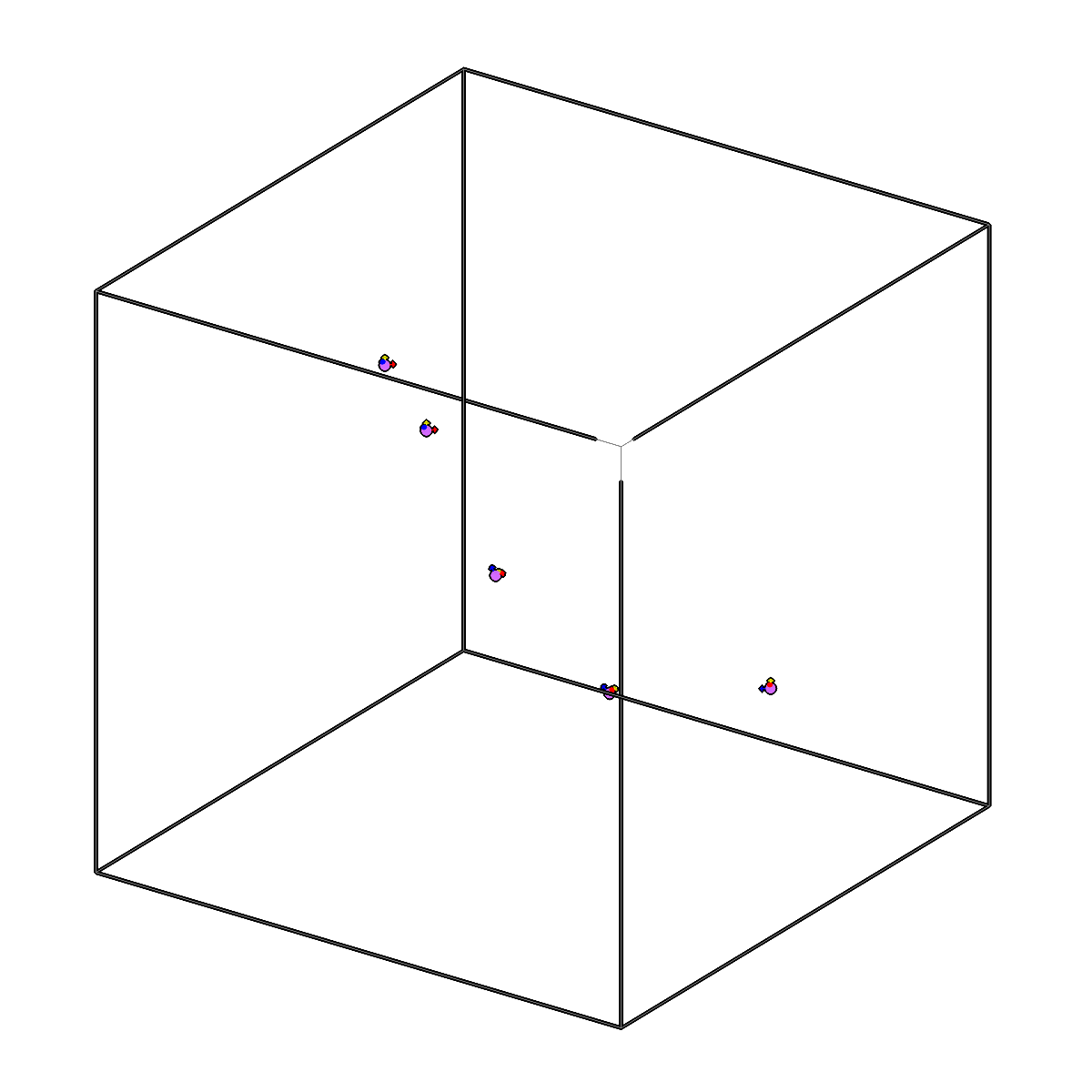
Fit 3D splines to skeletons and generate oriented picks.
-
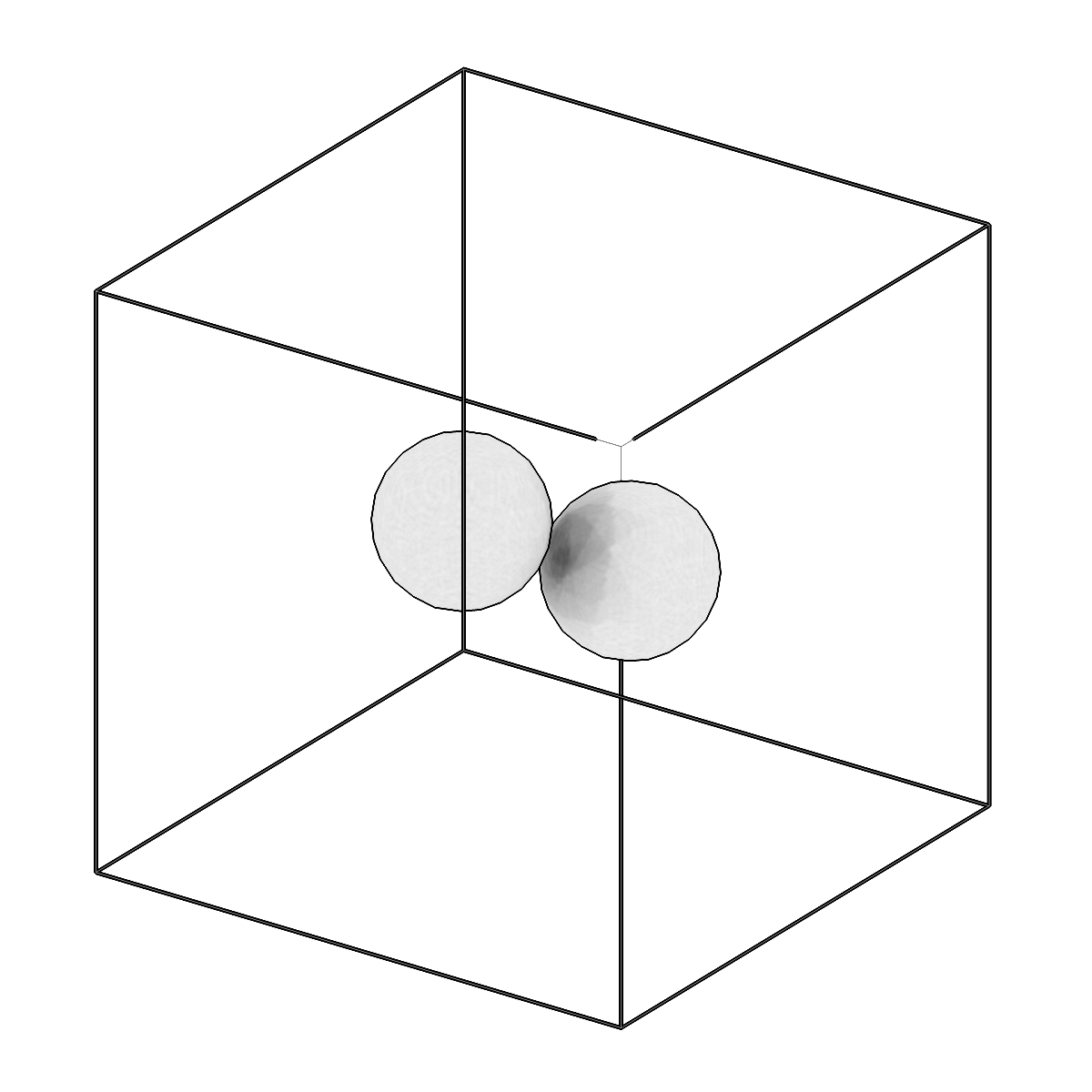
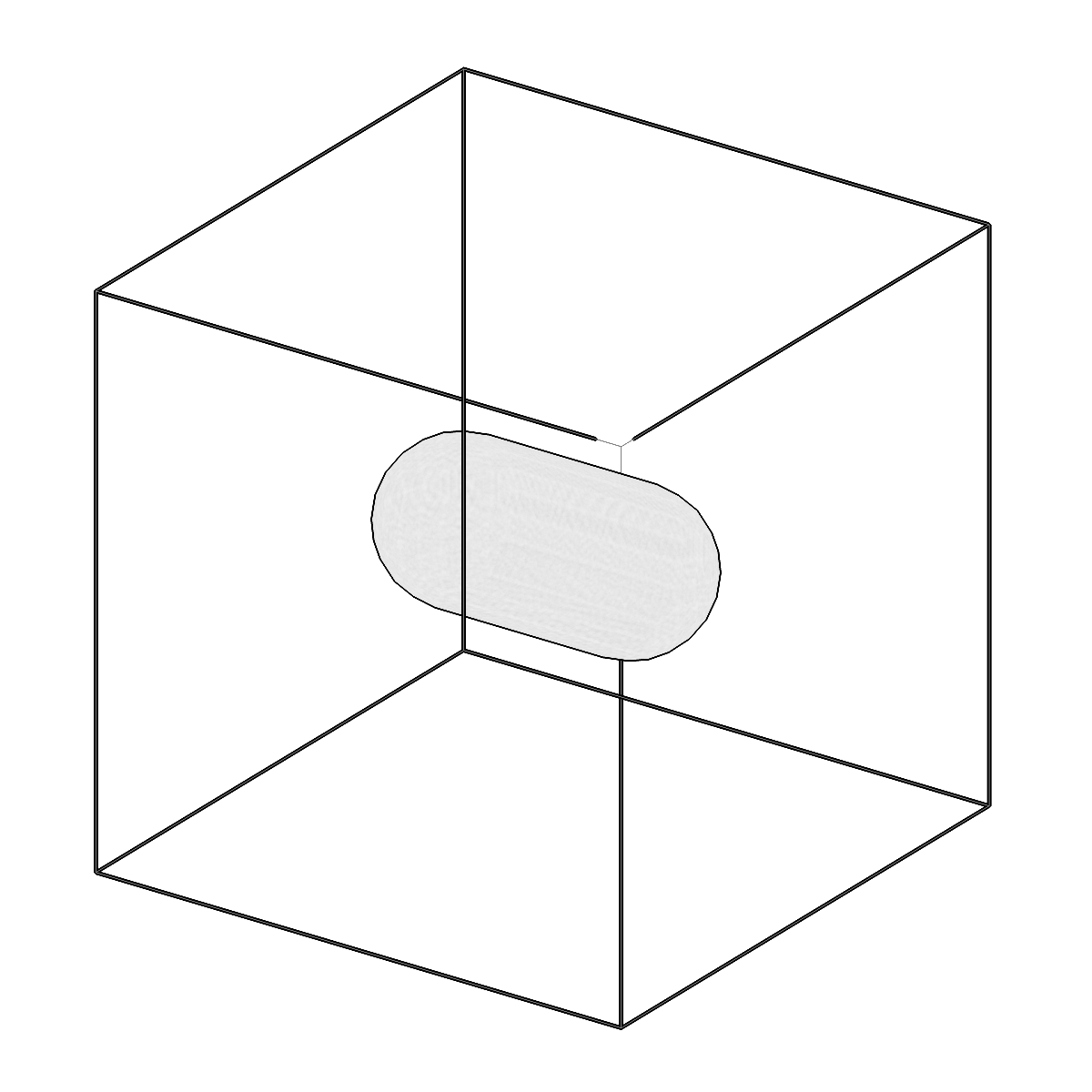
Compute hull operations on meshes.
-
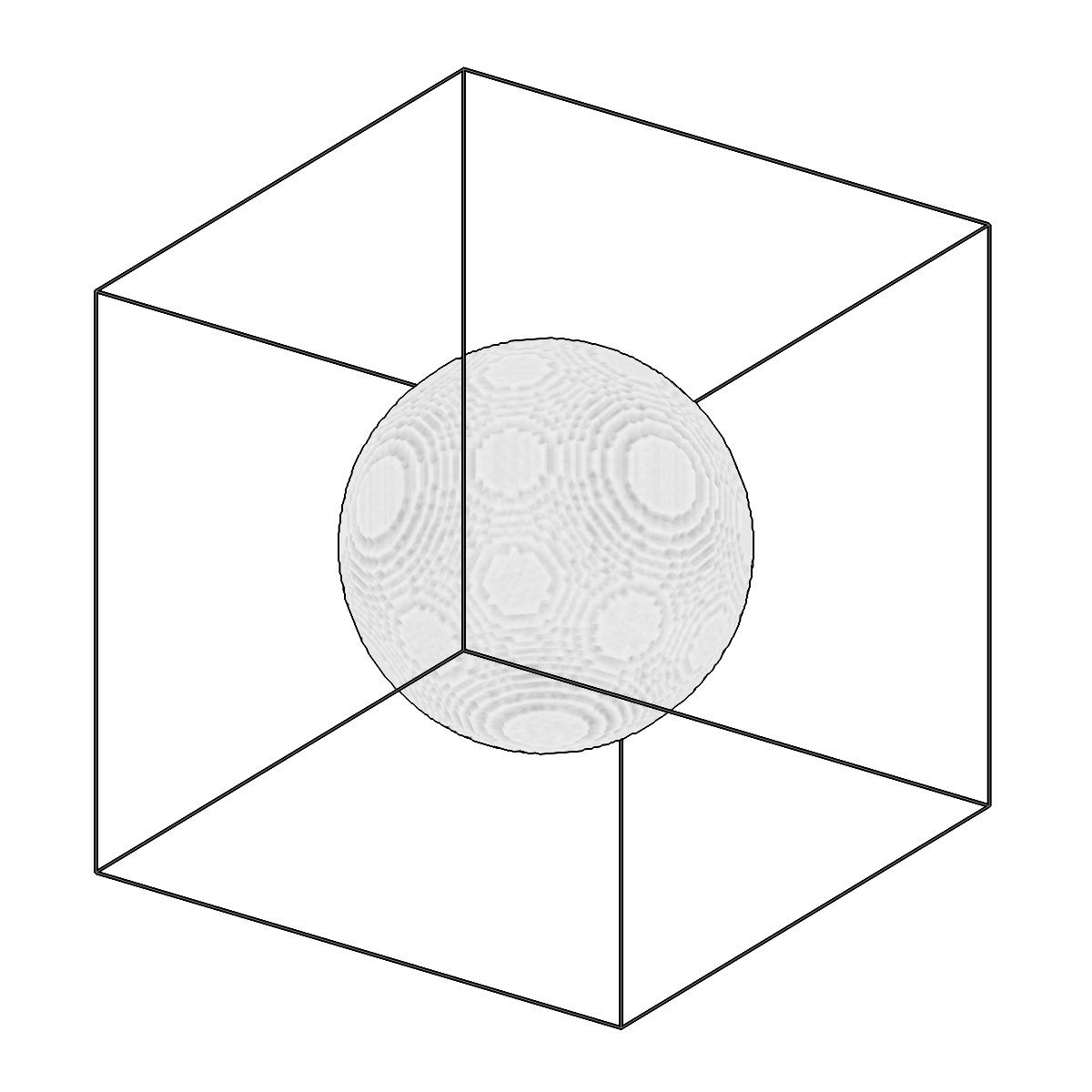
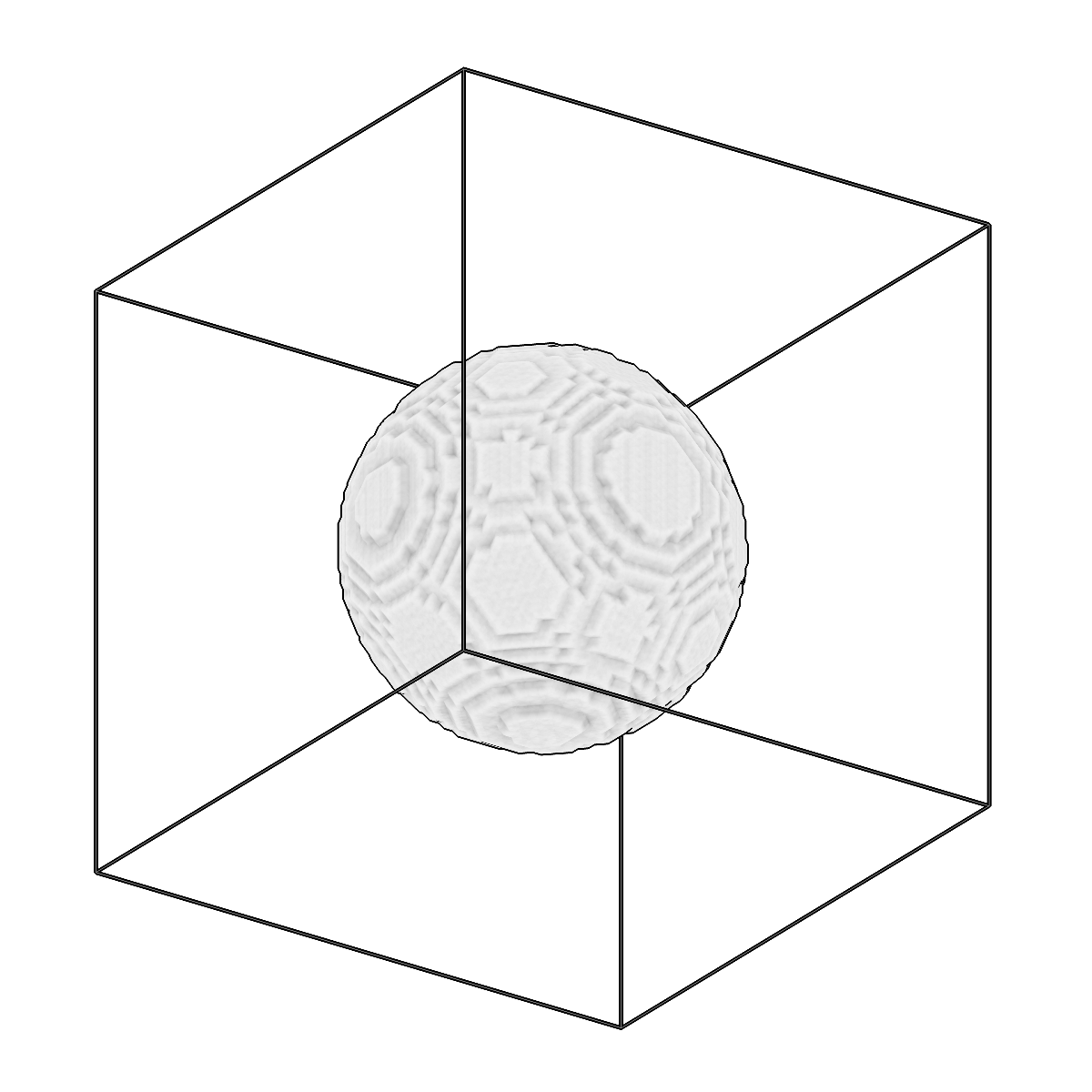
Rescale segmentations to a different voxel spacing.
-
Analyze connected component sizes per label in segmentations.
-
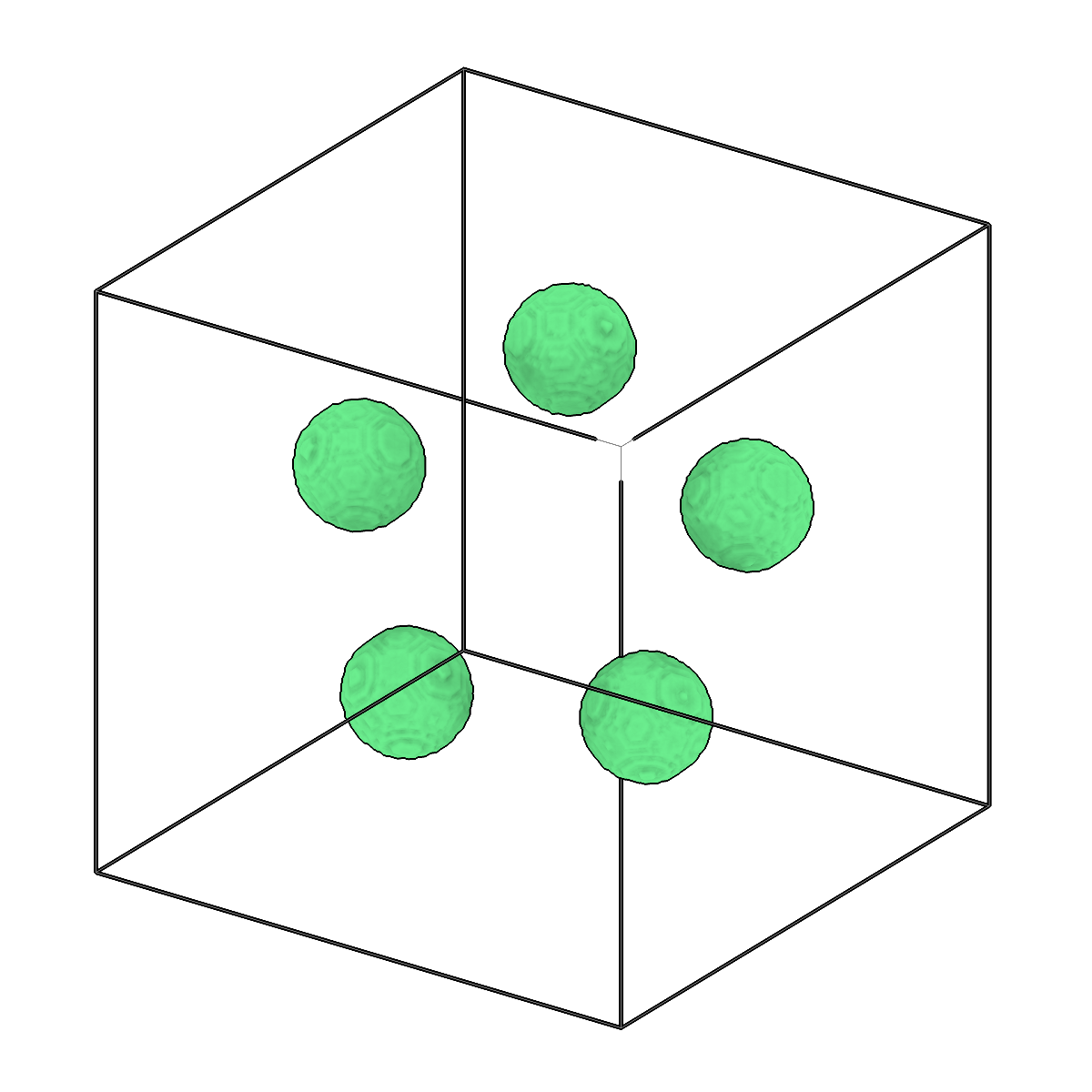
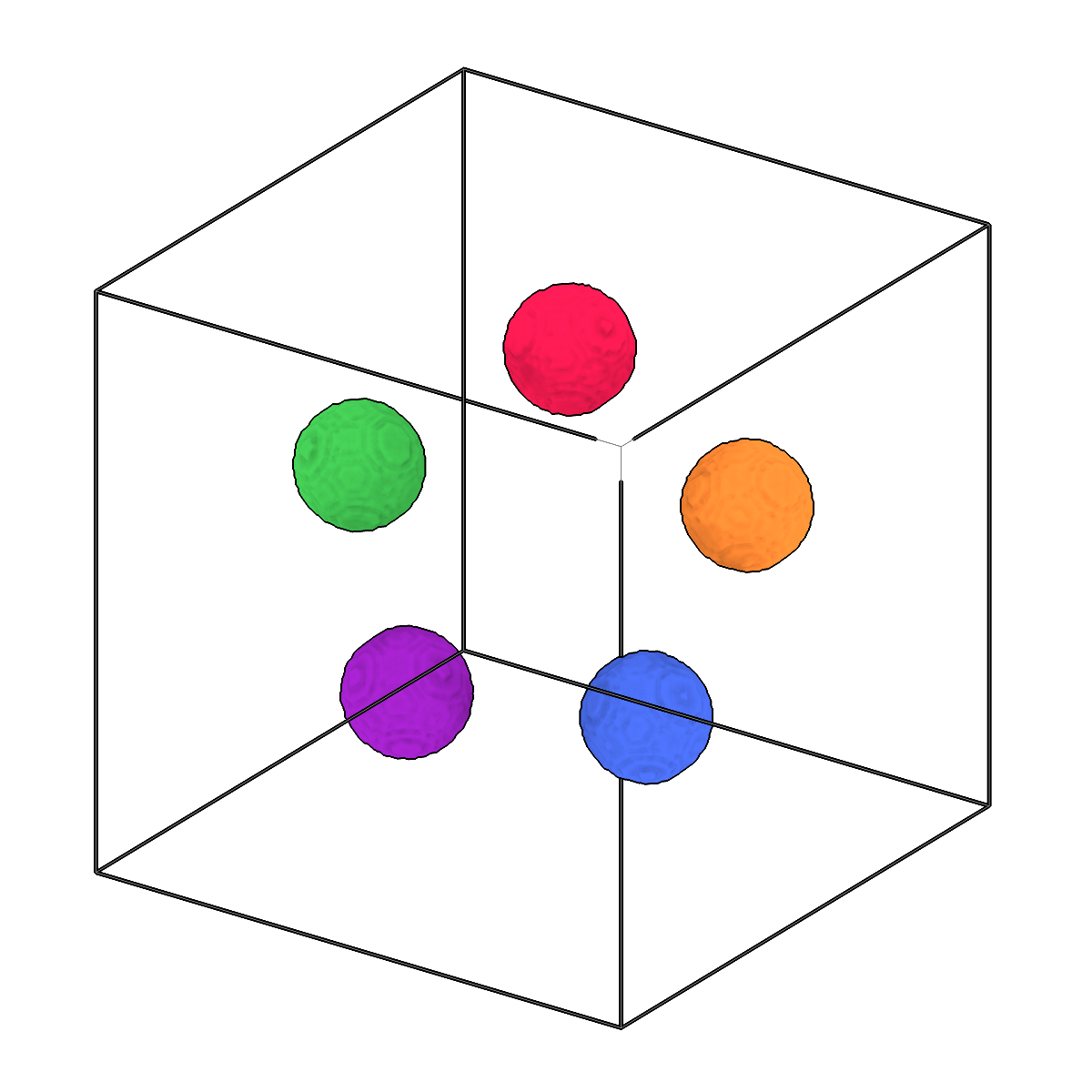
Separate connected components in segmentations.
-
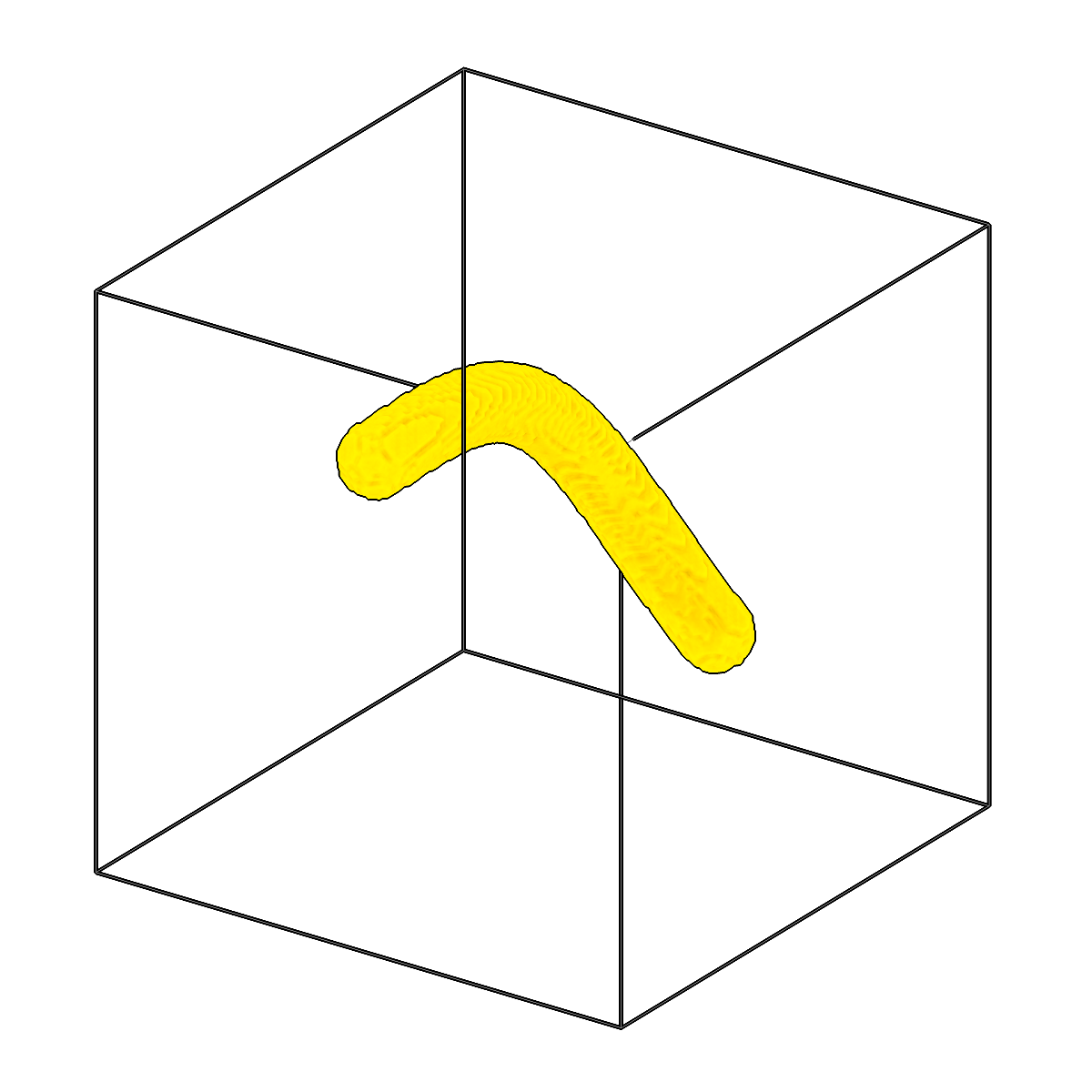
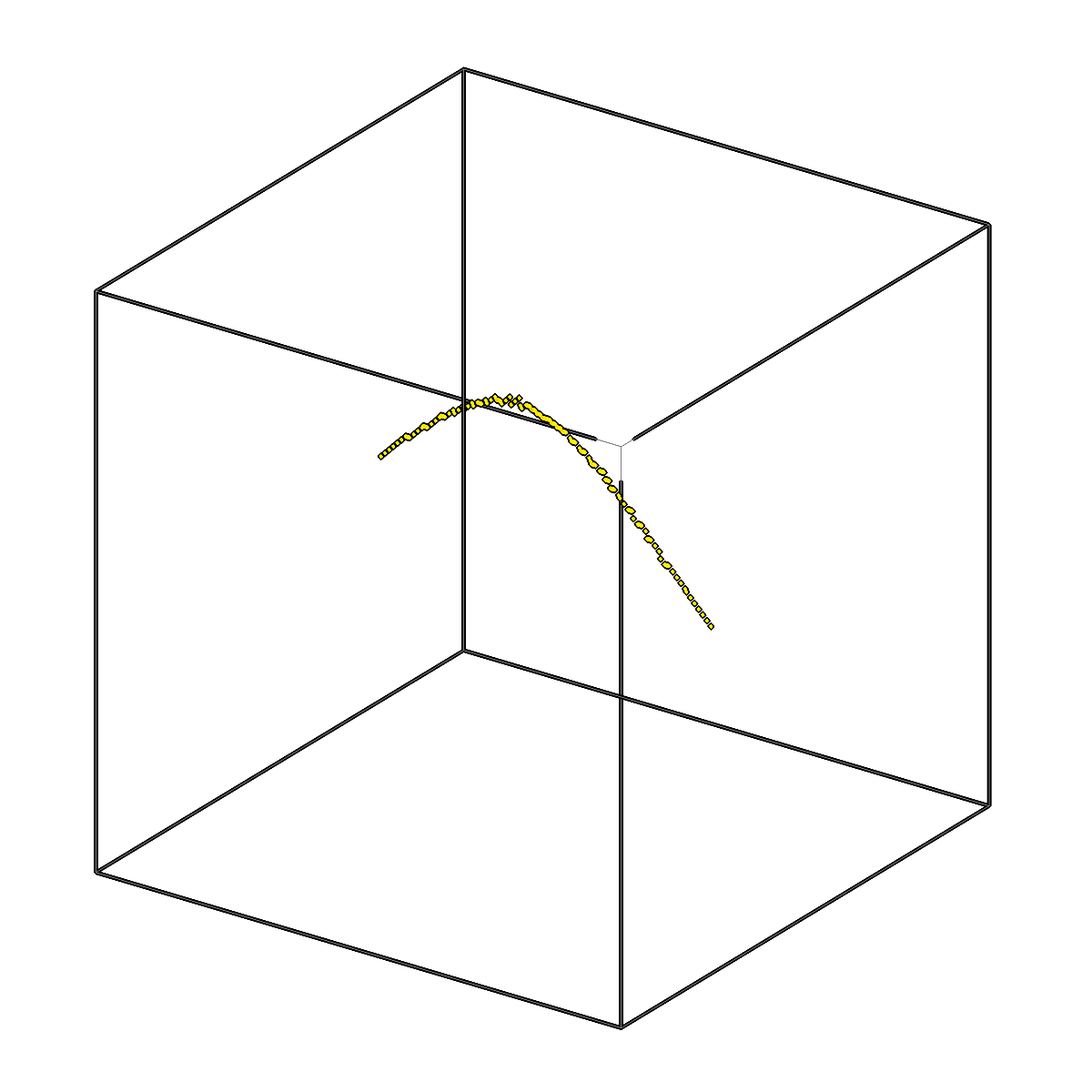
Skeletonize segmentations in 3D using pattern matching.
-
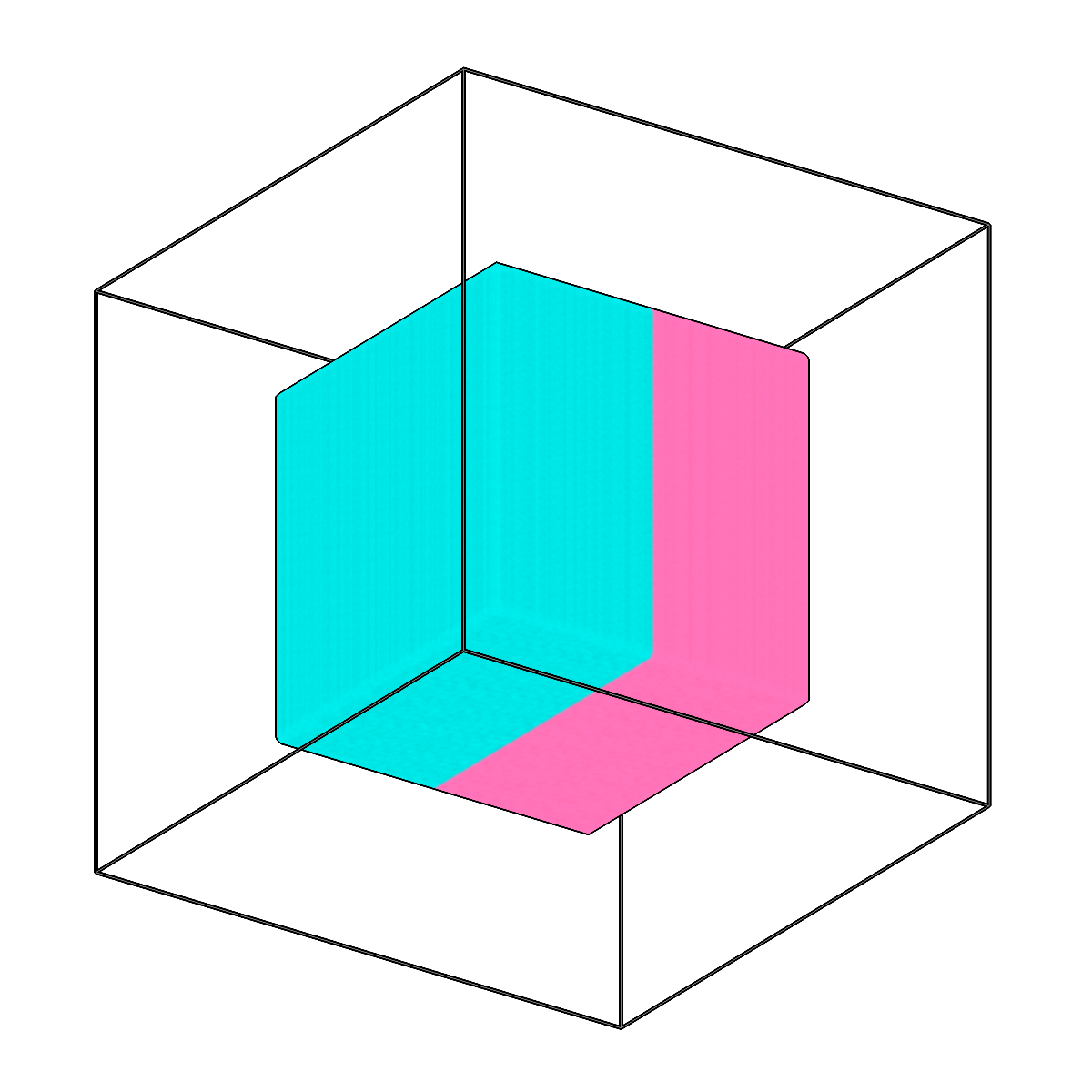
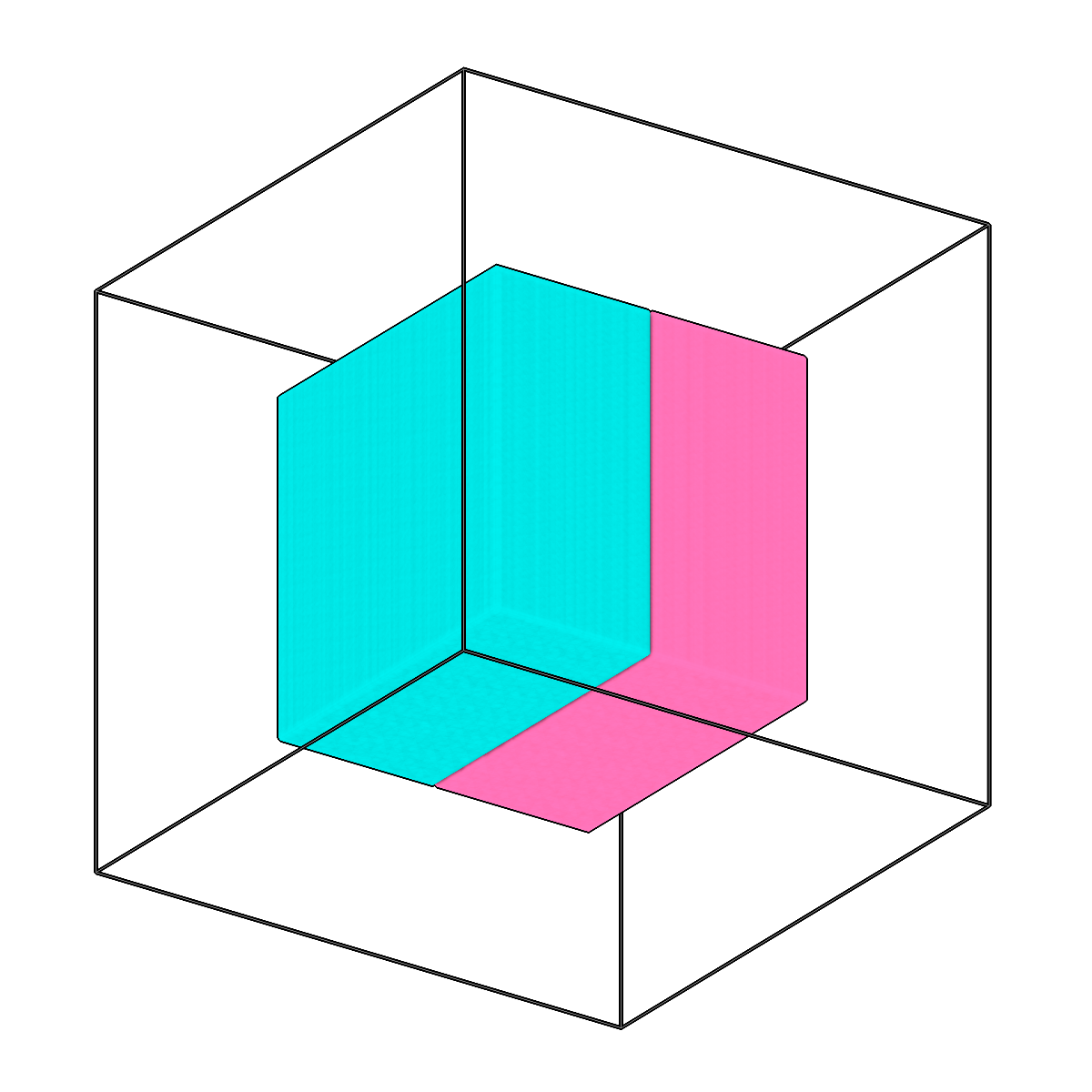
Split multilabel segmentations into single-class masks.
-
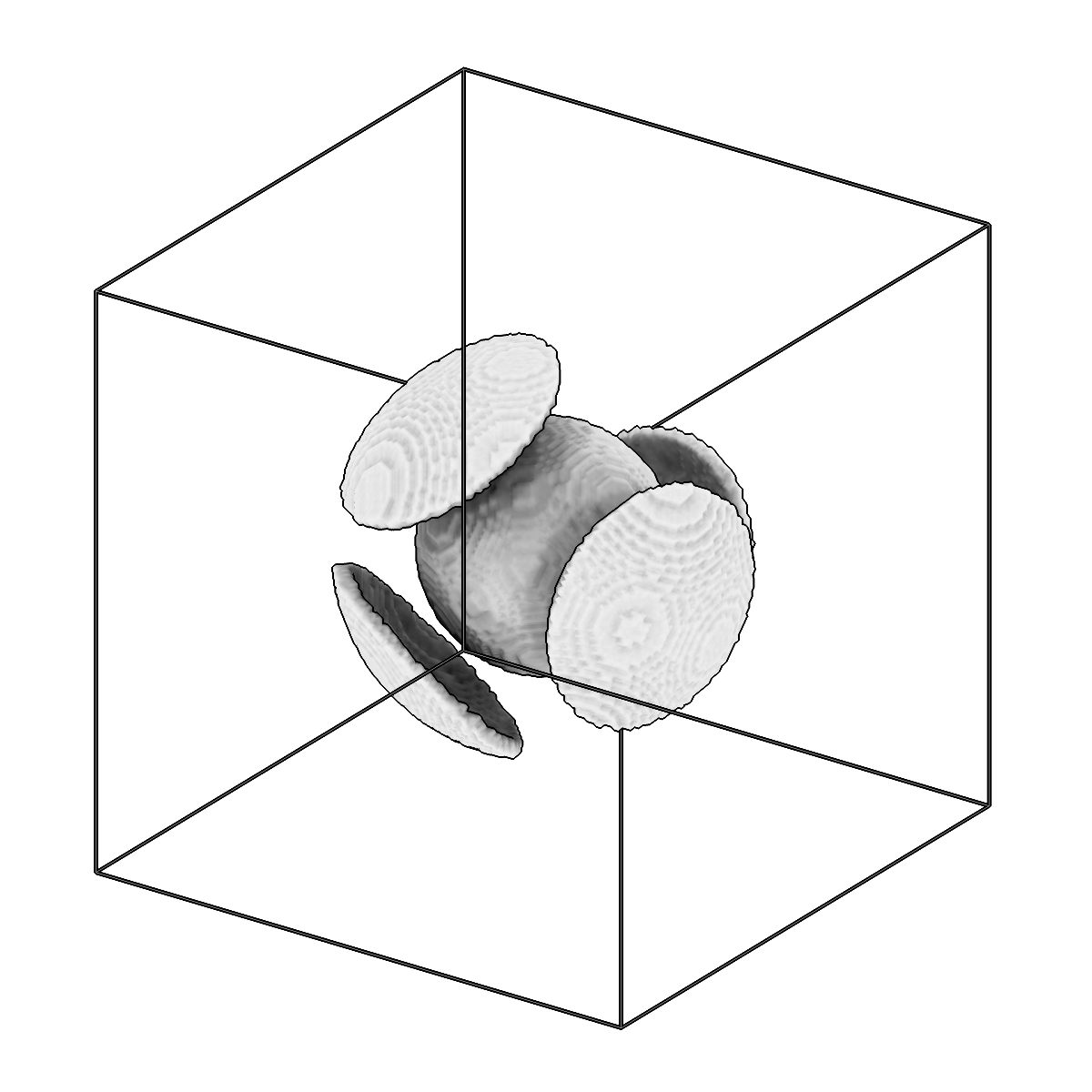
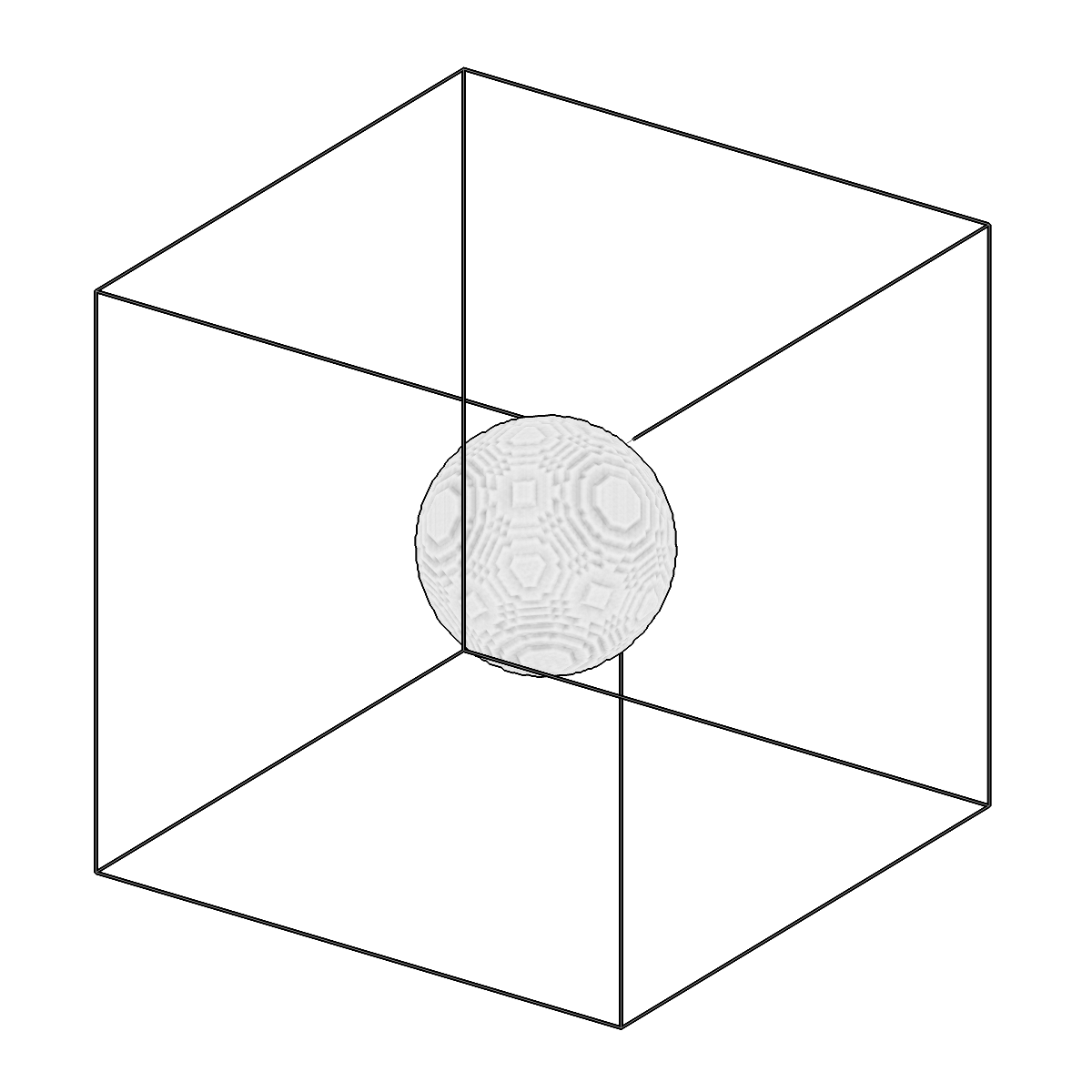
Remove thin regions from segmentations.
-
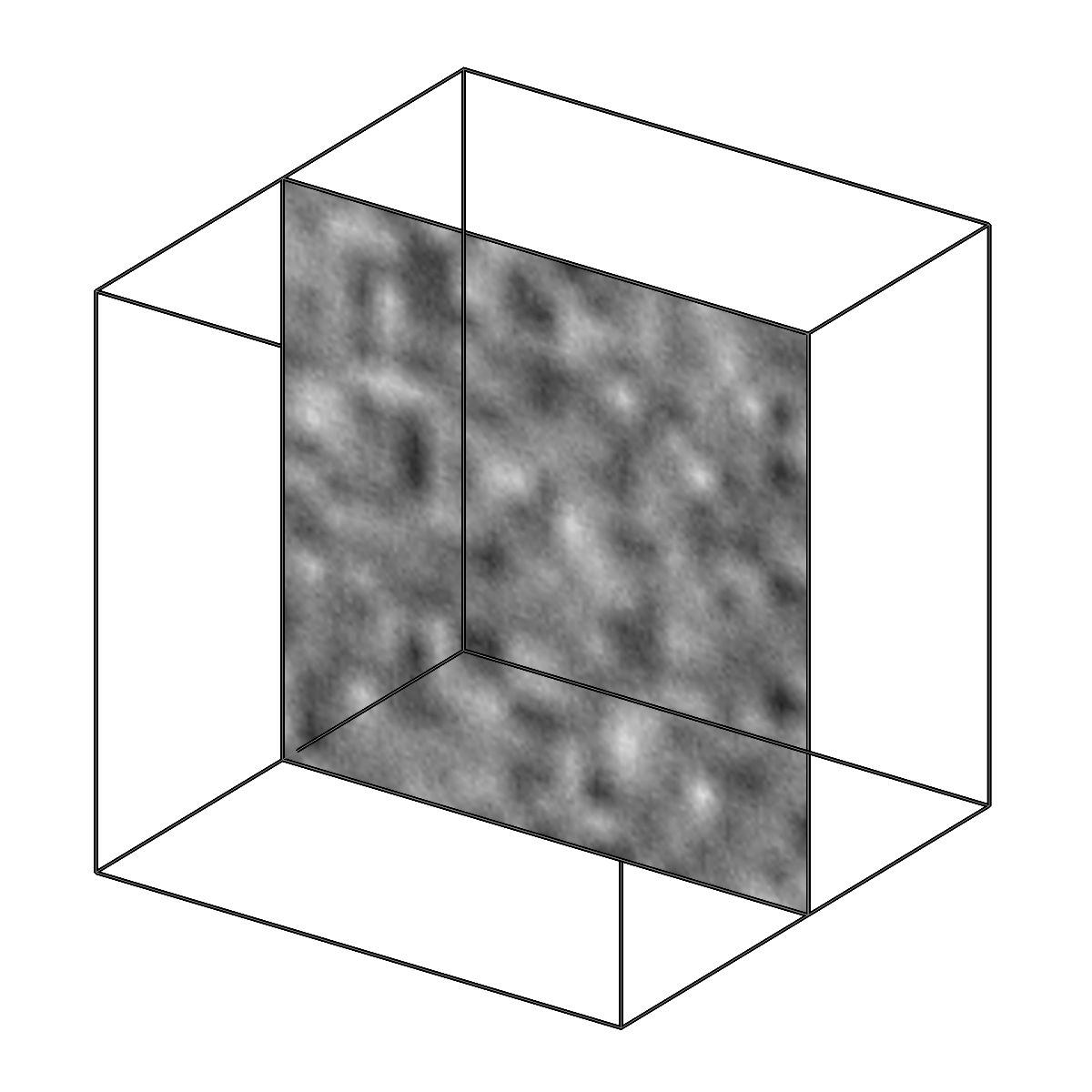
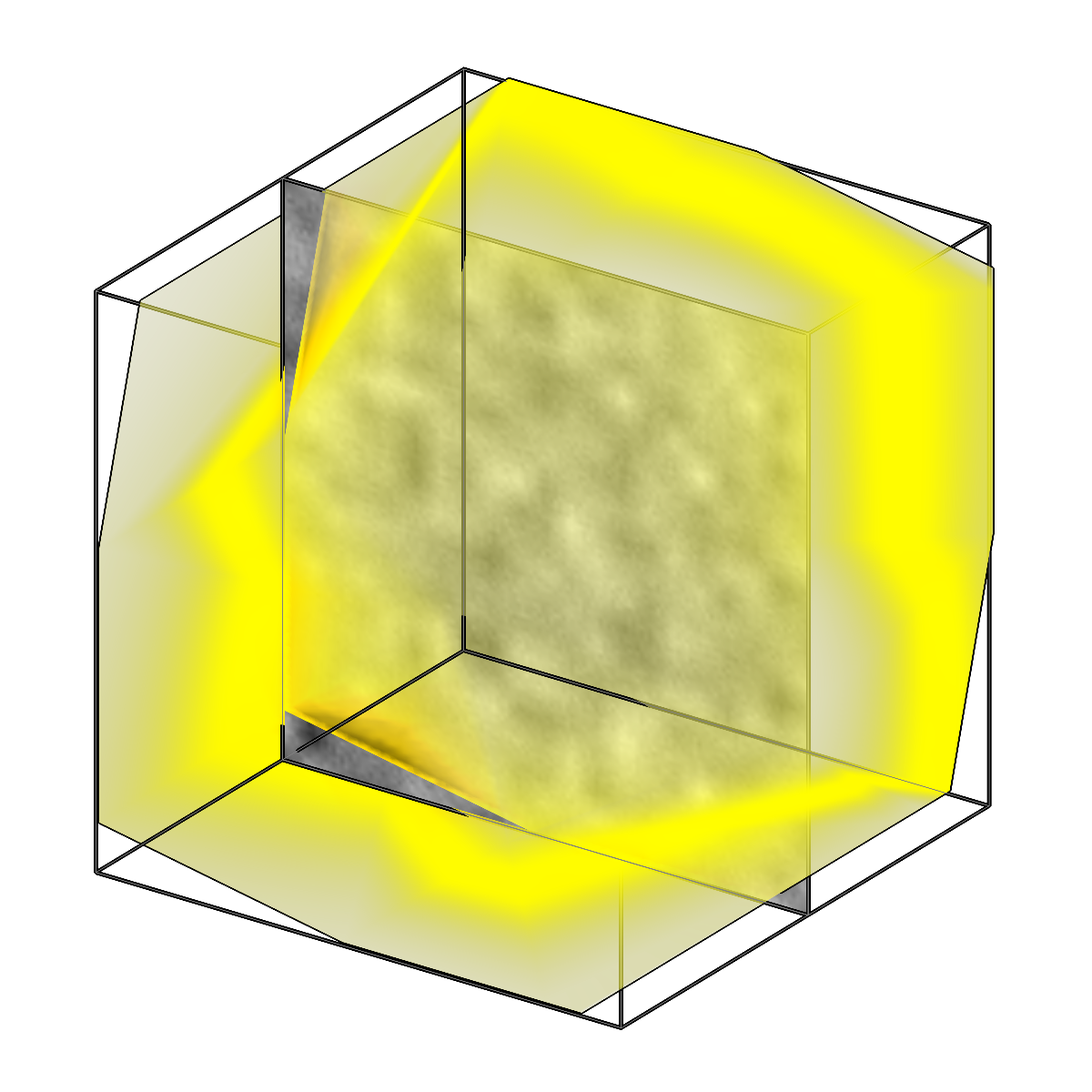
Generate valid area box meshes for tomographic reconstructions.
Logical
Perform logical operations on copick objects.
-
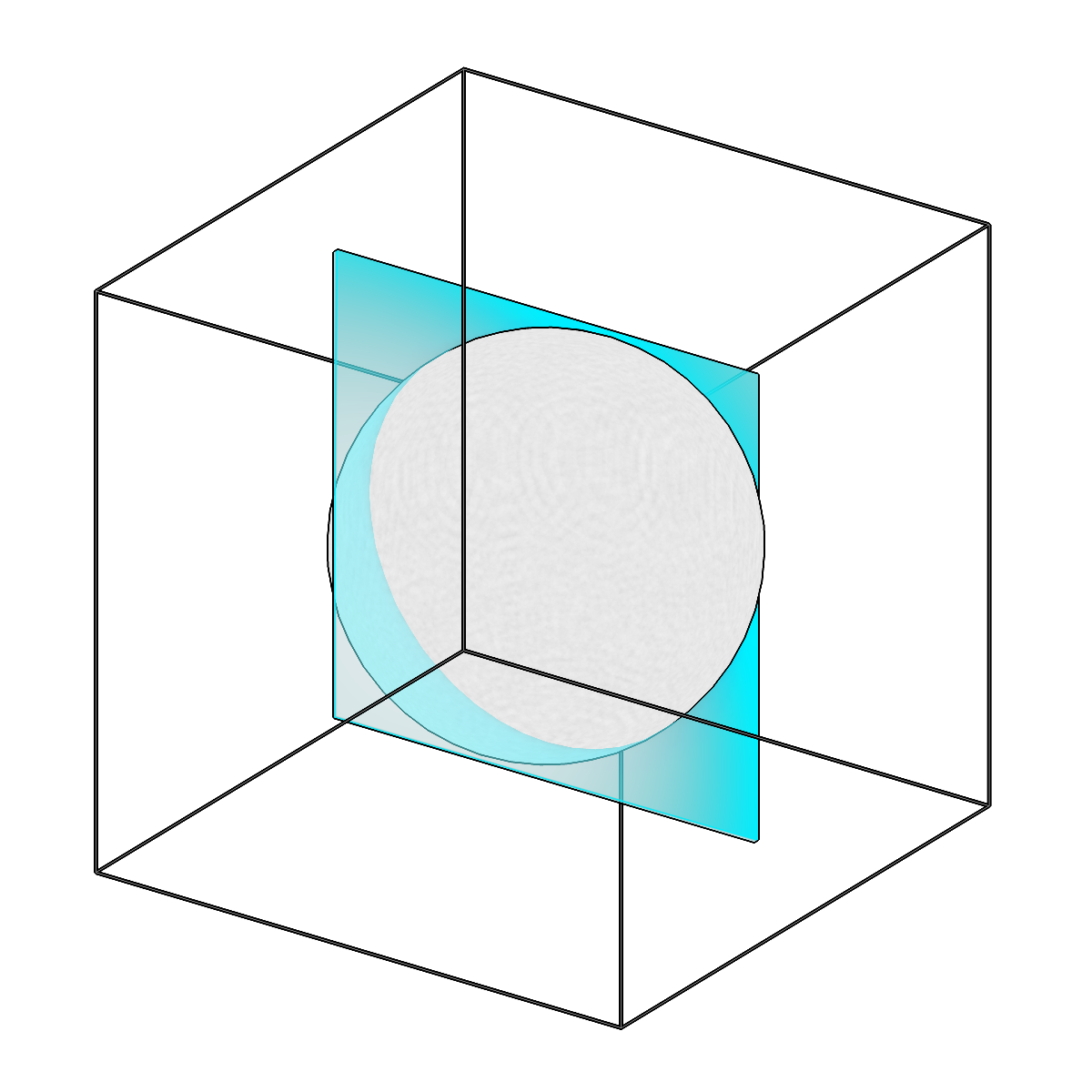
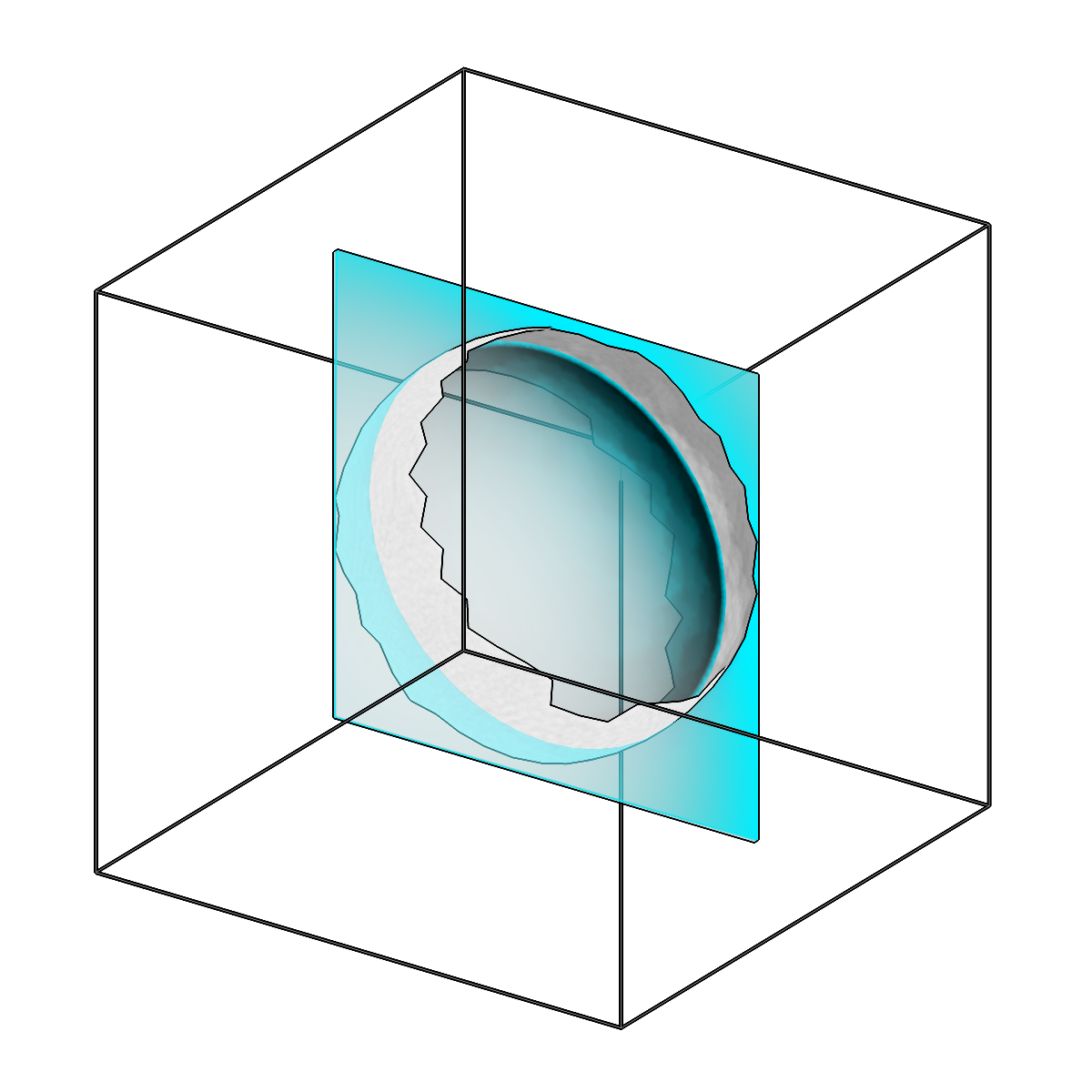
Limit mesh vertices within distance of a reference surface.
-
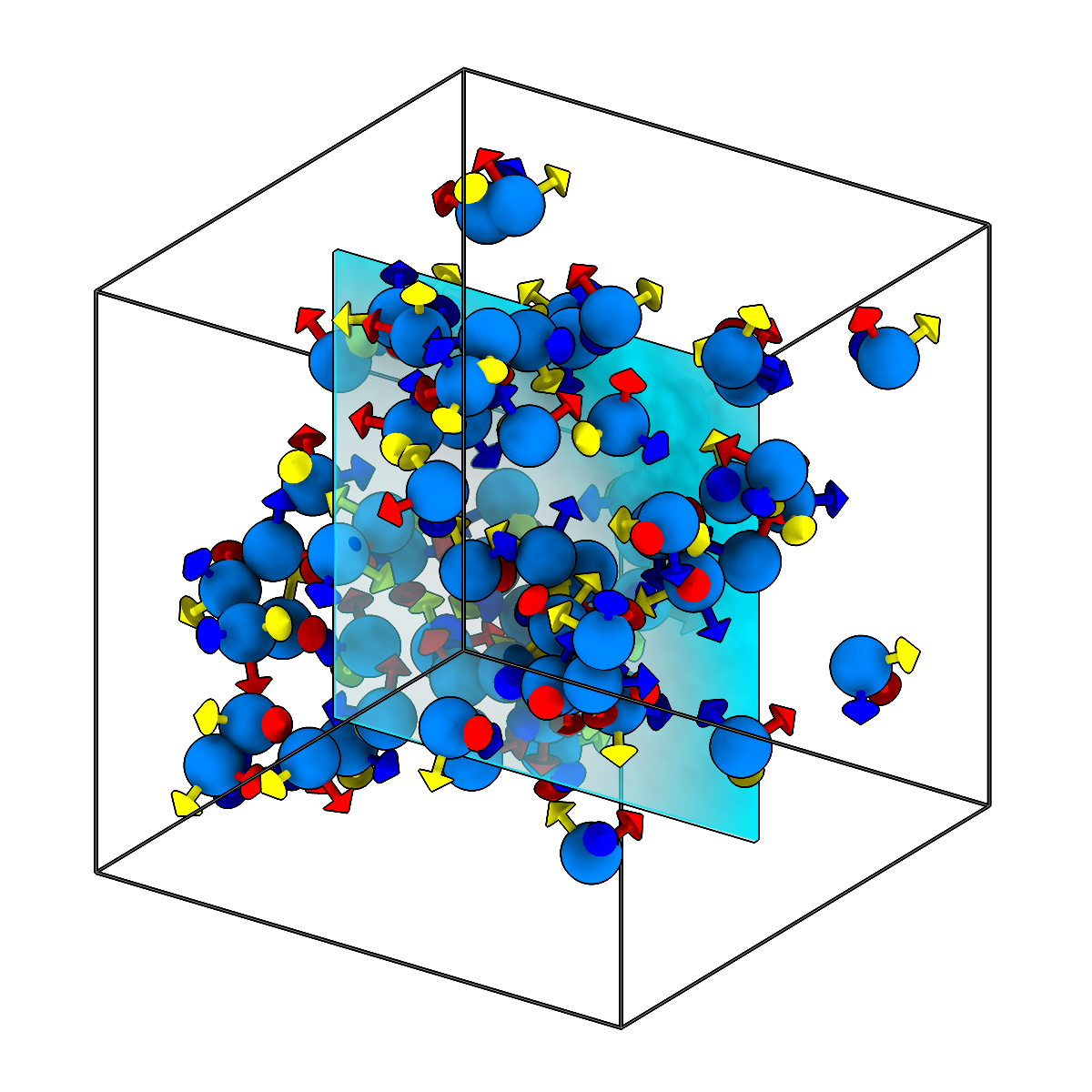
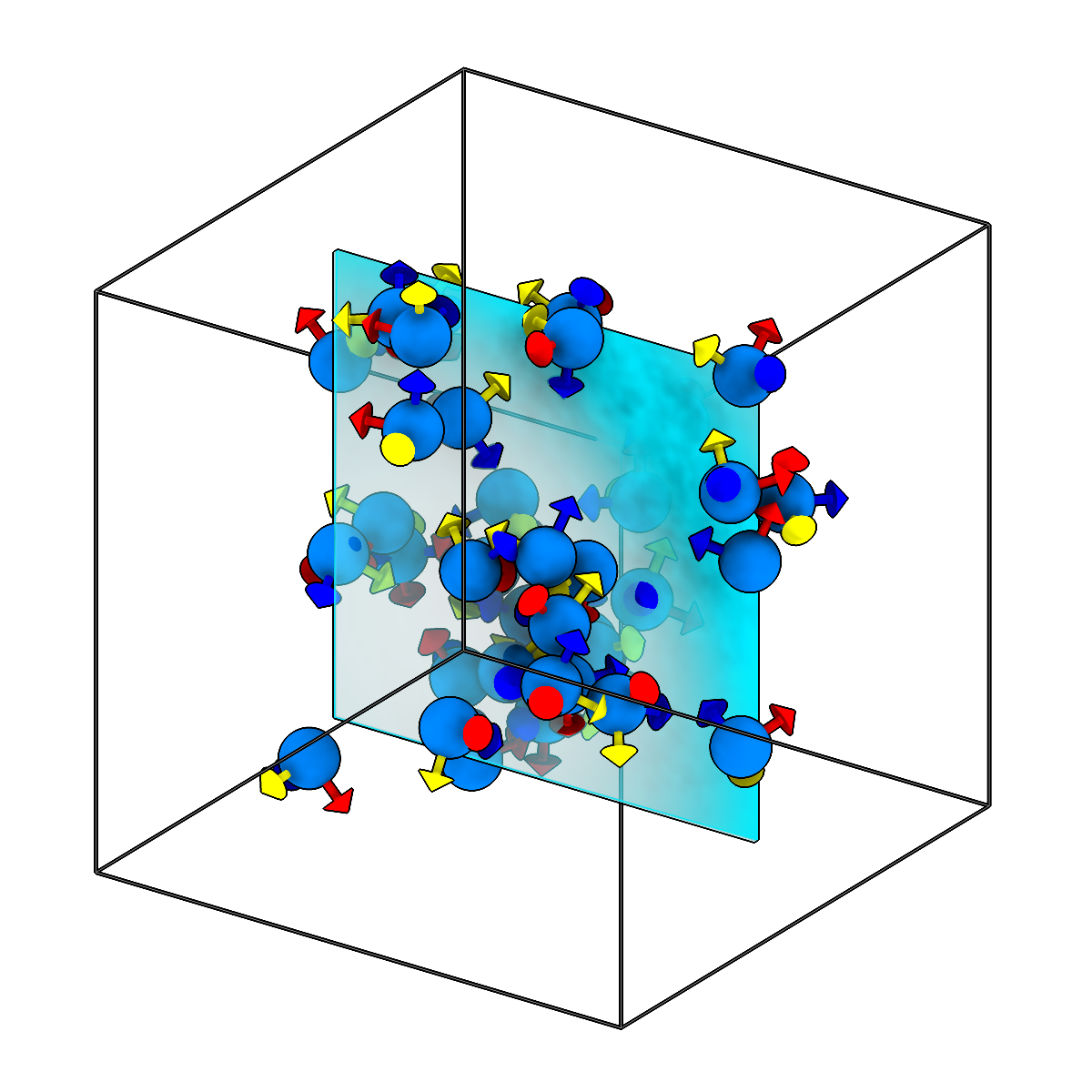
Limit picks to those within distance of a reference surface.
-
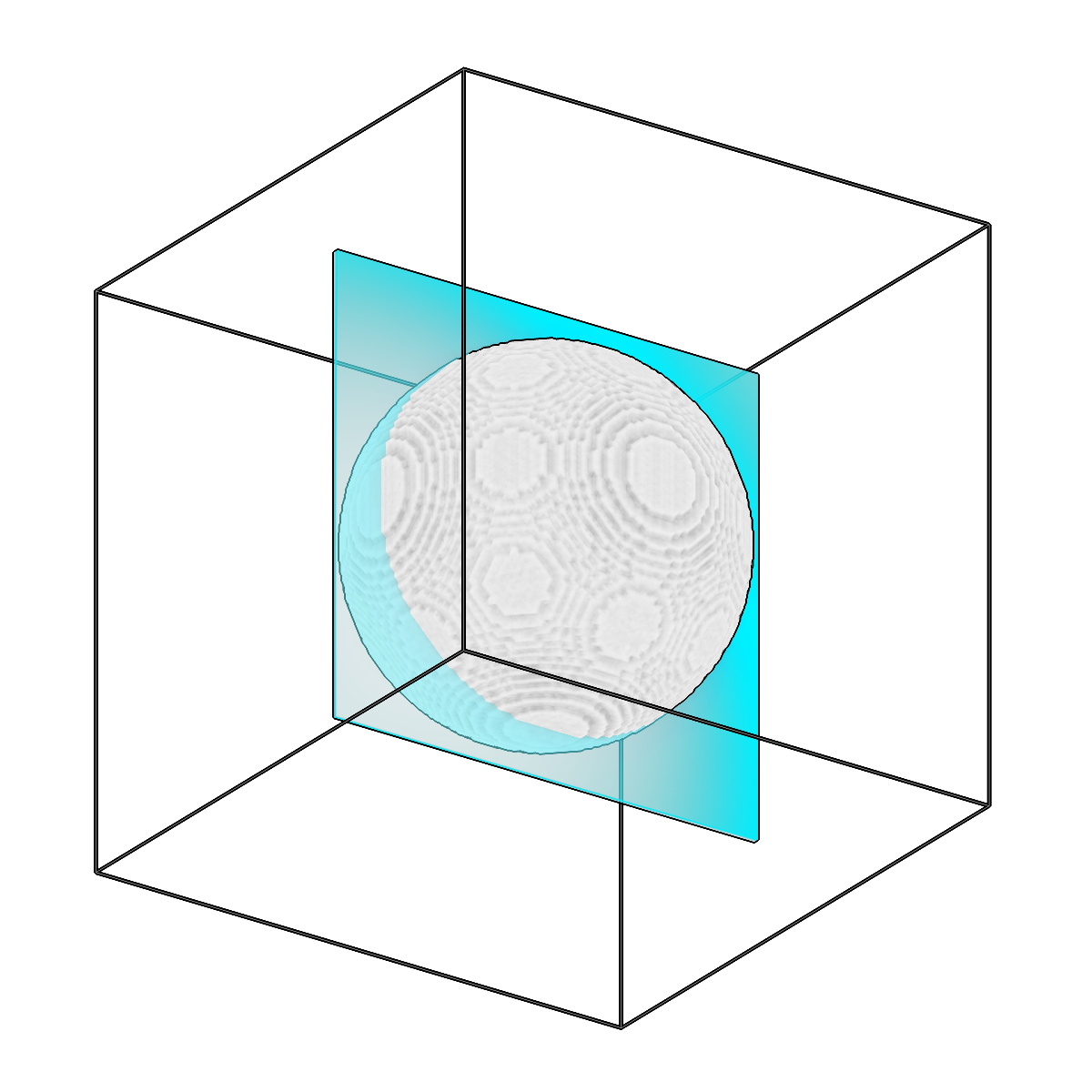
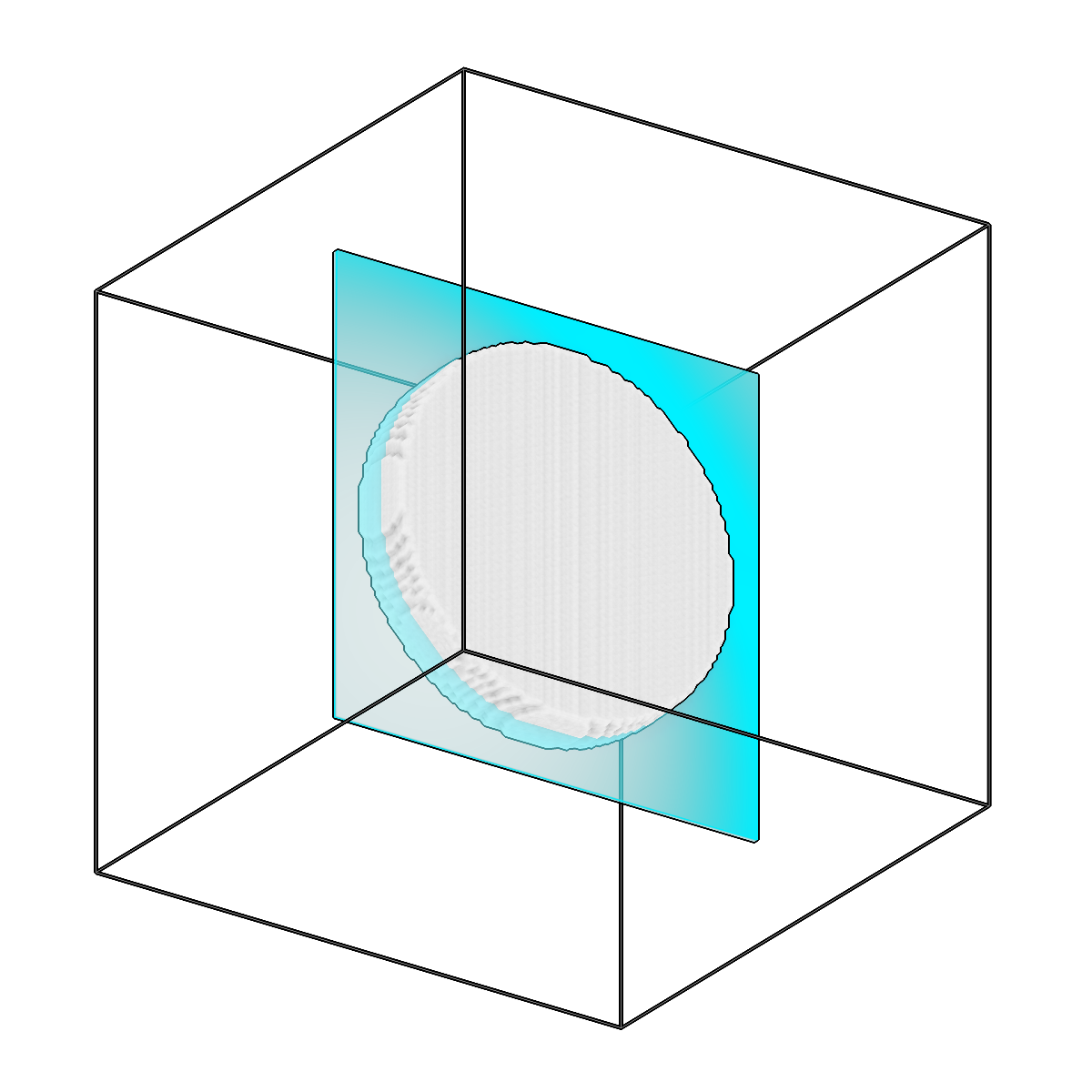
Limit segmentation voxels by distance to a reference.
-
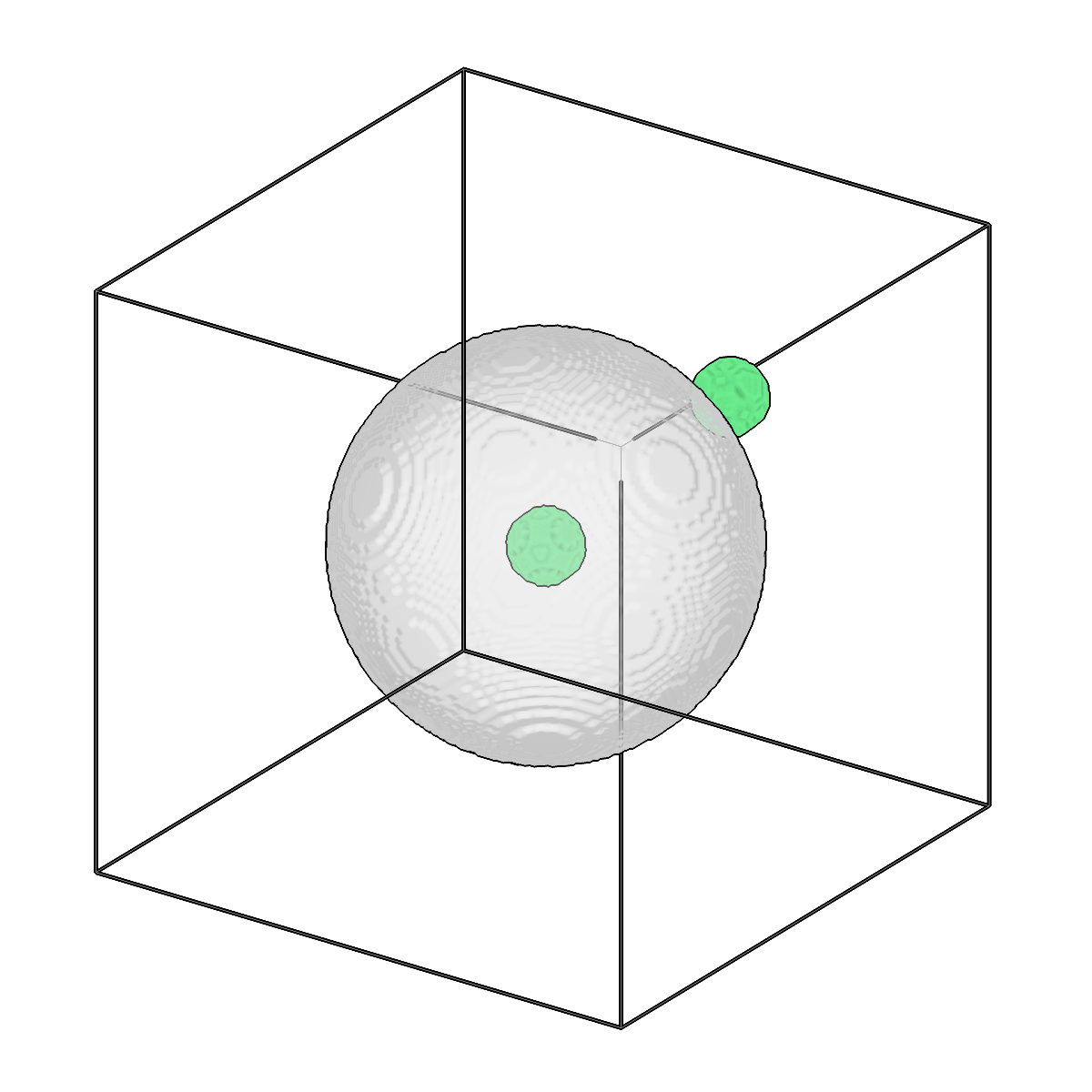
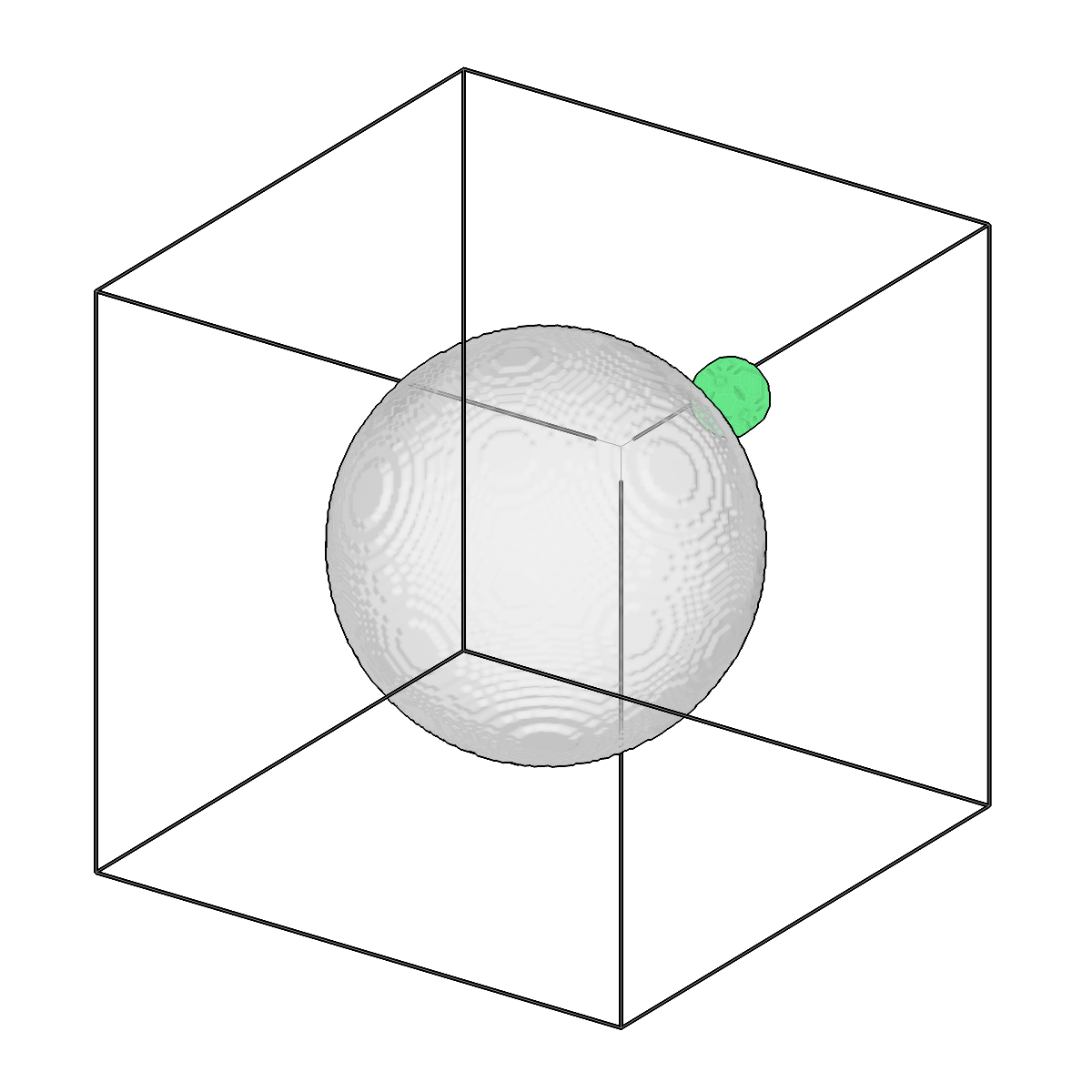
Remove enclosed components from a segmentation.
-
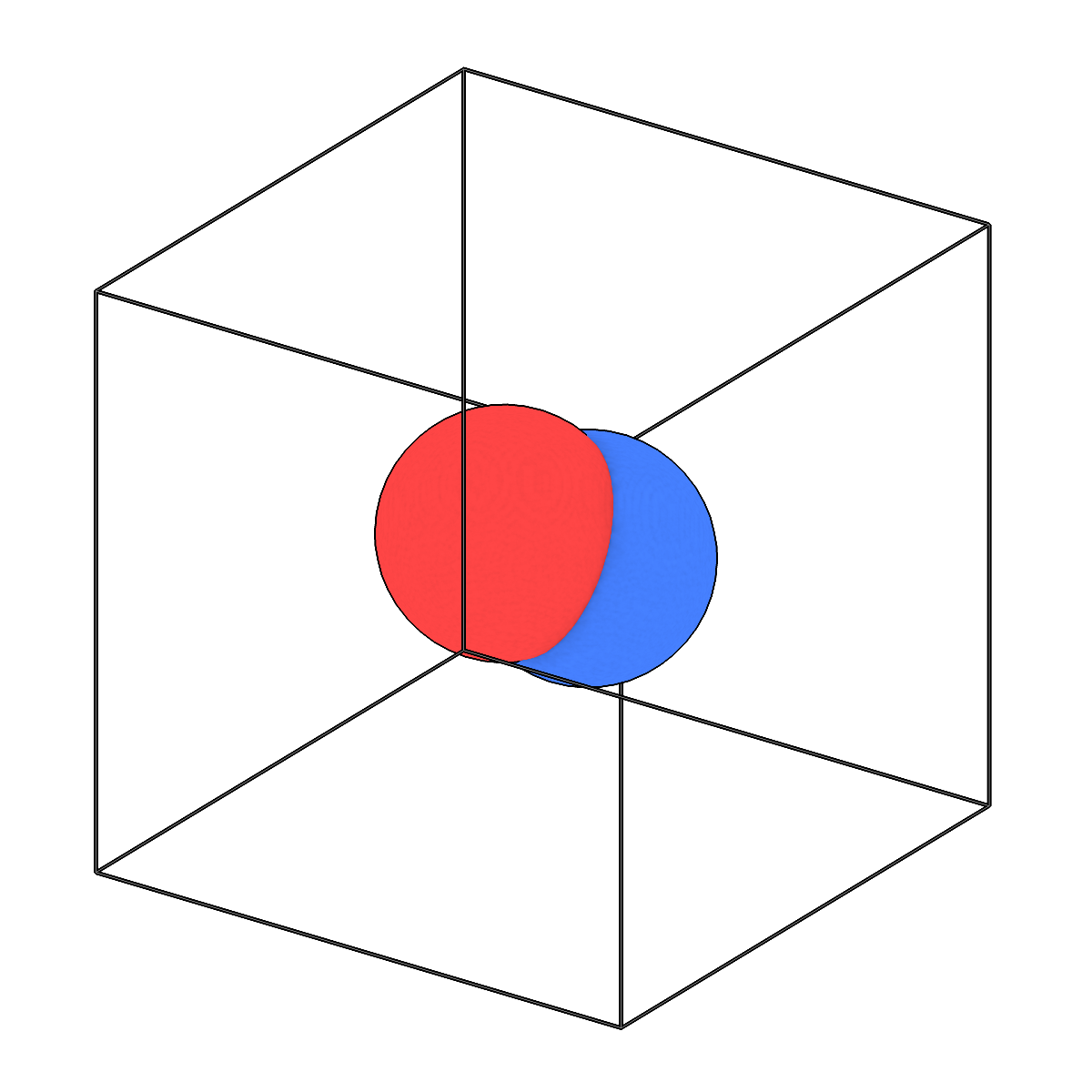
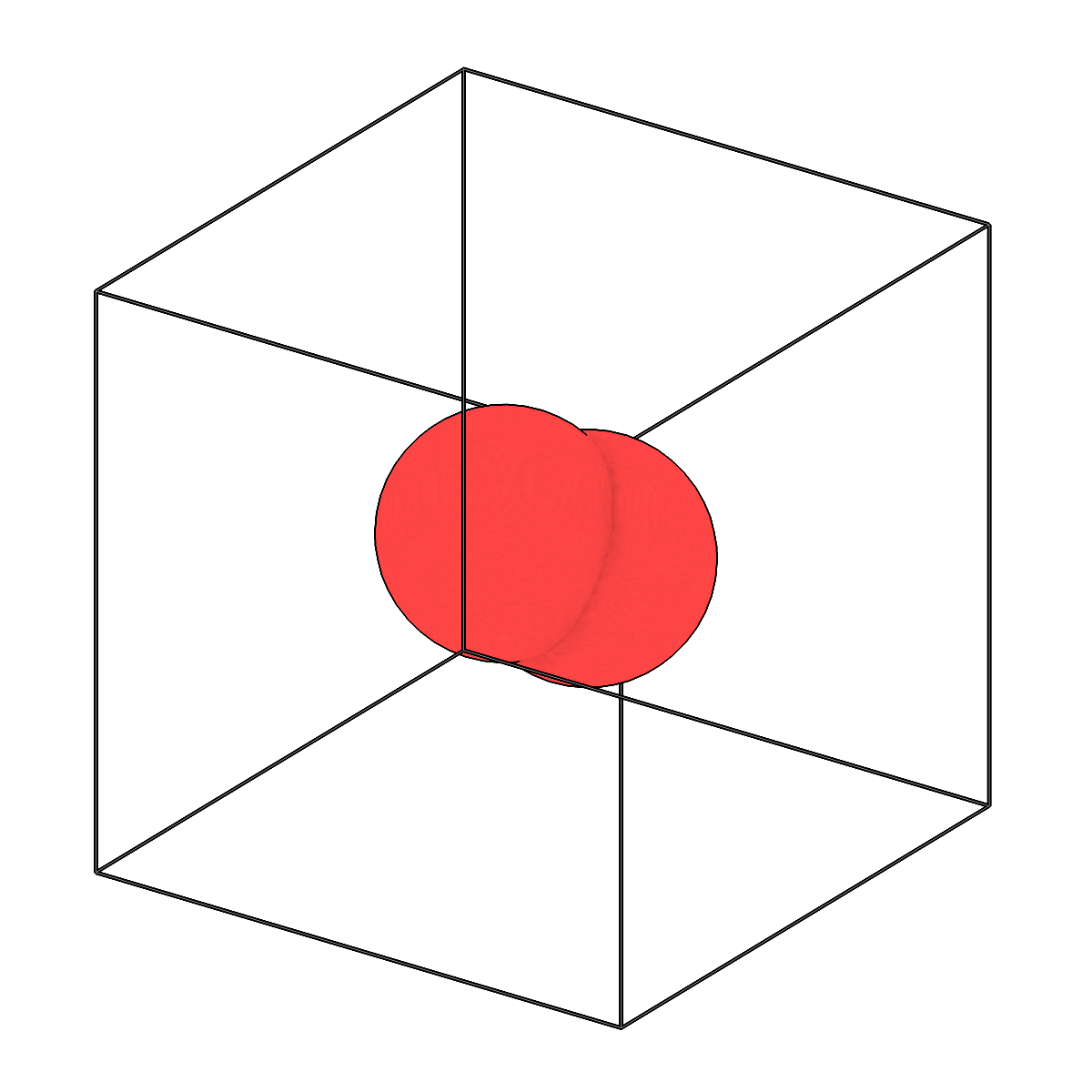
Perform boolean operations between meshes.
-
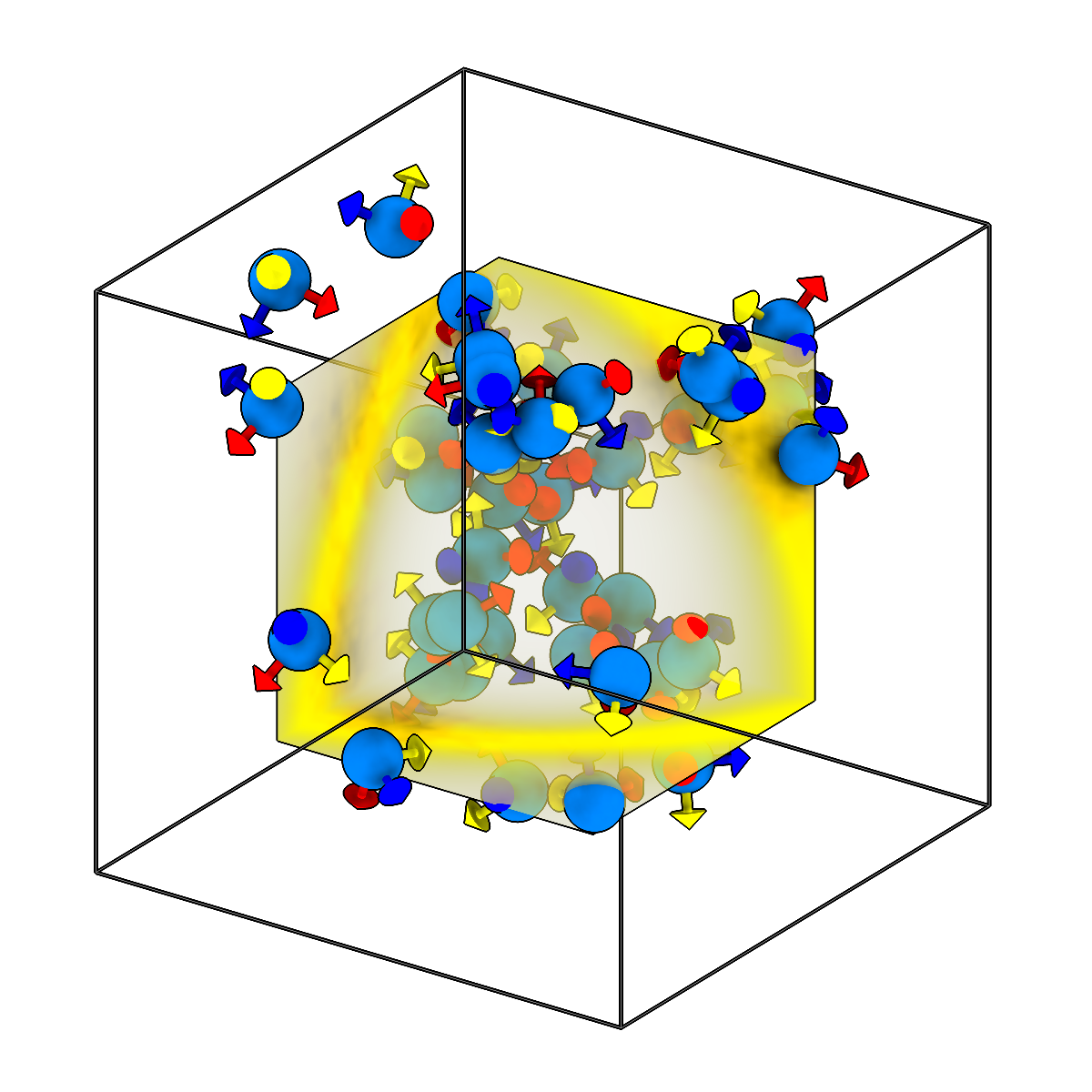
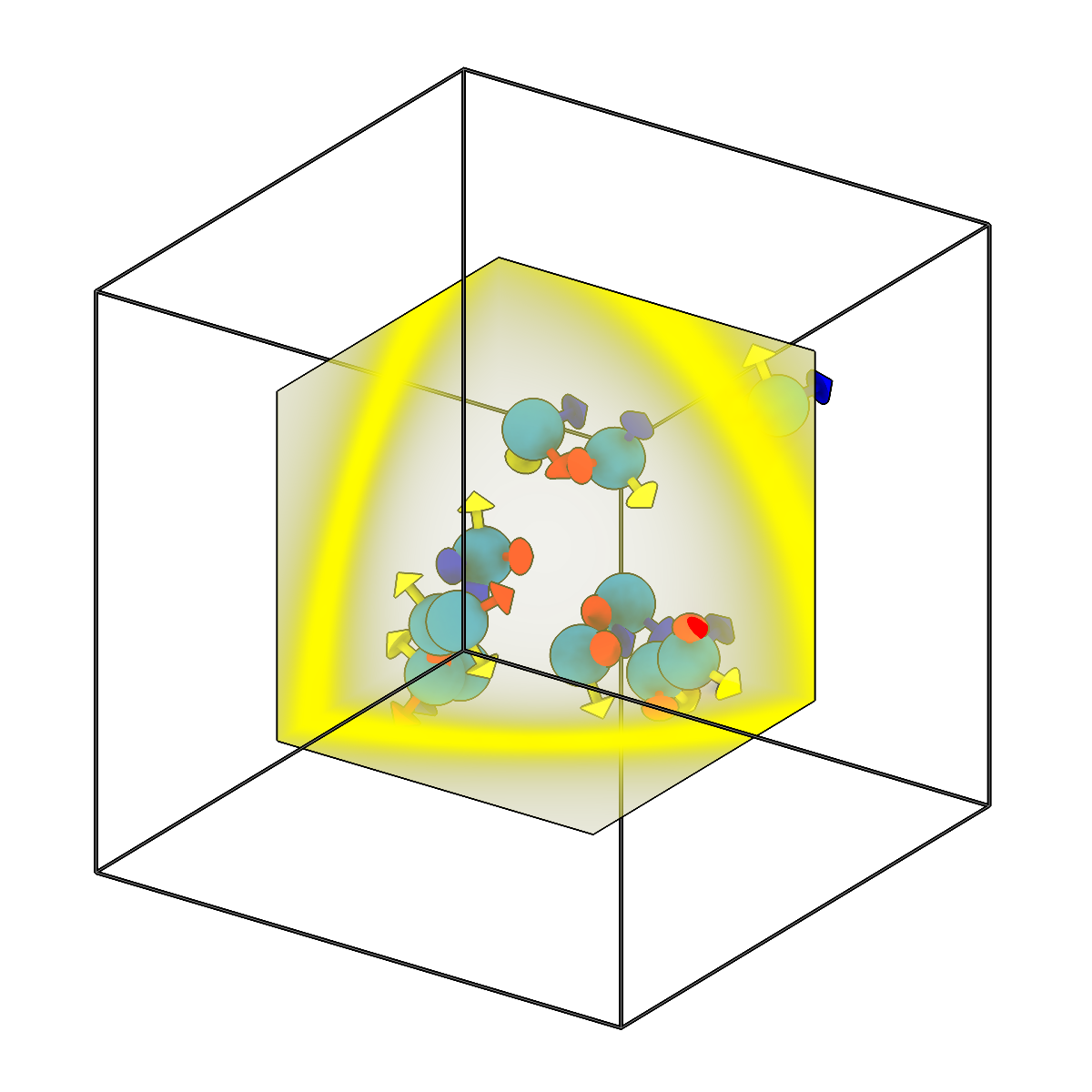
Filter picks to include only those inside a reference volume.
-
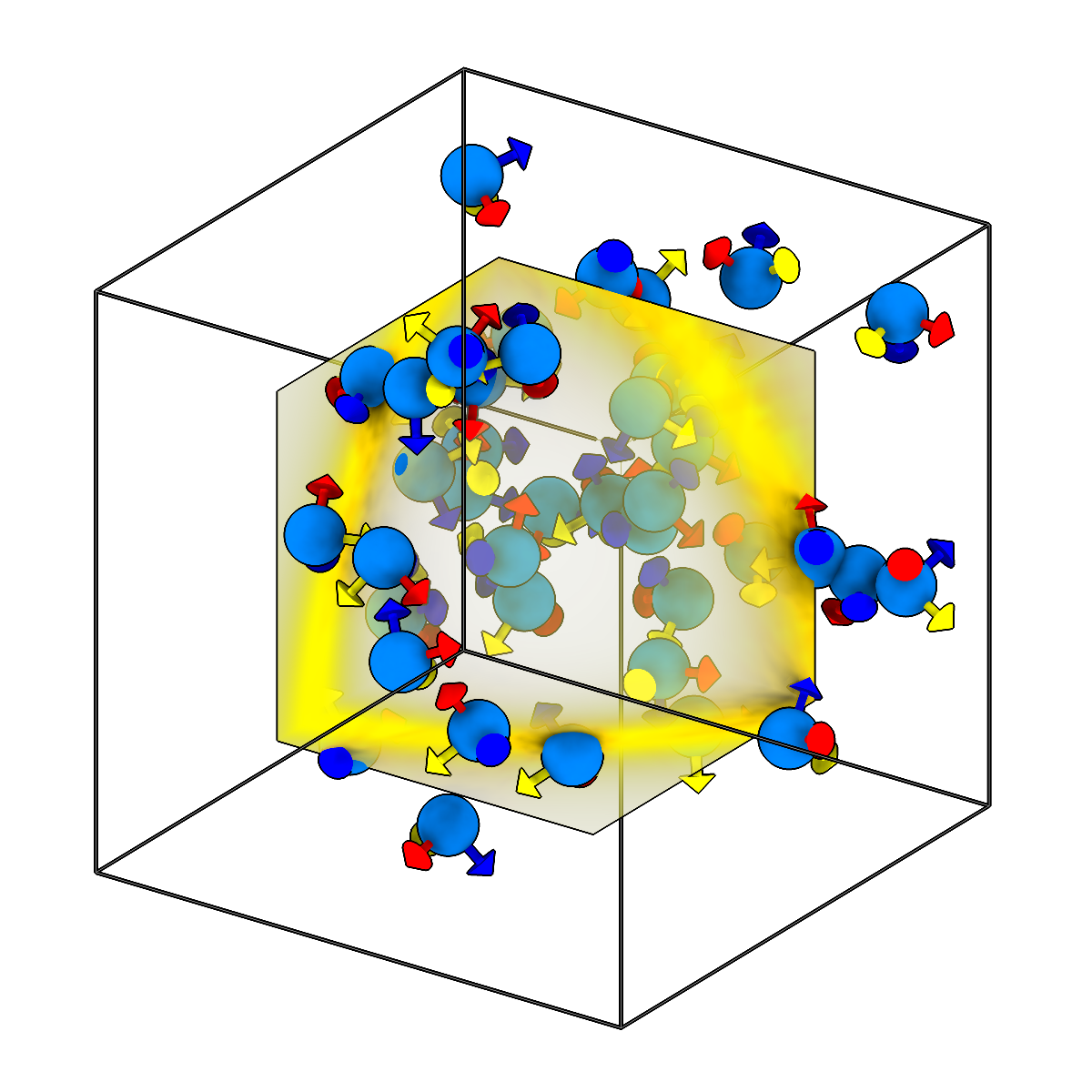
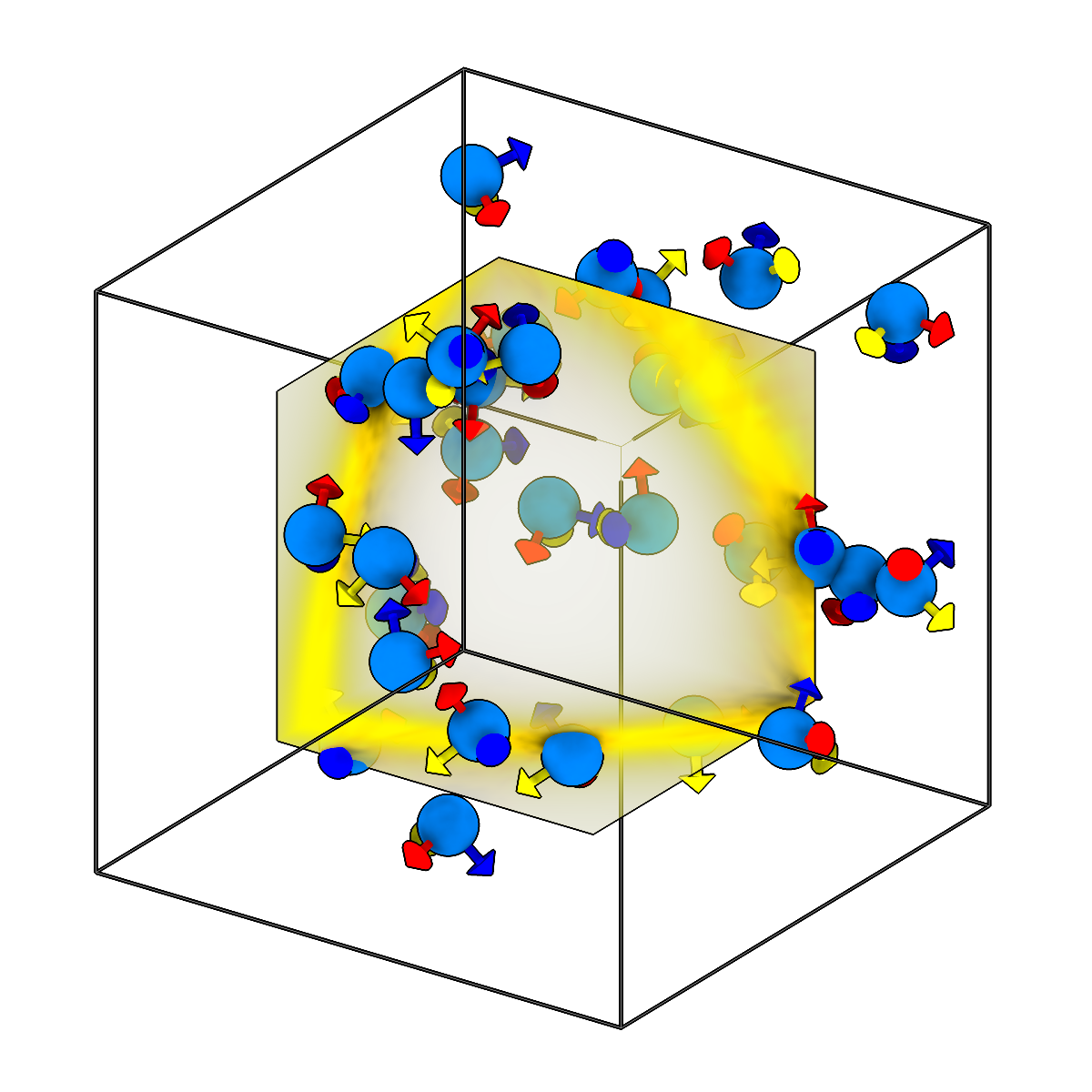
Filter picks to exclude those inside a reference volume.
-
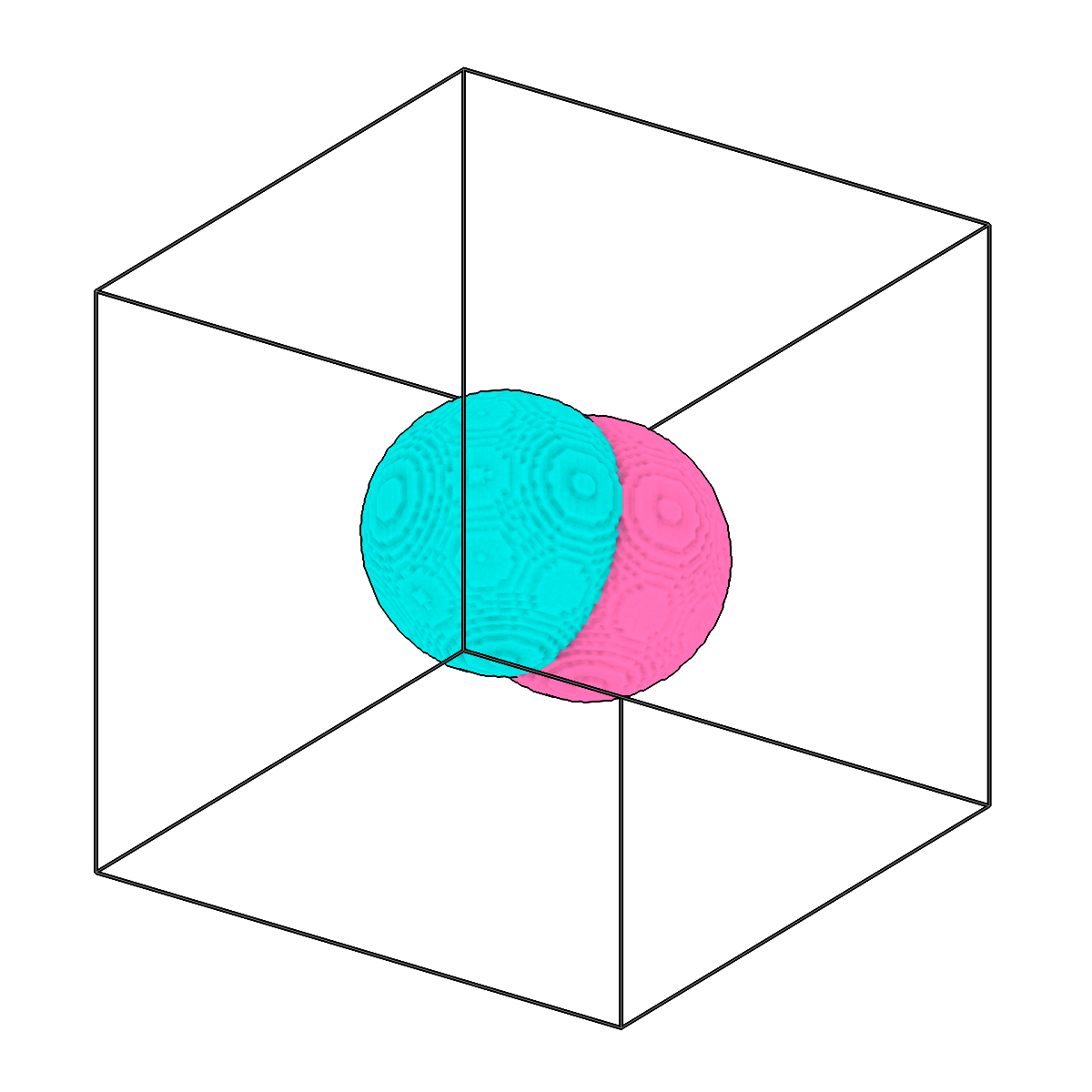
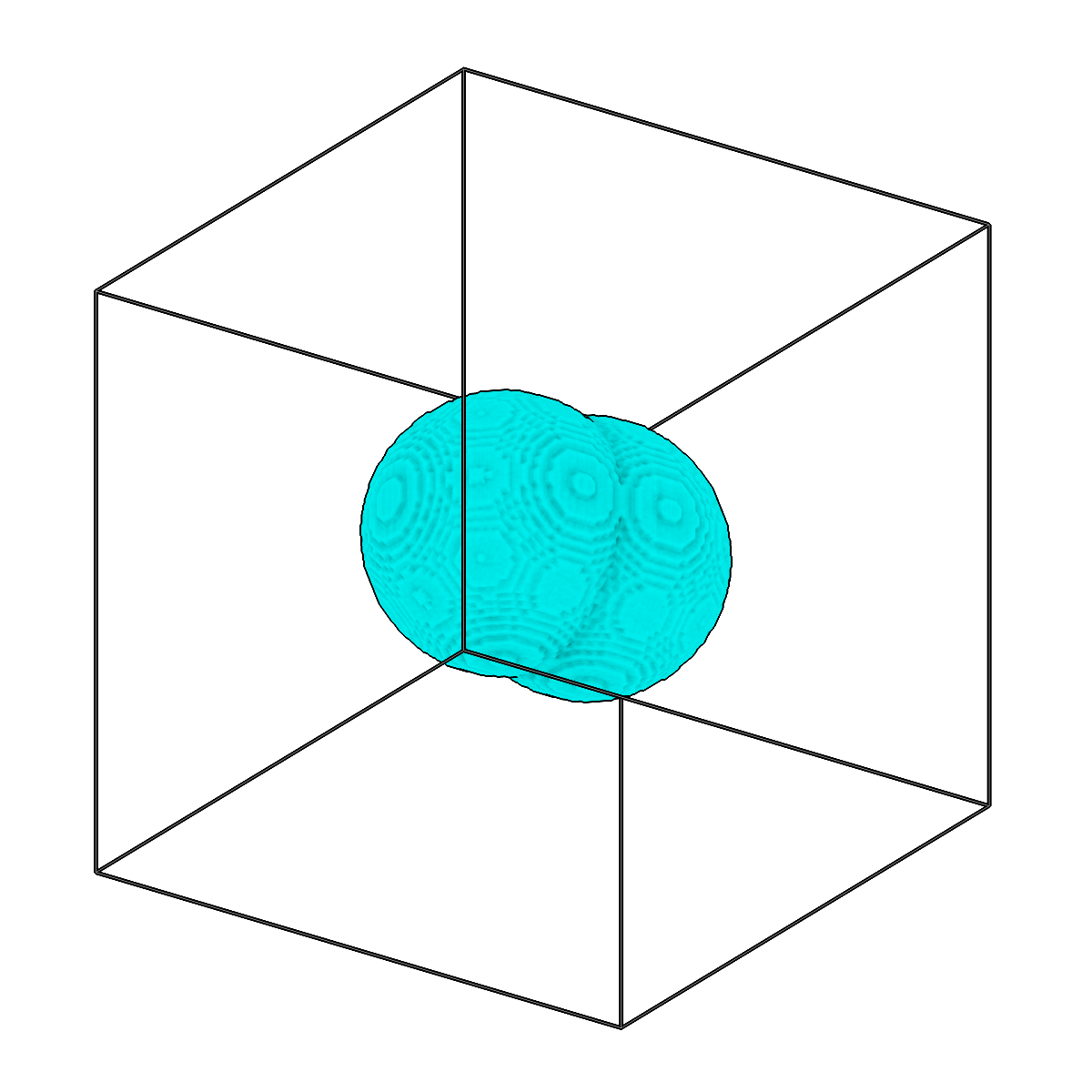
Perform boolean operations between segmentations.