copick convert picks2surface
utils
Convert picks to 2D surface meshes.
Plugin command — copick-utils
This command is provided by the copick-utils plugin, not copick core. Install it to make this command available:
See the plugin system guide for details.
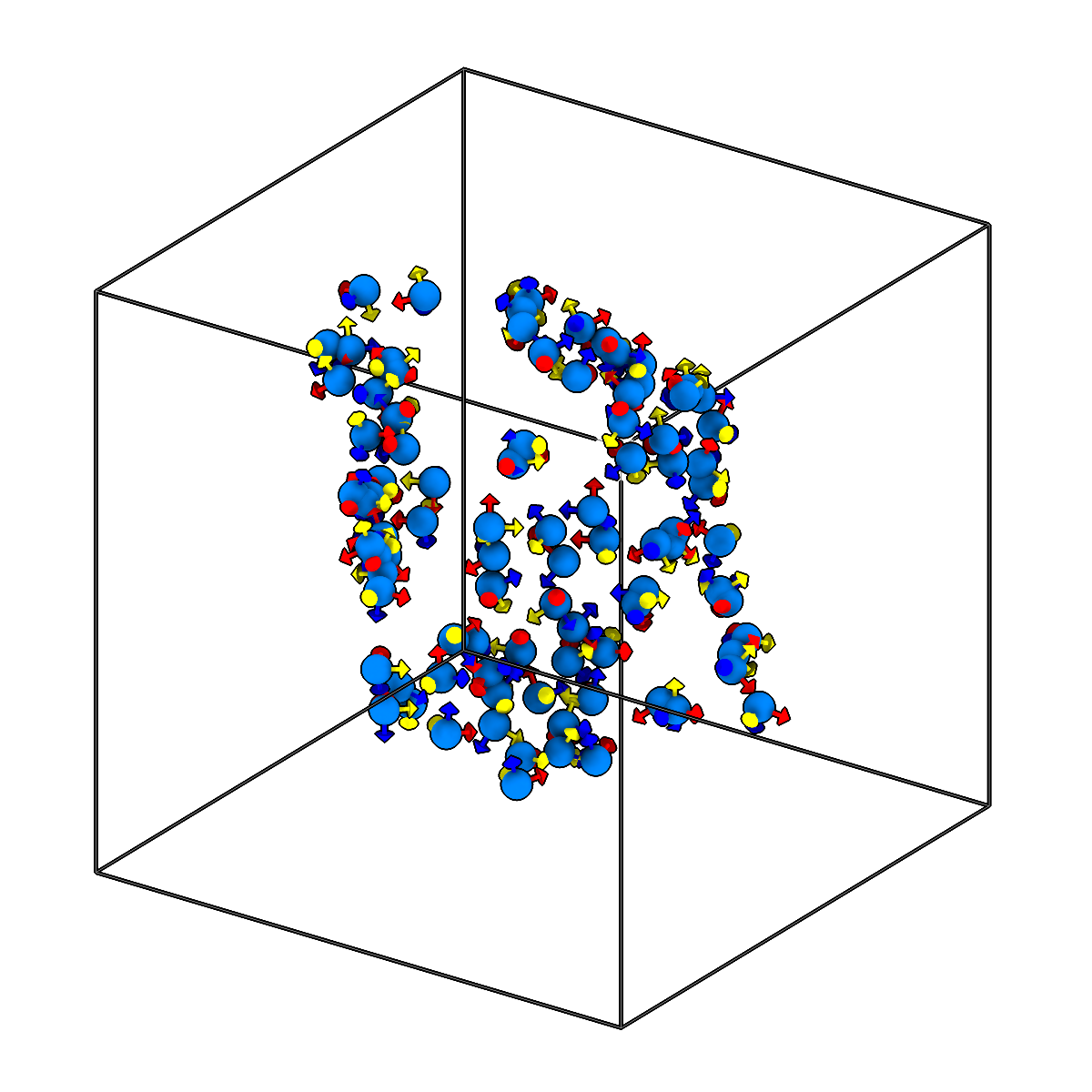
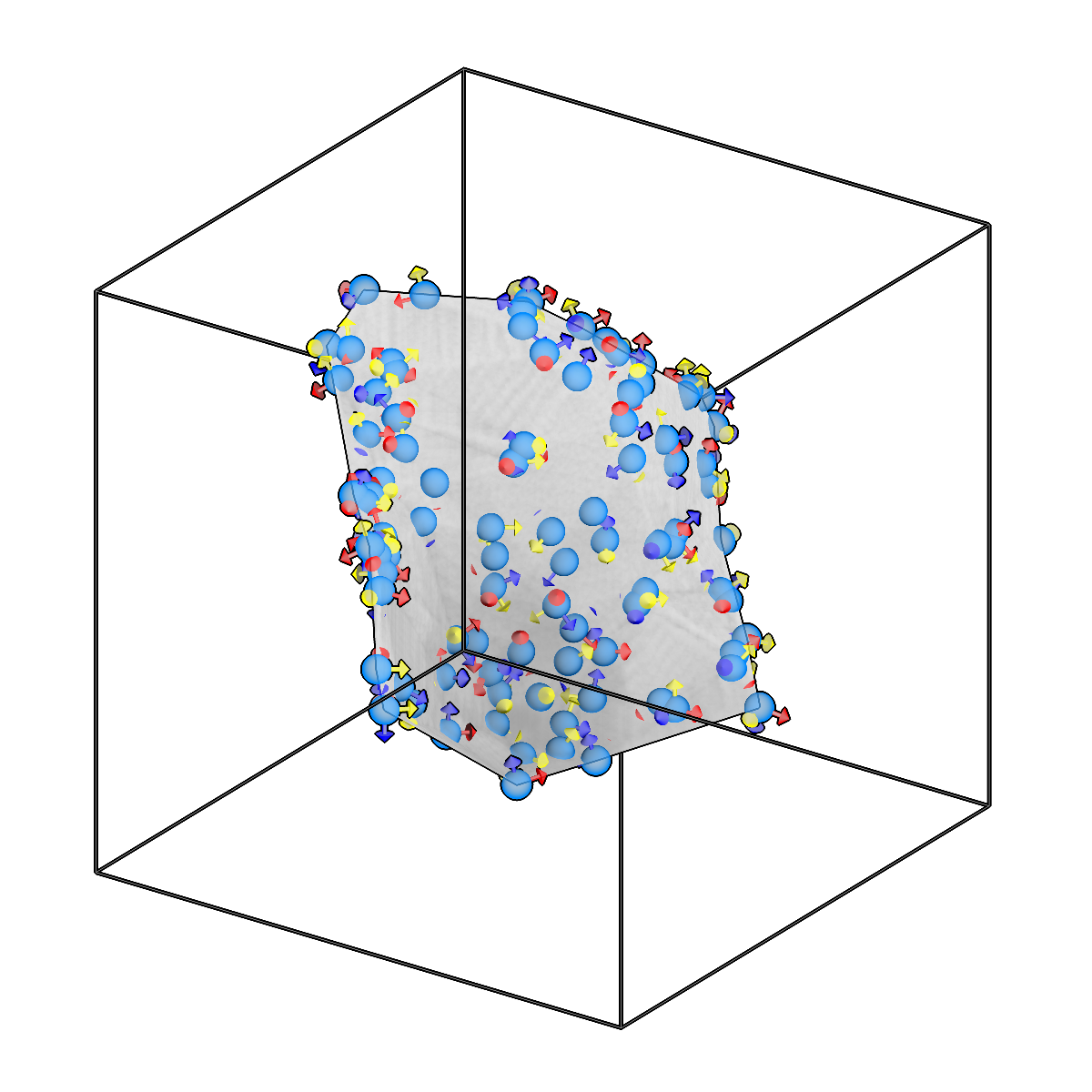
Convert picks to 2D surface meshes.
Usage
Description
Fit an open 2D surface (a sheet-like membrane) through a set of point picks and write it as a mesh. This is useful for reconstructing membranes or other laminar structures sampled by individual particle picks.
Three surface-fitting methods are supported via --surface-method: delaunay (Delaunay
triangulation of the points), rbf (radial-basis-function interpolation onto a regular grid),
and grid (gridded surface at --grid-resolution). Optional clustering can split the picks
into separate instances first; with --individual-meshes each cluster is written to its own
mesh using the {instance_id} placeholder in the output session id.
URI Format
Options
| Option | Type | Default | Description |
|---|---|---|---|
-c, --config |
path | — | Path to the configuration file. |
--run-names, -r |
text · multiple | — | Specific run names to process (default: all runs). Repeatable; pass -r once per run. |
--debug / --no-debug |
boolean flag | False |
Enable debug logging. |
Input Options
| Option | Type | Default | Description |
|---|---|---|---|
--input, -i |
COPICK_URI | required | Input picks URI (format: object_name:user_id/session_id). Supports glob patterns. |
Tool Options
| Option | Type | Default | Description |
|---|---|---|---|
--surface-method |
choice (delaunay | rbf | grid) | delaunay |
Surface fitting method. |
--grid-resolution |
integer | 50 |
Resolution for grid-based surface methods. |
--use-clustering, -cl / --no-use-clustering |
boolean flag | False |
Cluster points before mesh creation. |
--clustering-method |
choice (dbscan | kmeans) | dbscan |
Clustering method. |
--clustering-eps |
float | 1.0 |
DBSCAN eps parameter - maximum distance between points in a cluster (in angstroms). |
--clustering-min-samples |
integer | 3 |
DBSCAN min_samples parameter. |
--clustering-n-clusters |
integer | 1 |
K-means n_clusters parameter. |
--all-clusters, -mm / --largest-cluster-only |
boolean flag | True |
Use all clusters (True) or only the largest cluster (False). |
--workers, -w |
integer | 8 |
Number of worker processes. |
Output Options
| Option | Type | Default | Description |
|---|---|---|---|
--output, -o |
COPICK_URI | required | Output mesh URI. Supports smart defaults (e.g., "membrane", "membrane/my-session", or "/my-session"). Full format: object_name:user_id/session_id. |
--individual-meshes, -im / --no-individual-meshes |
boolean flag | False |
Create individual meshes for each instance (enables {instance_id} placeholder). |
Examples
# Convert single pick set to single surface mesh
copick convert picks2surface -i "membrane:user1/manual-001" -o "membrane:picks2surface/surface-001"

# Create individual surface meshes from clusters
copick convert picks2surface --individual-meshes \
    -i "membrane:user1/manual-001" -o "membrane:picks2surface/surface-{instance_id}"

# Convert all manual picks using pattern matching
copick convert picks2surface -i "membrane:user1/manual-.*" -o "membrane:picks2surface/surface-{input_session_id}"
See also
copick convert picks2plane— fit a single flat plane mesh to pickscopick convert picks2mesh— build a convex-hull or alpha-shape mesh from pickscopick convert mesh2caps— extract the top/bottom cap surfaces of a slab box meshcopick logical clippicks— select picks by distance to a reference surface