copick process skeletonize
utils
Skeletonize segmentations in 3D using pattern matching.
Plugin command — copick-utils
This command is provided by the copick-utils plugin, not copick core. Install it to make this command available:
See the plugin system guide for details.
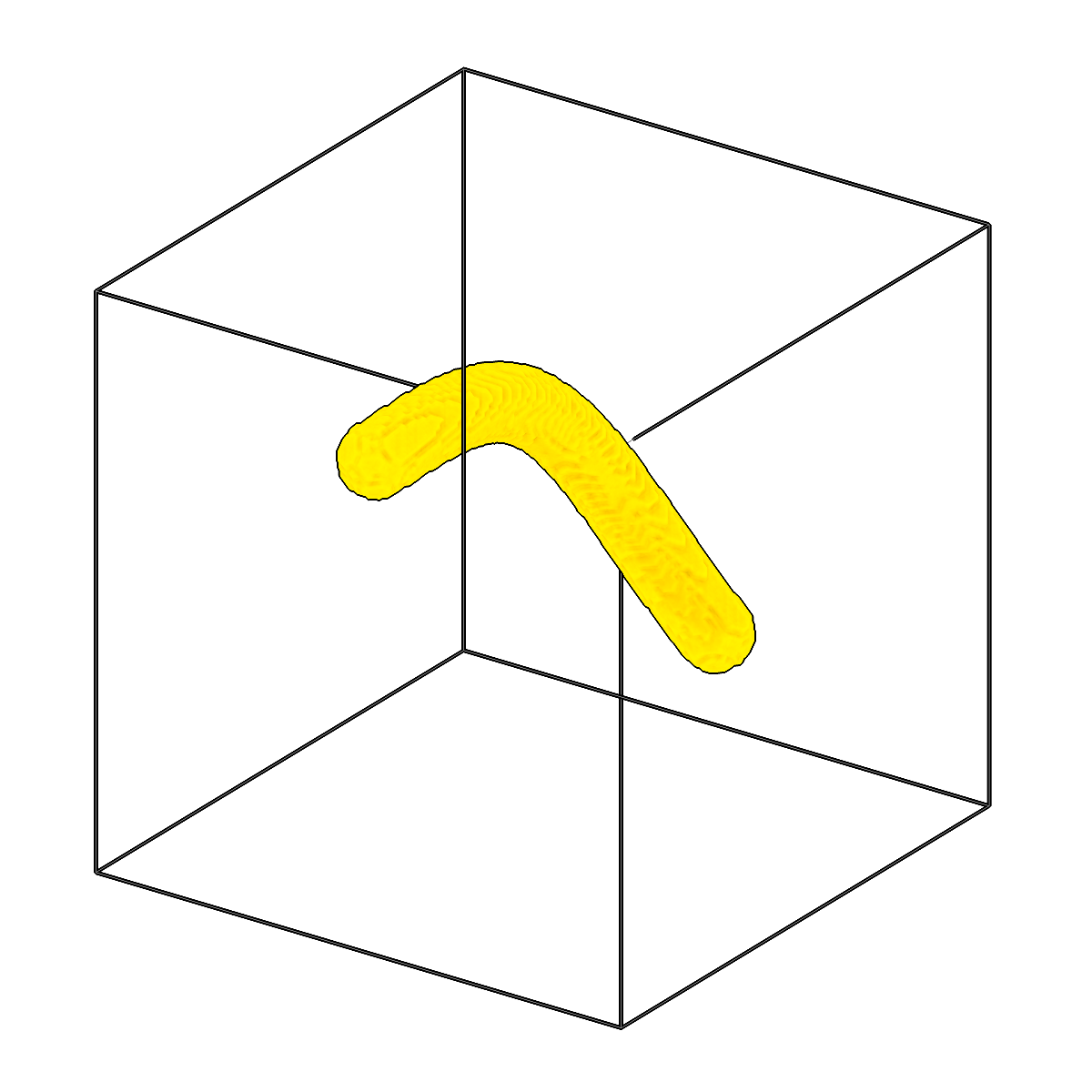
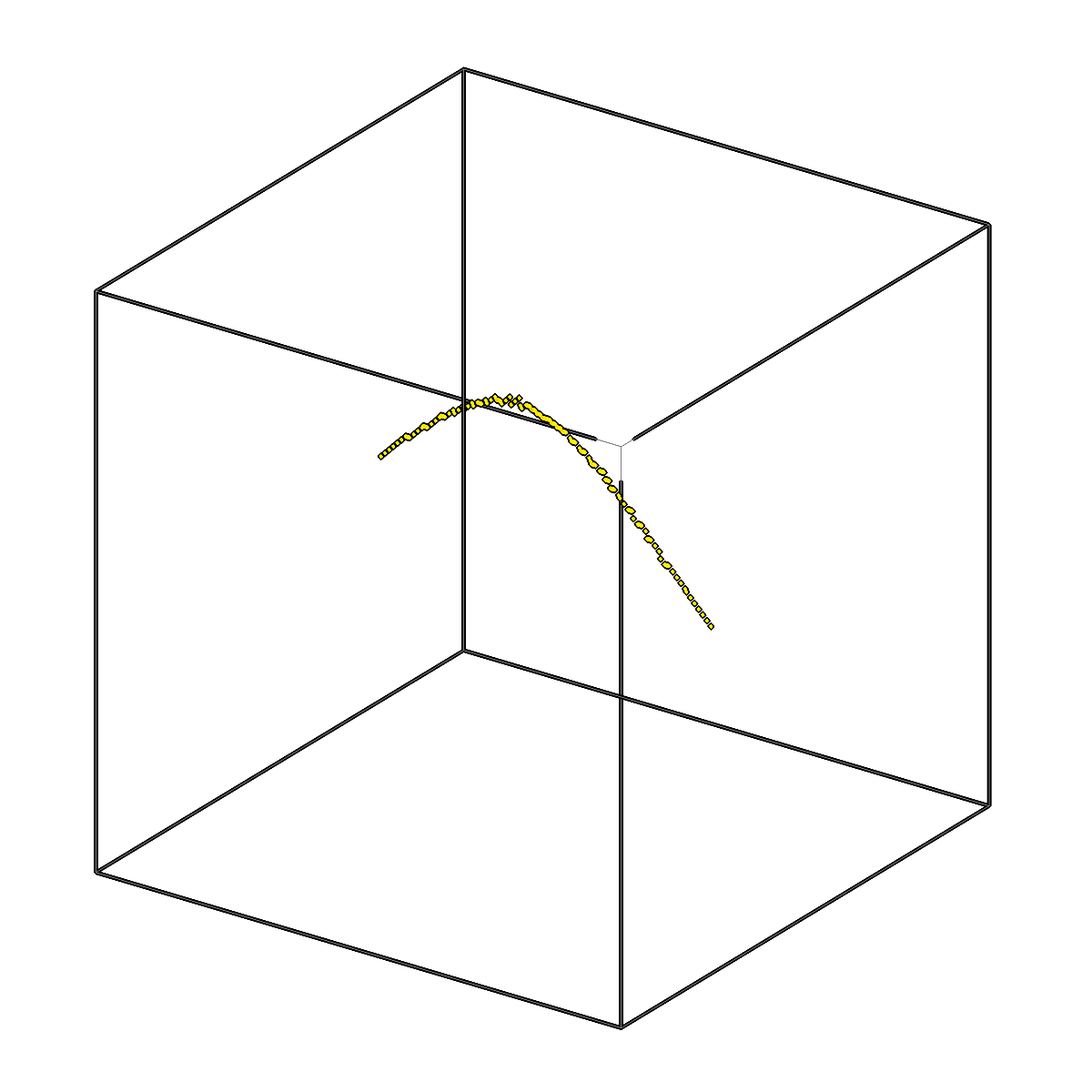
Skeletonize segmentations in 3D using pattern matching.
Usage
Description
Reduces each input segmentation to a 1-voxel-wide medial skeleton, exposing the
centerlines of the objects it contains. Two backends are available: skimage
(scikit-image 3D thinning) and distance_transform (local maxima of the
Euclidean distance transform).
The input session ID is treated as a regex, so a single invocation can skeletonize
many segmentations at once. This pairs naturally with the output of connected-component
separation (e.g. pattern inst-.* to match inst-0, inst-1, etc.). Optional cleanup
removes small objects before thinning and small skeleton pieces afterwards, and
--prune-length prunes short side branches (spurs) off the skeleton. The output takes the
name given in -o.
URI Format
Options
| Option | Type | Default | Description |
|---|---|---|---|
-c, --config |
path | — | Path to the configuration file. |
--run-names, -r |
text · multiple | — | Specific run names to process (default: all runs). Repeatable; pass -r once per run. |
--debug / --no-debug |
boolean flag | False |
Enable debug logging. |
Input Options
| Option | Type | Default | Description |
|---|---|---|---|
--input, -i |
COPICK_URI | required | Input segmentation URI (format: name:user_id/session_id@voxel_spacing). Supports glob patterns. Append ?instance=true or ?panoptic=true to read those segmentation types. |
Tool Options
| Option | Type | Default | Description |
|---|---|---|---|
--method |
choice (skimage | distance_transform) | skimage |
Skeletonization method. |
--remove-noise / --keep-noise |
boolean flag | True |
Remove small objects before skeletonization. |
--min-object-size |
integer | 50 |
Minimum size of objects to keep during preprocessing. |
--remove-short-branches / --keep-short-branches |
boolean flag | True |
Remove small skeleton pieces (whole connected pieces with fewer than --min-branch-length voxels). To shorten side branches of a larger skeleton, use --prune-length. |
--min-branch-length |
integer | 5 |
Minimum number of voxels of a skeleton piece to keep (see --remove-short-branches). |
--prune-length |
float | — | Prune side branches (spurs) of the skeleton shorter than this (unit: --length-unit). Unset: no pruning. |
--length-unit |
choice (angstrom | voxel) | angstrom |
Unit of --prune-length. |
--workers, -w |
integer | 8 |
Number of worker processes. |
Output Options
| Option | Type | Default | Description |
|---|---|---|---|
--output, -o |
COPICK_URI | required | Output segmentation URI. Supports smart defaults (e.g., "membrane", "membrane/my-session", or "/my-session"). Full format: object_name:user_id/session_id@voxel_spacing. Append ?instance=true or ?panoptic=true to write those segmentation types. |
Examples
# Skeletonize a single segmentation (exact session match)
copick process skeletonize -i "membrane:user1/inst-0@10.0" -o "membrane:skel/skel-0@10.0"

# Skeletonize every instance matched by a session-ID pattern
copick process skeletonize -i "membrane:user1/inst-.*@10.0" \
    -o "membrane:skel/skel-{input_session_id}@10.0"

# Prune side branches shorter than 20 nm
copick process skeletonize -i "microtubule:easymode/job006@10.0" -o "microtubule:skel/job006@10.0" \
    --prune-length 200

# Use the distance-transform backend and keep short branches
copick process skeletonize --method distance_transform --keep-short-branches \
    -i "membrane:user1/inst-.*@10.0" -o "membrane:skel/skel-{input_session_id}@10.0"
See also
copick process separate-components— split a segmentation into the inst-* instances skeletonized herecopick process filter-components— drop small connected components before skeletonizing