copick convert picks2slab
torch
Fit spline surfaces to two pick sets and create a slab mesh.
Plugin command — copick-torch
This command is provided by the copick-torch plugin, not copick core. Install it to make this command available:
See the plugin system guide for details.
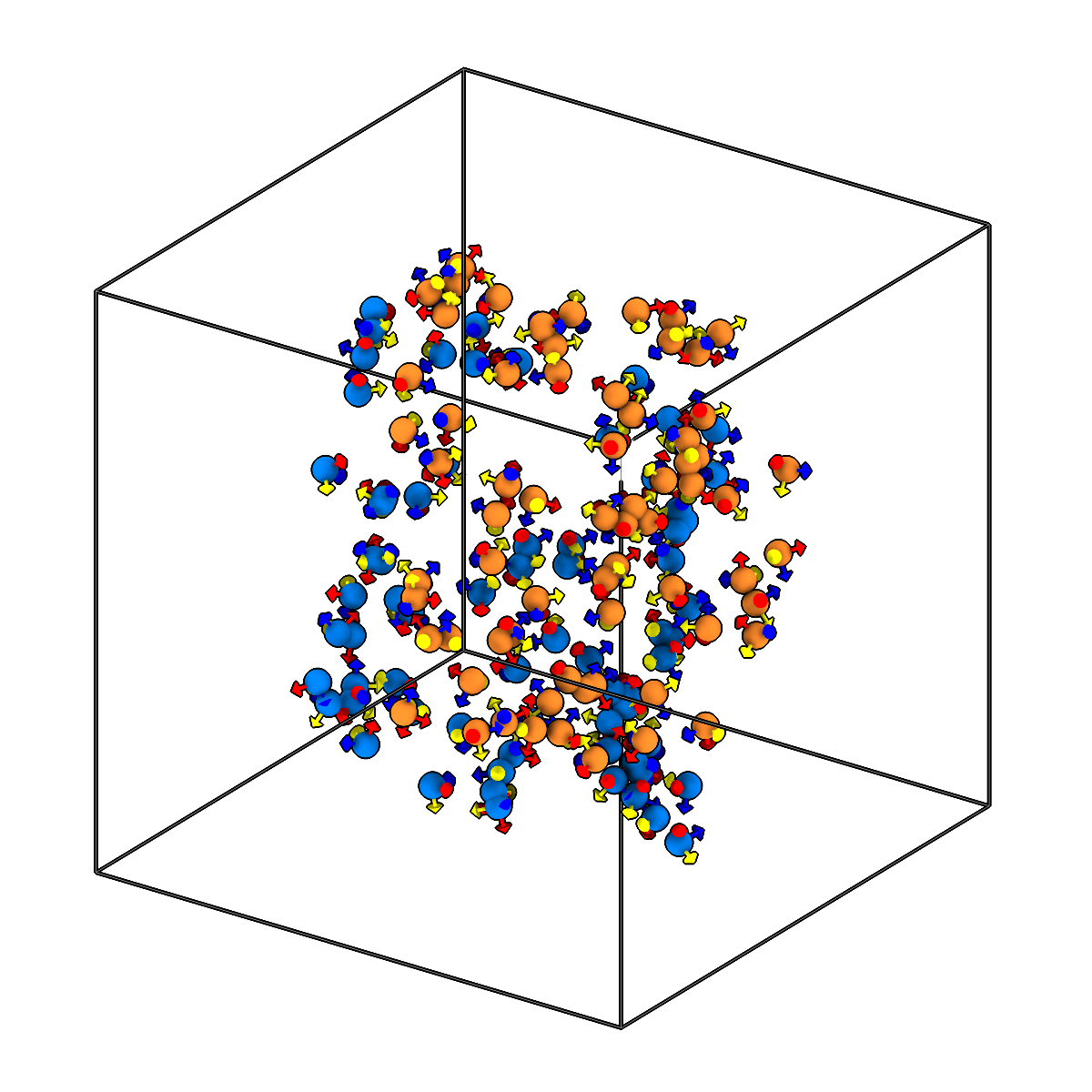
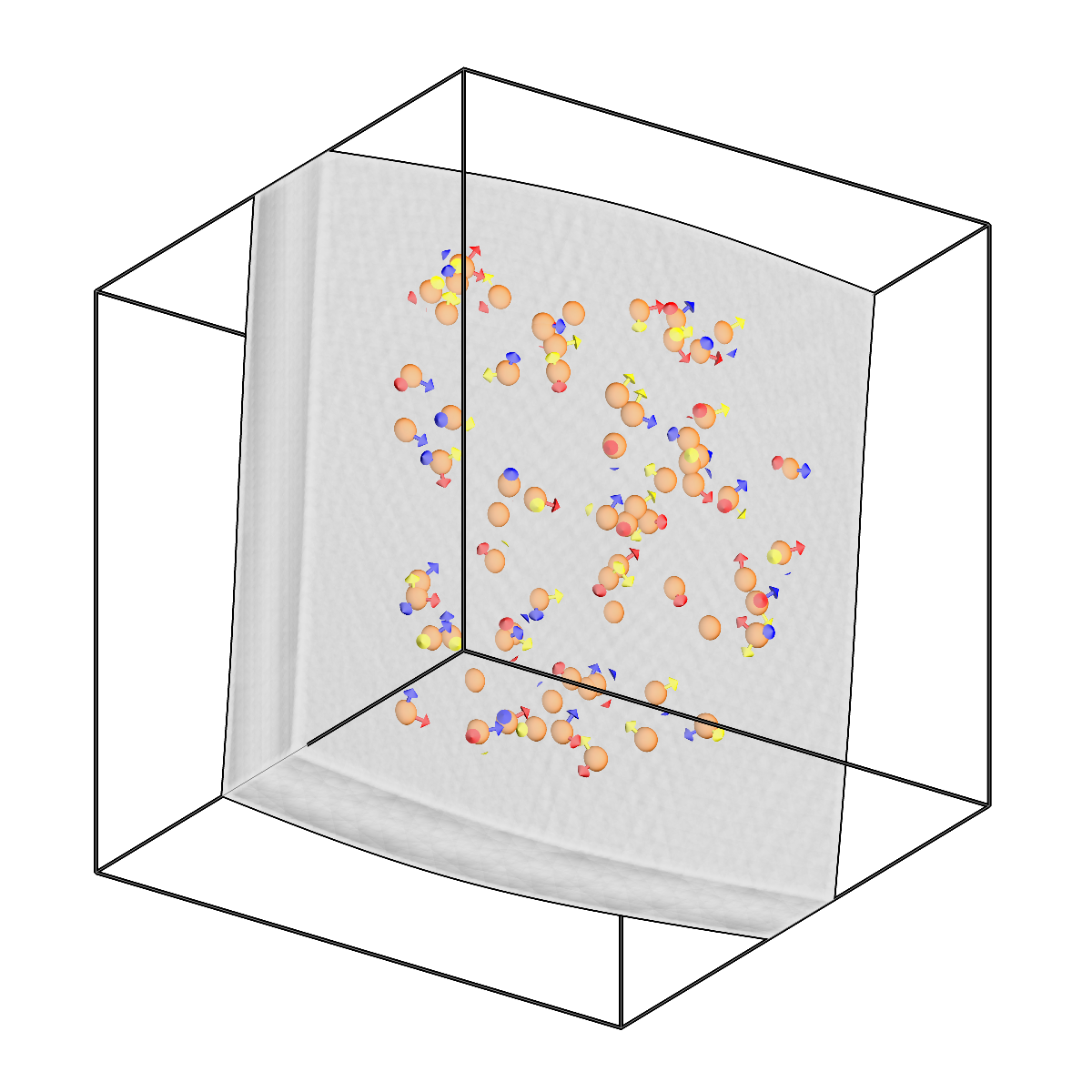
Fit spline surfaces to two pick sets and create a slab mesh.
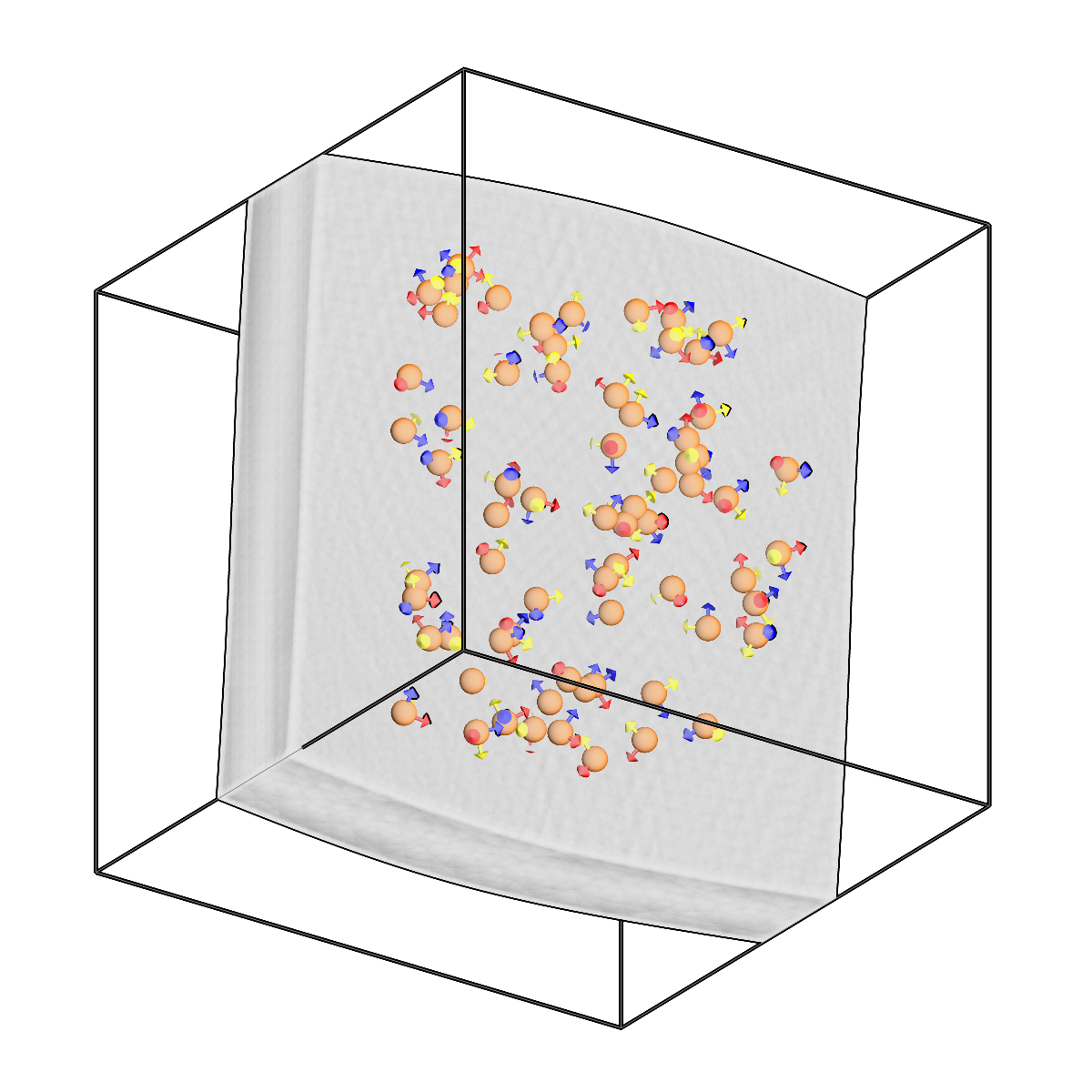
Fit spline surfaces to two pick sets and create a slab mesh.
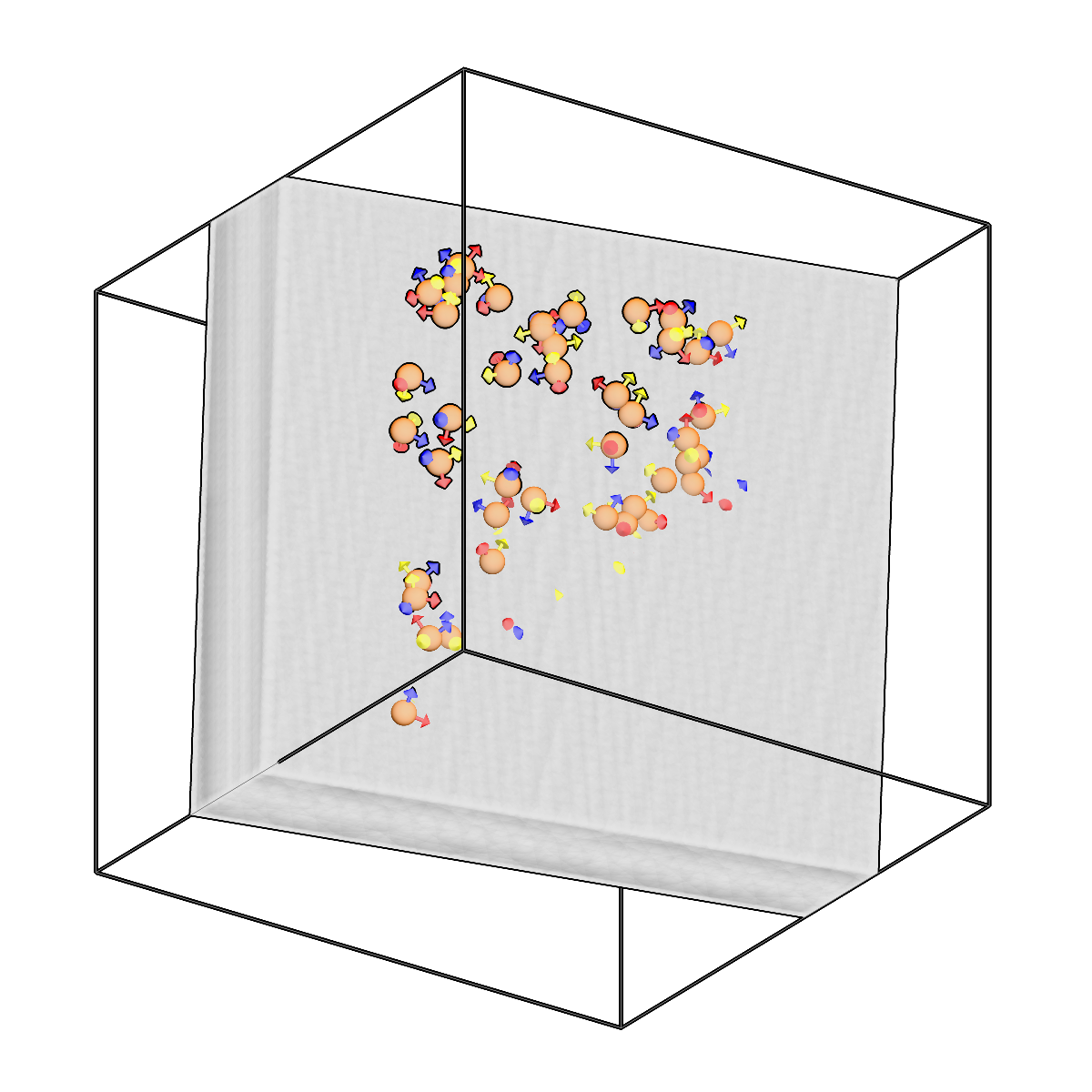
Fit spline surfaces to two pick sets and create a slab mesh.
Usage
Description
Fit surfaces to two pick sets and create a closed slab mesh.
Takes two sets of picks (e.g. top-layer and bottom-layer boundary annotations) and fits surfaces to each. Three methods are available:
- spline (default): Fits two independent cubic B-spline surfaces, one per pick set. Produces smooth, flexible surfaces that follow the curvature of the picks. The two surfaces are unconstrained relative to each other.
- coupled: Fits one shared curved B-spline surface plus two z-offsets, so both layers share a single curvature and stay exactly parallel (constant gap). A curved-but-parallel slab; the middle ground between spline and parallel.
- parallel: Fits two parallel planes with a shared normal vector and different offsets. Produces flat, rigid surfaces guaranteed to be parallel.
For the spline and coupled methods, --regularization adds a bending-energy (curvature) penalty: higher values flatten the fitted surface(s), which is useful to keep a deformed slab from over-curving.
The fitted surfaces are connected with side walls to form a closed, watertight slab mesh.
URI Format
Picks: object_name:user_id/session_id
Meshes: object_name:user_id/session_id
Tomograms: tomo_type@voxel_spacing
Options
| Option | Type | Default | Description |
|---|---|---|---|
-c, --config |
path | — | Path to the configuration file. |
--run-names, -r |
text · multiple | — | Specific run names to process (default: all runs). Repeatable; pass -r once per run. |
--debug / --no-debug |
boolean flag | False |
Enable debug logging. |
Input Options
| Option | Type | Default | Description |
|---|---|---|---|
--input1, -i1 |
COPICK_URI | required | First input picks URI (format: object_name:user_id/session_id). Supports glob patterns. |
--input2, -i2 |
COPICK_URI | required | Second input picks URI (format: object_name:user_id/session_id). Supports glob patterns. |
Tool Options
| Option | Type | Default | Description |
|---|---|---|---|
--tomogram, -t |
COPICK_URI | required | Tomogram URI (format: tomo_type@voxel_spacing). Example: 'wbp@10.0' |
--method |
choice (spline | parallel | coupled) | spline |
Surface fitting method: 'spline' fits two independent B-spline surfaces, 'coupled' fits one shared curved surface with two offsets (curved but exactly parallel slab), 'parallel' fits two flat parallel planes (shared normal, two offsets). |
--grid-resolution |
integer | (5, 5) |
B-spline knot grid resolution (rows cols). Used with --method spline and coupled. |
--regularization |
float | 0.0 |
Curvature (bending-energy) penalty weight for --method spline and coupled; higher = flatter. Ignored for --method parallel. |
--fit-resolution |
integer | (50, 50) |
Output mesh grid resolution (rows cols). |
--num-iterations |
integer | 500 |
Number of optimization iterations per surface. |
--learning-rate |
float | 0.1 |
Learning rate for Adam optimizer. |
--workers, -w |
integer | 8 |
Number of worker processes. |
Output Options
| Option | Type | Default | Description |
|---|---|---|---|
--output, -o |
COPICK_URI | required | Output mesh URI. Supports smart defaults (e.g., "membrane", "membrane/my-session", or "/my-session"). Full format: object_name:user_id/session_id. |
Examples
# Fit slab with flexible spline surfaces (default)
copick convert picks2slab -c config.json \
    -i1 "top-layer:bob/1" -i2 "bottom-layer:bob/1" \
    -t "wbp@7.84" \
    -o "sample:picks2slab/0"

# Fit a curved-but-parallel slab (shared surface), gently regularized
copick convert picks2slab -c config.json \
    -i1 "top-layer:bob/1" -i2 "bottom-layer:bob/1" \
    -t "wbp@7.84" --method coupled --regularization 5 \
    -o "sample:picks2slab/0"

# Fit slab with parallel planes
copick convert picks2slab -c config.json \
    -i1 "top-layer:bob/1" -i2 "bottom-layer:bob/1" \
    -t "wbp@7.84" --method parallel \
    -o "sample:picks2slab/0"

# With custom spline and mesh resolution
copick convert picks2slab -c config.json \
    -i1 "top-layer:user1/manual" -i2 "bottom-layer:user1/manual" \
    -t "wbp@10.0" \
    --grid-resolution 7 7 --fit-resolution 100 100 \
    -o "sample:picks2slab/fitted"
See also
copick convert seg2slab— fit a slab mesh to a boundary segmentation instead of pickscopick convert mesh2caps— extract the top/bottom cap surfaces of the resulting slab mesh