copick logical clipmesh
utils
Limit mesh vertices within distance of a reference surface.
Plugin command — copick-utils
This command is provided by the copick-utils plugin, not copick core. Install it to make this command available:
See the plugin system guide for details.
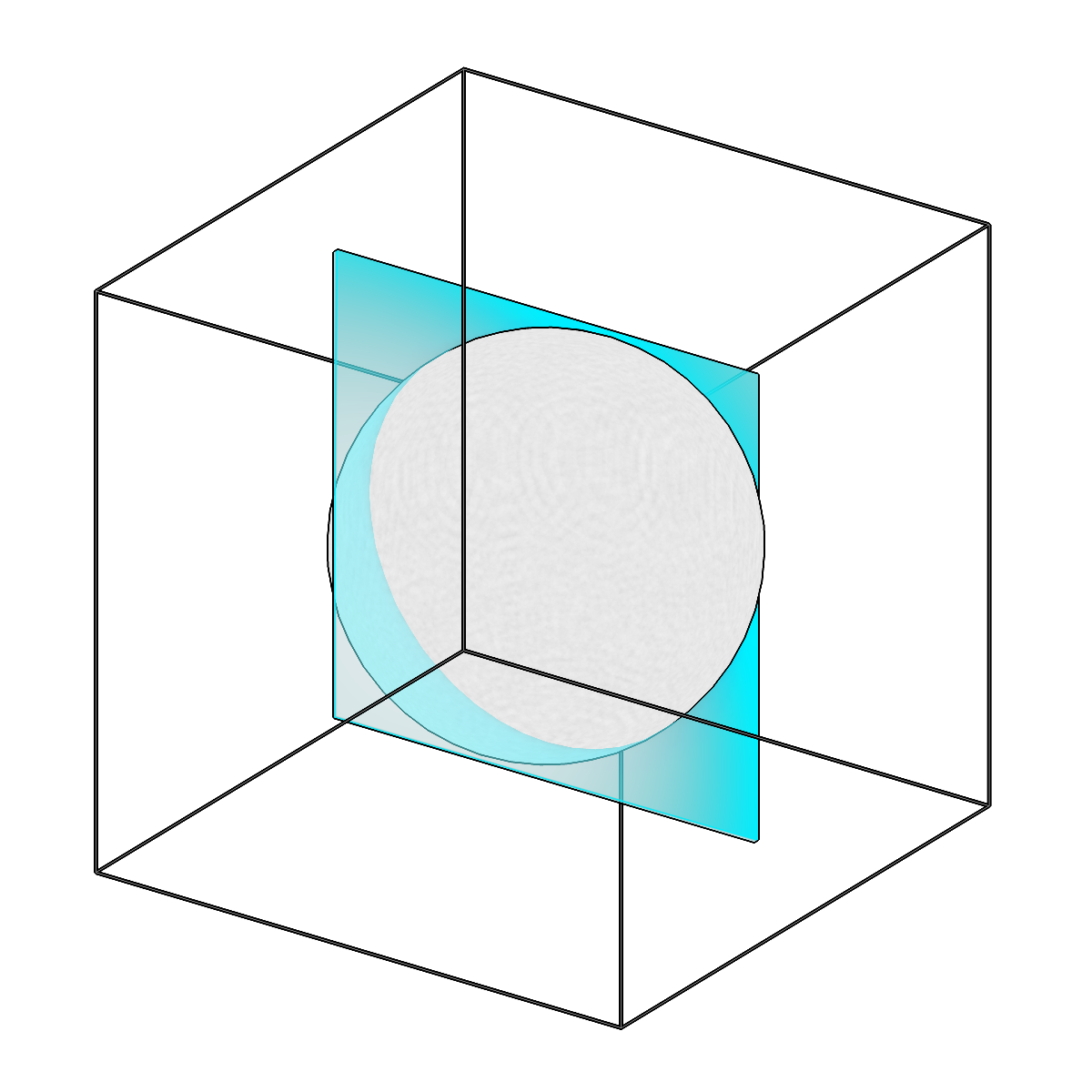
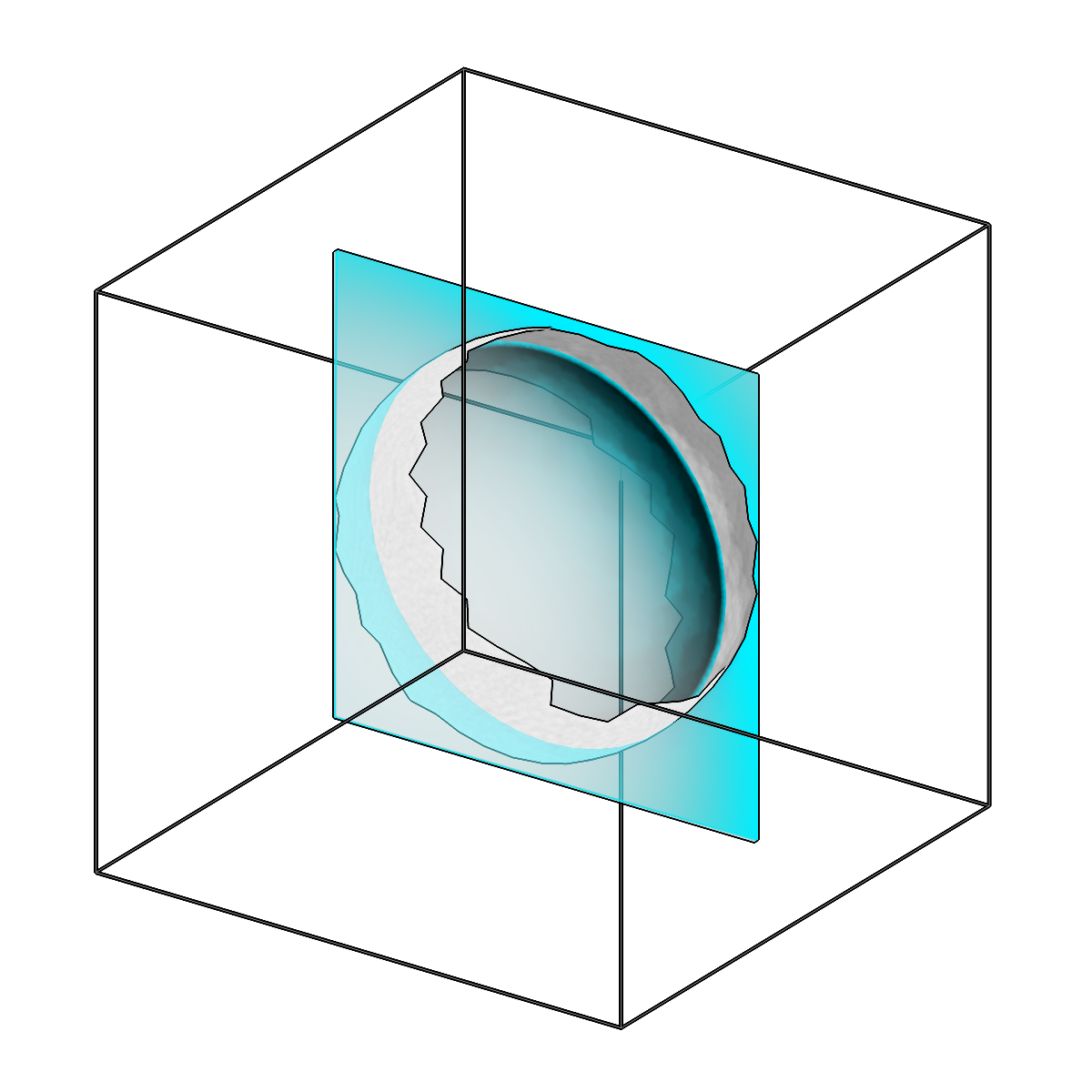
Limit mesh vertices within distance of a reference surface.
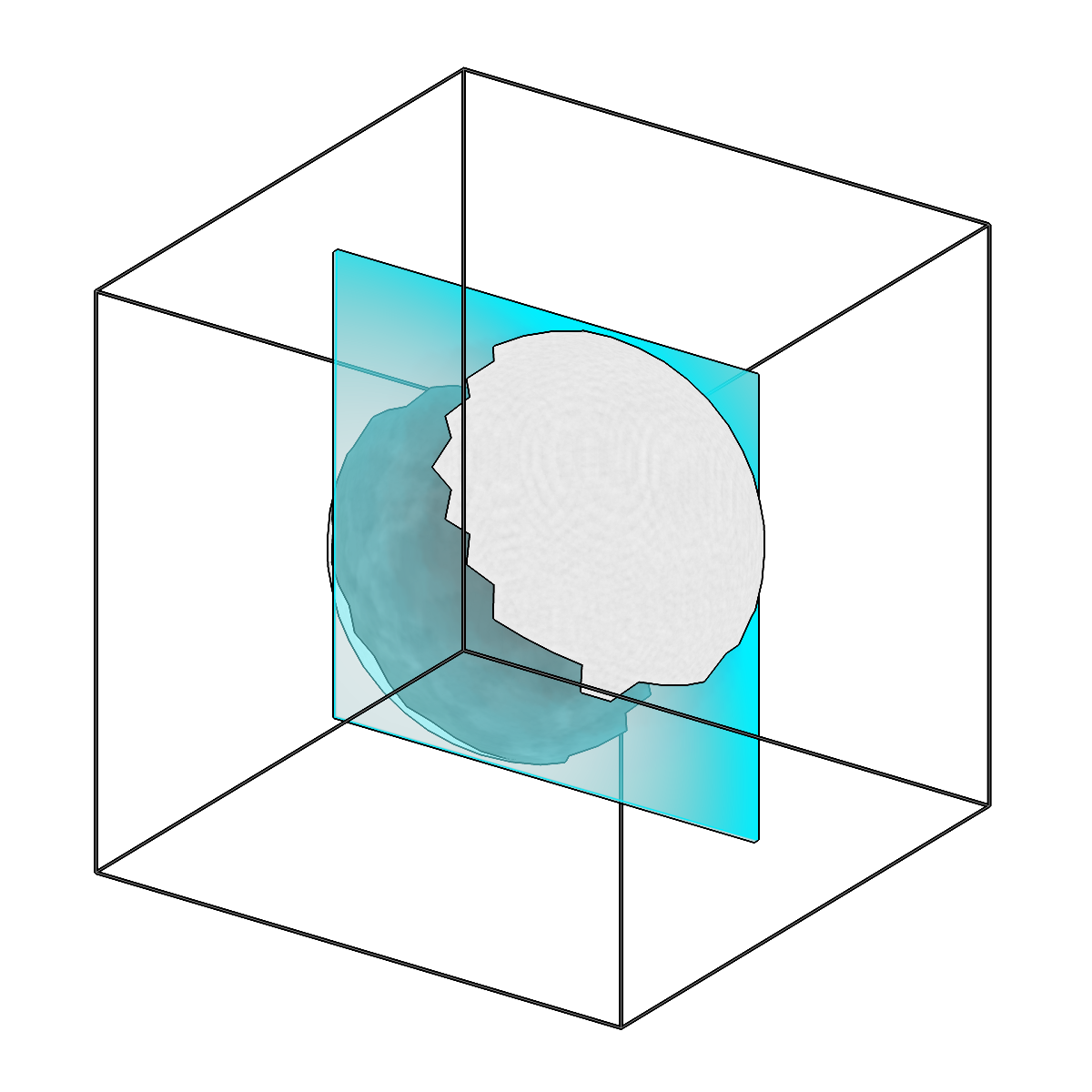
Limit mesh vertices within distance of a reference surface.
Usage
Description
For each input mesh, vertices are kept or dropped based on their distance to a reference surface. The reference can be another mesh, a segmentation, or a tomogram boundary, and exactly one reference must be provided. By default, vertices within --max-distance of the reference are kept; pass --invert to keep only the vertices that lie beyond that distance instead.
URI Format
Meshes: object_name:user_id/session_id
Segmentations: name:user_id/session_id@voxel_spacing
Tomograms: tomo_type@voxel_spacing
Options
| Option | Type | Default | Description |
|---|---|---|---|
-c, --config |
path | — | Path to the configuration file. |
--run-names, -r |
text · multiple | — | Specific run names to process (default: all runs). Repeatable; pass -r once per run. |
--debug / --no-debug |
boolean flag | False |
Enable debug logging. |
Input Options
| Option | Type | Default | Description |
|---|---|---|---|
--input, -i |
COPICK_URI | required | Input mesh URI (format: object_name:user_id/session_id). Supports glob patterns. |
Reference Options
| Option | Type | Default | Description |
|---|---|---|---|
--ref-mesh, -rm |
COPICK_URI | — | Reference mesh URI (format: object_name:user_id/session_id). Supports glob patterns. |
--ref-seg, -rs |
COPICK_URI | — | Reference segmentation URI (format: name:user_id/session_id@voxel_spacing). Supports glob patterns. Append ?instance=true or ?panoptic=true to use an instance or panoptic segmentation (any non-zero voxel of an instance segmentation, or of a panoptic one's label channel, counts). |
--ref-tomogram, -rt |
COPICK_URI | — | Reference tomogram boundary URI (format: tomo_type@voxel_spacing). Uses tomogram volume boundaries as reference surface. Example: 'wbp@10.0' |
Tool Options
| Option | Type | Default | Description |
|---|---|---|---|
--max-distance, -d |
float | 100.0 |
Maximum distance from reference surface (in angstroms). |
--mesh-voxel-spacing, -mvs |
float | — | Voxel spacing for mesh voxelization when using mesh reference (defaults to target voxel spacing). |
--invert / --no-invert |
boolean flag | False |
Invert filtering: keep data BEYOND max_distance instead of WITHIN (default: keep within). |
--workers, -w |
integer | 8 |
Number of worker processes. |
Output Options
| Option | Type | Default | Description |
|---|---|---|---|
--output, -o |
COPICK_URI | required | Output mesh URI. Supports smart defaults (e.g., "membrane", "membrane/my-session", or "/my-session"). Full format: object_name:user_id/session_id. |
--individual-meshes, -im / --no-individual-meshes |
boolean flag | False |
Create individual meshes for each instance (enables {instance_id} placeholder). |
Examples
# Keep vertices within 50Å of a mesh reference
copick logical clipmesh -i "membrane:user1/full-001" -rm "boundary:user1/boundary-001" \
    -o "membrane:clipmesh/near-001" --max-distance 50.0

# Remove vertices within 50Å of the tomogram boundary (keep interior vertices)
copick logical clipmesh -i "membrane:user1/full-001" -rt "wbp@10.0" \
    -o "membrane:clipmesh/interior-001" --max-distance 50.0 --invert

# Keep vertices beyond 100Å from a segmentation reference
copick logical clipmesh -i "membrane:user1/full-001" -rs "mask:user1/mask-001@10.0" \
    -o "membrane:clipmesh/far-001" --max-distance 100.0 --invert
See also
copick logical clippicks— limit picks by distance to a reference surface (the points analog)copick logical clipseg— limit segmentation voxels by distance to a referencecopick logical meshop— build or combine the meshes you clip