copick convert mesh2caps
utils
Extract the top/bottom surfaces (caps) of a slab box mesh.
Plugin command — copick-utils
This command is provided by the copick-utils plugin, not copick core. Install it to make this command available:
See the plugin system guide for details.
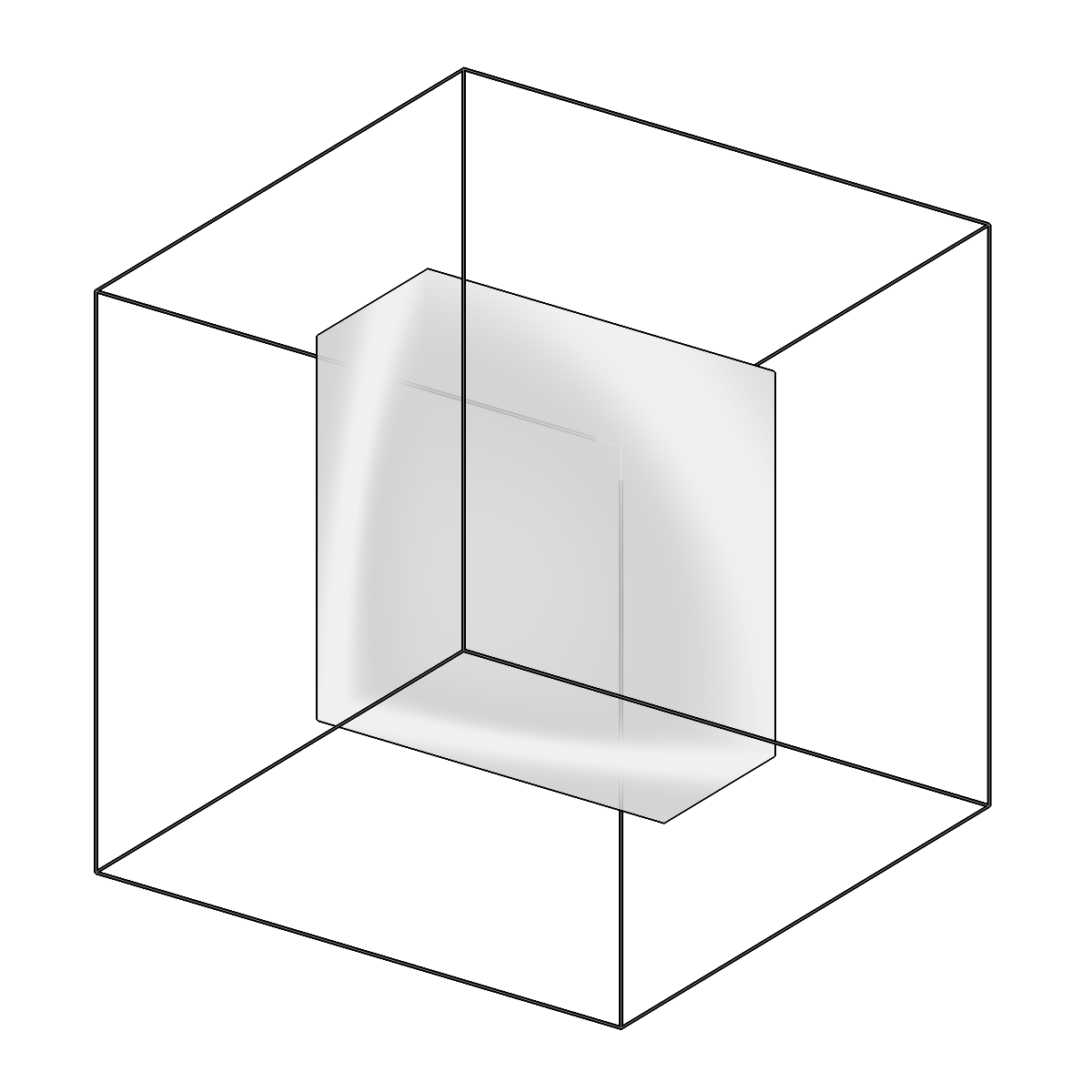
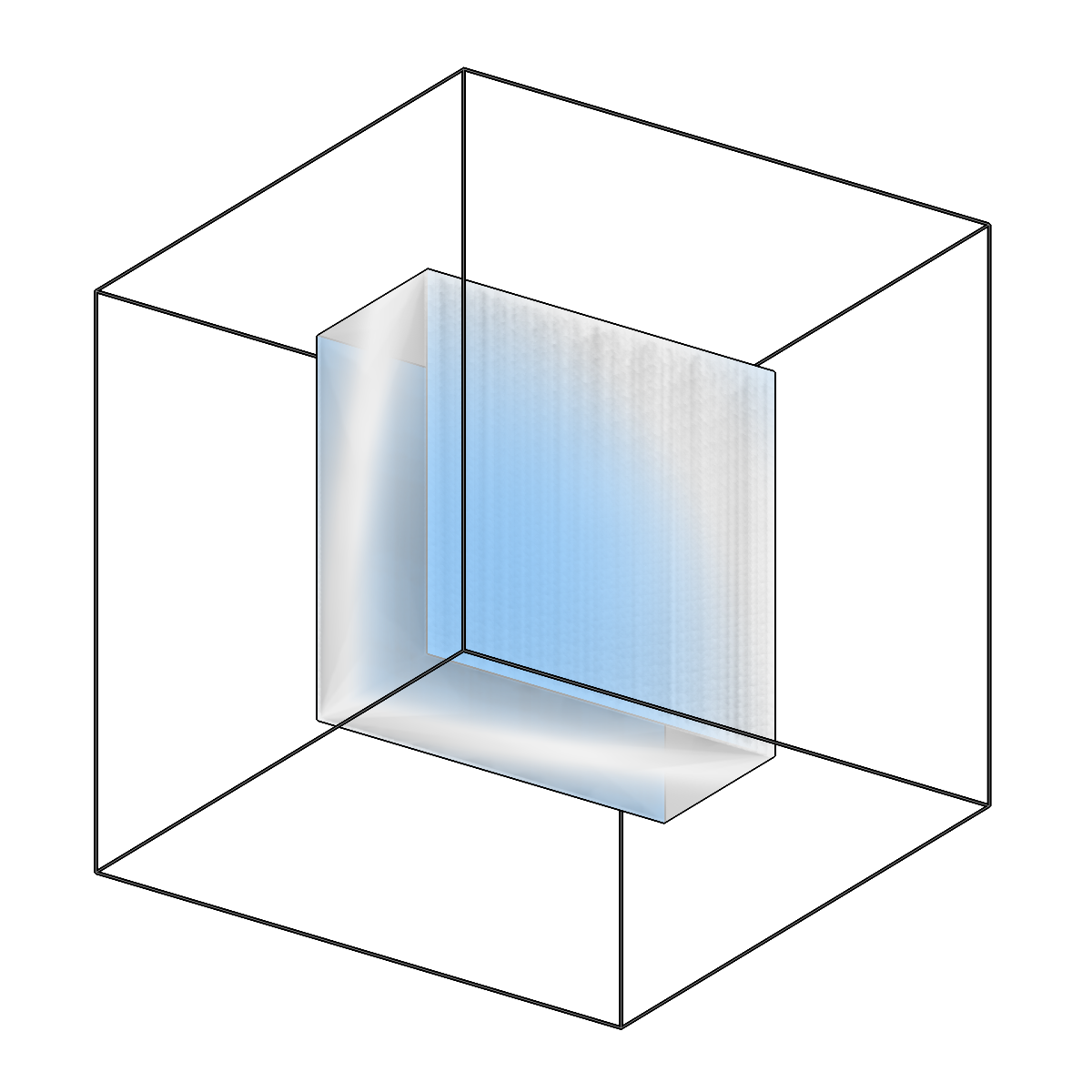
Extract the top/bottom surfaces (caps) of a slab box mesh.
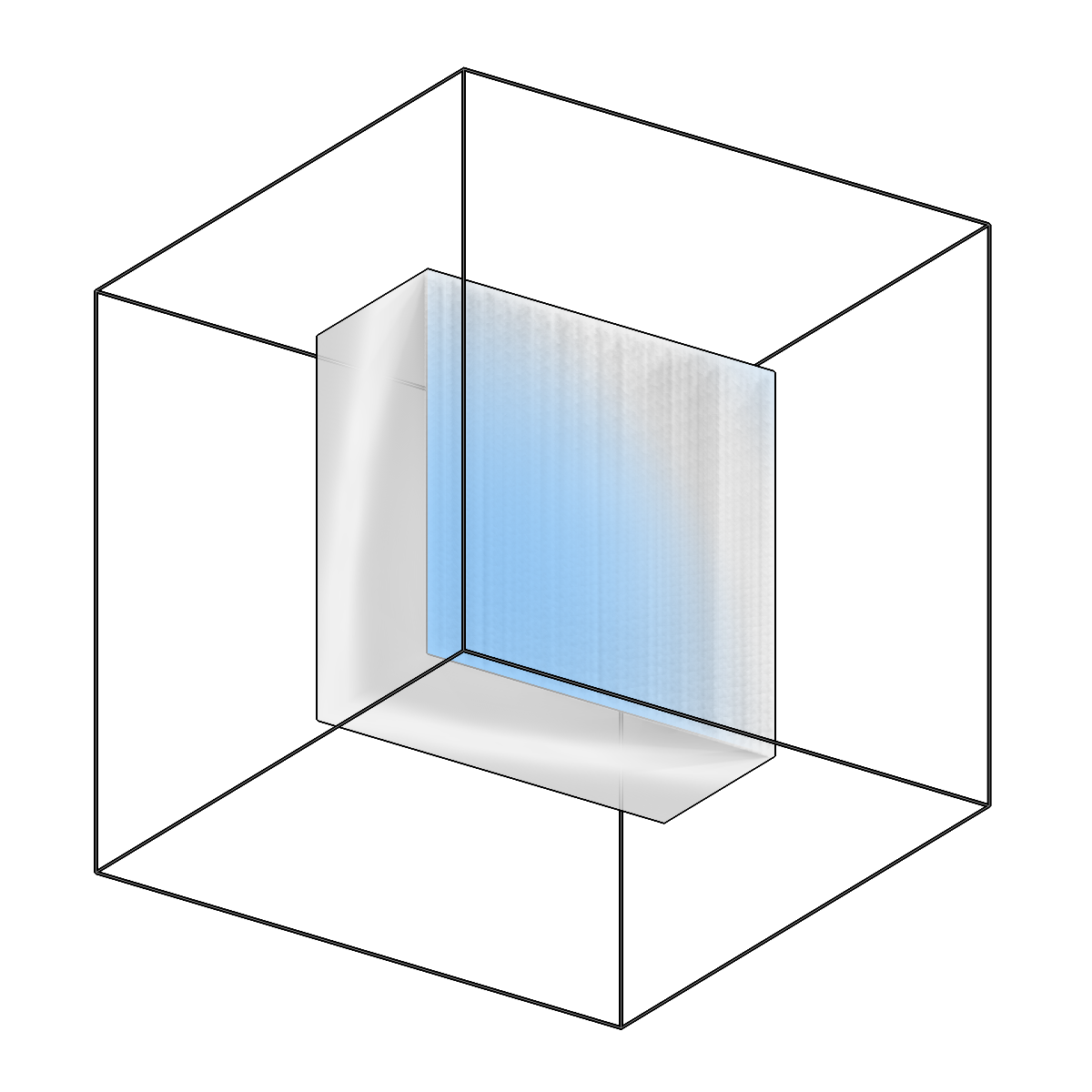
Extract the top/bottom surfaces (caps) of a slab box mesh.
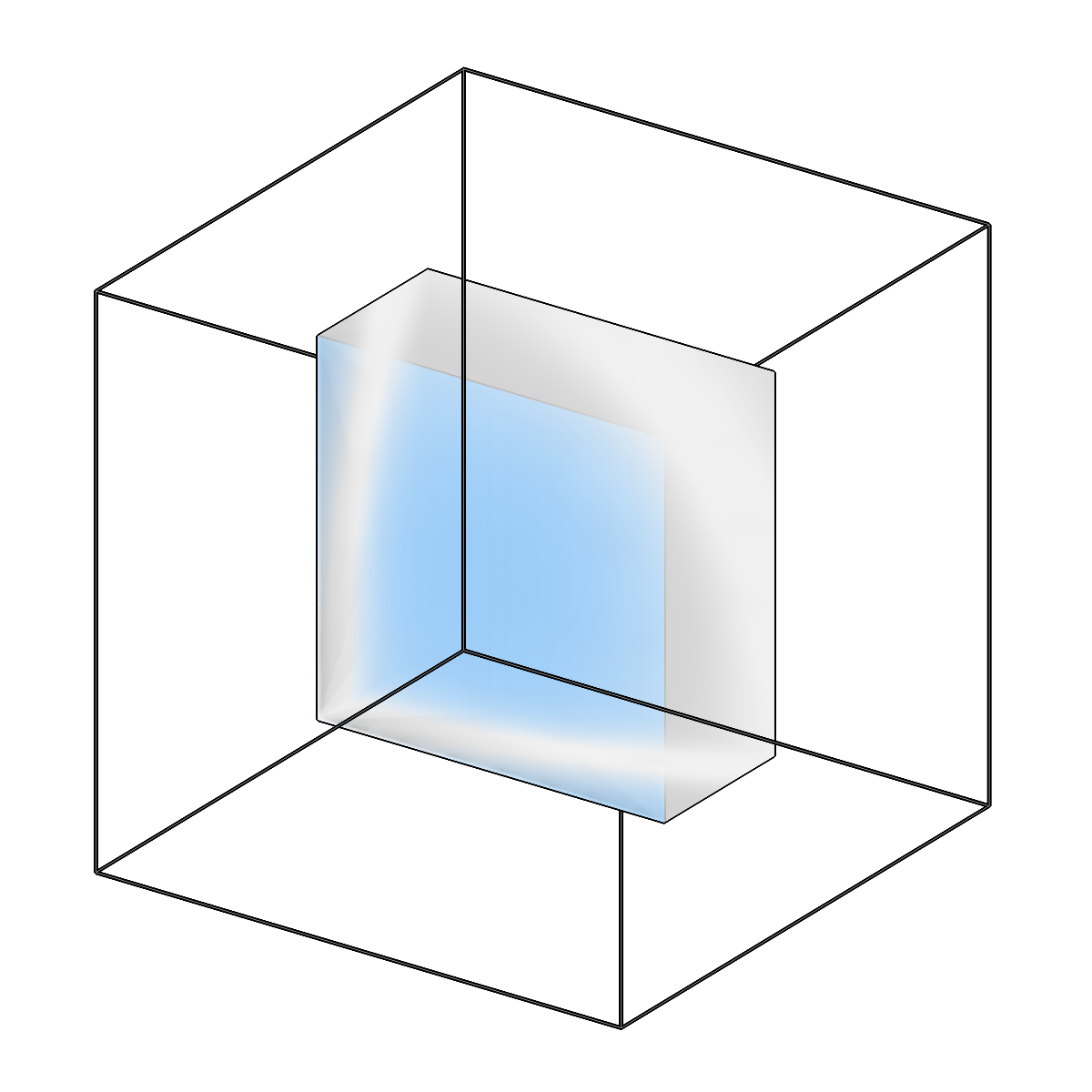
Extract the top/bottom surfaces (caps) of a slab box mesh.
Usage
Description
Extract the top/bottom surfaces ("caps") of a closed slab box mesh as an open mesh.
A boundary slab (e.g. the valid-sample mesh) is a closed box: a top surface, a parallel
bottom surface, and 4 side walls. This command keeps only the near-horizontal cap faces and
drops the near-vertical side walls, classifying faces geometrically by their normal orientation
relative to the slab axis (so it works even on a re-triangulated boolean result).
The resulting open mesh feeds copick logical clippicks to select particles within a distance
of the top/bottom of the specimen WITHOUT the side walls contaminating the distance field.
URI Format
Options
| Option | Type | Default | Description |
|---|---|---|---|
-c, --config |
path | — | Path to the configuration file. |
--run-names, -r |
text · multiple | — | Specific run names to process (default: all runs). Repeatable; pass -r once per run. |
--debug / --no-debug |
boolean flag | False |
Enable debug logging. |
Input Options
| Option | Type | Default | Description |
|---|---|---|---|
--input, -i |
COPICK_URI | required | Input mesh URI (format: object_name:user_id/session_id). Supports glob patterns. |
Tool Options
| Option | Type | Default | Description |
|---|---|---|---|
--axis |
choice (x | y | z) | z |
Slab-normal axis in physical mesh coordinates (z = beam direction). |
--angle-threshold |
float | 45.0 |
Max angle (degrees) between a face normal and the axis for a face to count as a cap (rather than a side wall). |
--surface |
choice (both | top | bottom) | both |
Which cap surfaces to extract. |
--auto-axis / --no-auto-axis |
boolean flag | False |
Infer the slab normal from the mesh's thinnest bounding-box extent instead of --axis (useful for strongly tilted slabs). |
--workers, -w |
integer | 8 |
Number of worker processes. |
Output Options
| Option | Type | Default | Description |
|---|---|---|---|
--output, -o |
COPICK_URI | required | Output mesh URI. Supports smart defaults (e.g., "membrane", "membrane/my-session", or "/my-session"). Full format: object_name:user_id/session_id. |
Examples
# Extract both caps of the valid-sample slab
copick convert mesh2caps -i "valid-sample:meshop/0" -o "valid-sample-caps:mesh2caps/0"

# Extract only the top cap, with a tighter cap angle
copick convert mesh2caps --surface top --angle-threshold 30 \
    -i "valid-sample:meshop/0" -o "valid-sample-caps:mesh2caps/top-0"

# Strongly tilted slab: infer the slab normal automatically
copick convert mesh2caps --auto-axis -i "valid-sample:meshop/0" -o "valid-sample-caps:mesh2caps/0"
See also
copick logical clippicks— select picks by distance to the extracted capscopick logical meshop— build the slab box the caps are extracted from