copick convert mesh2picks
utils
Convert meshes to picks using different sampling strategies.
Plugin command — copick-utils
This command is provided by the copick-utils plugin, not copick core. Install it to make this command available:
See the plugin system guide for details.
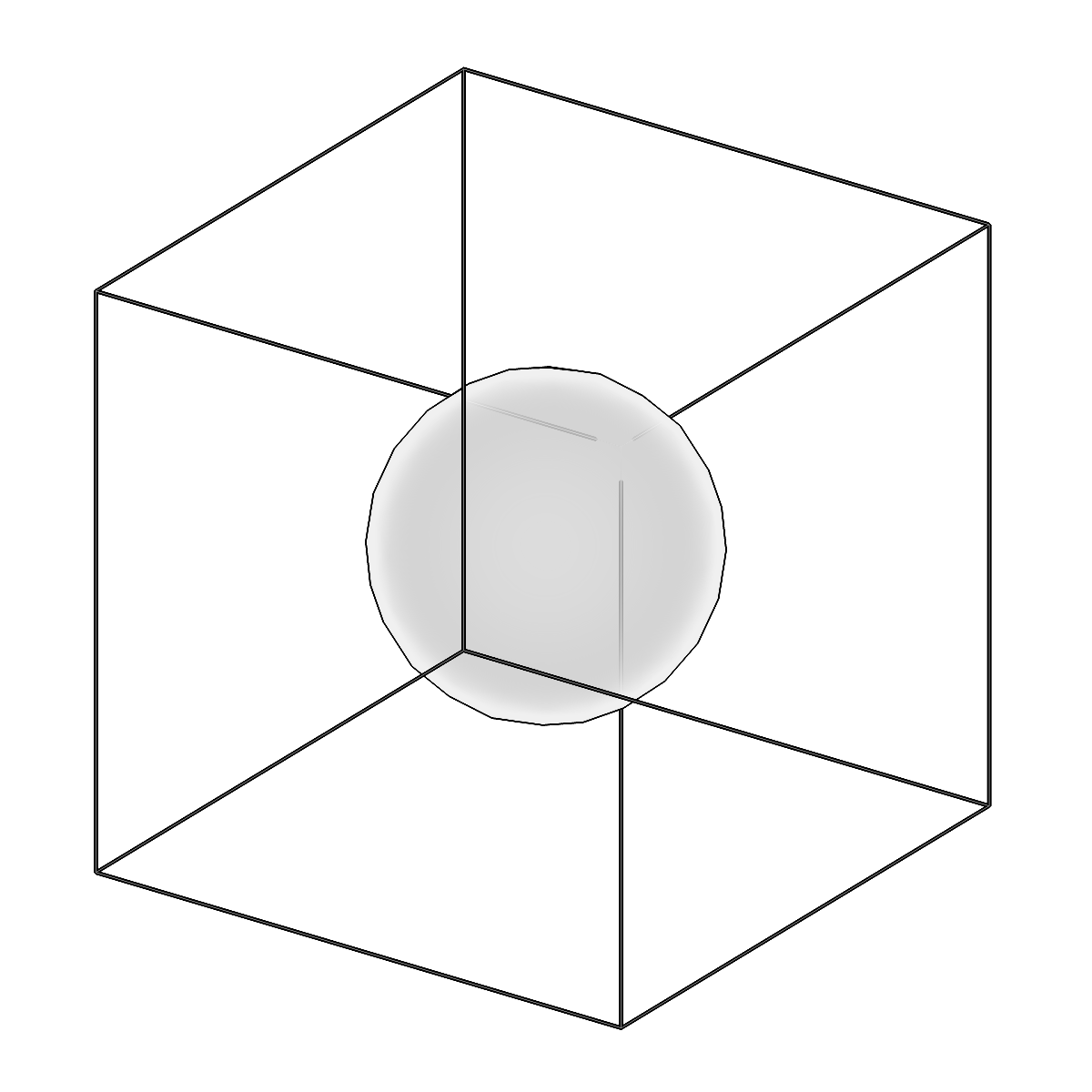
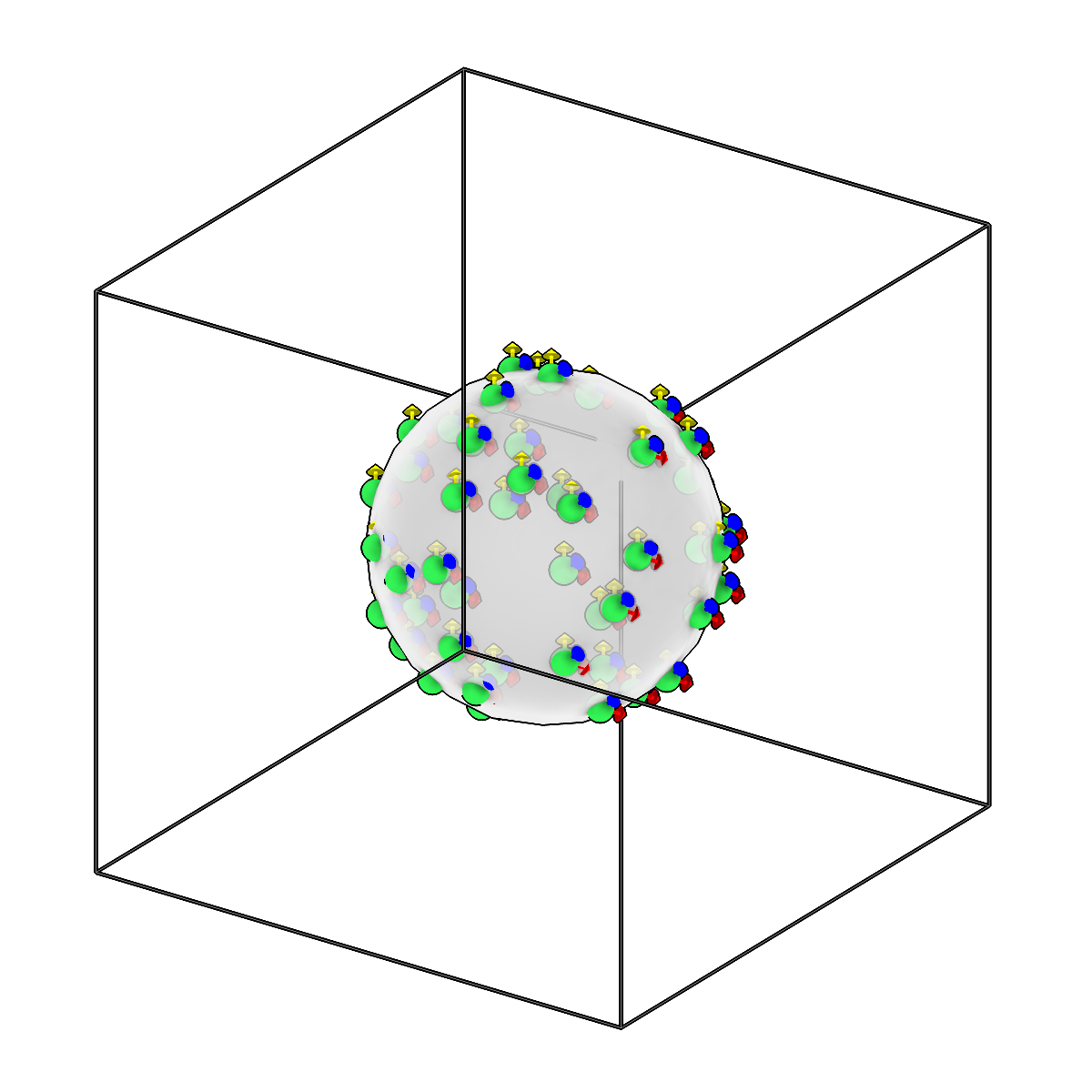
Convert meshes to picks using different sampling strategies.
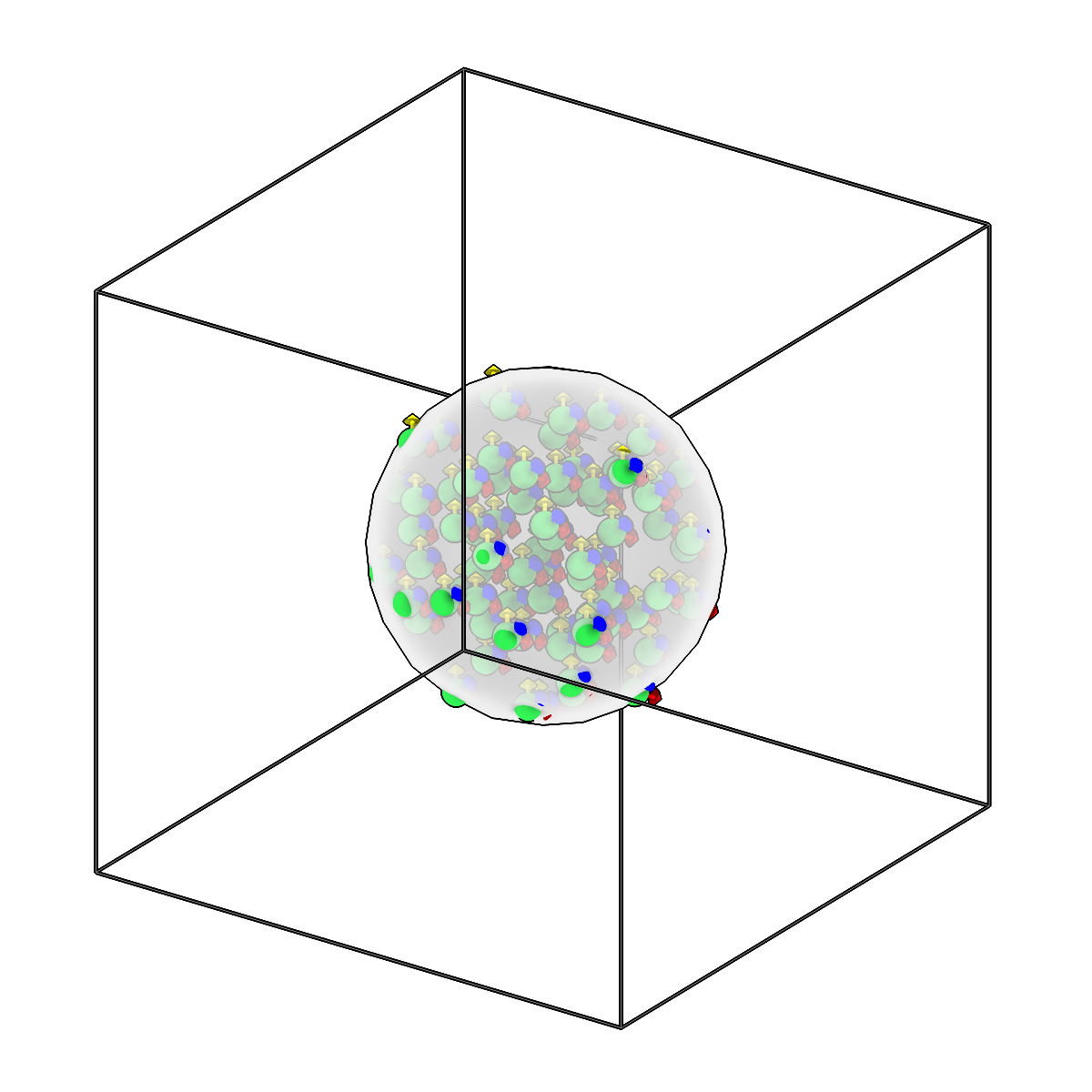
Convert meshes to picks using different sampling strategies.
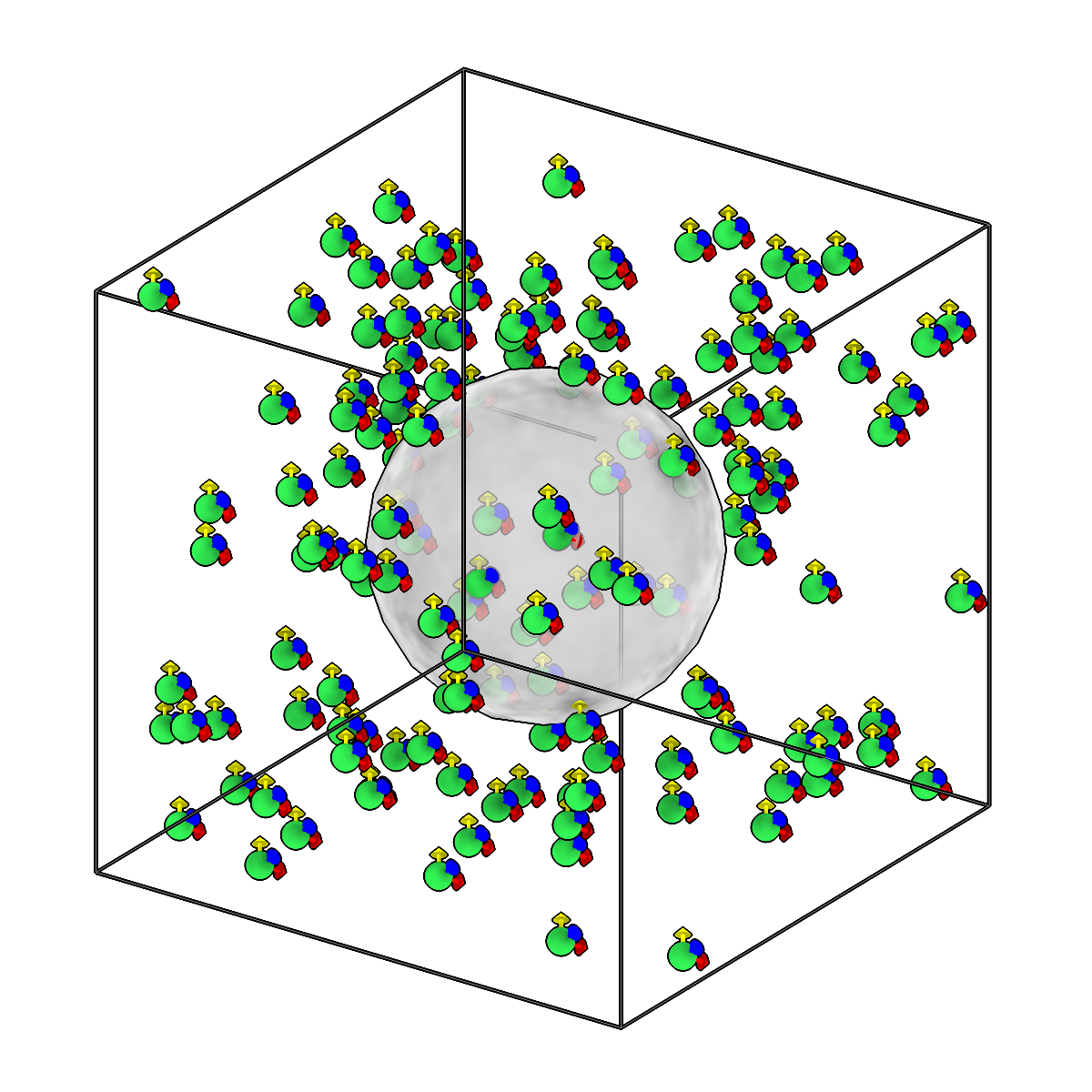
Convert meshes to picks using different sampling strategies.
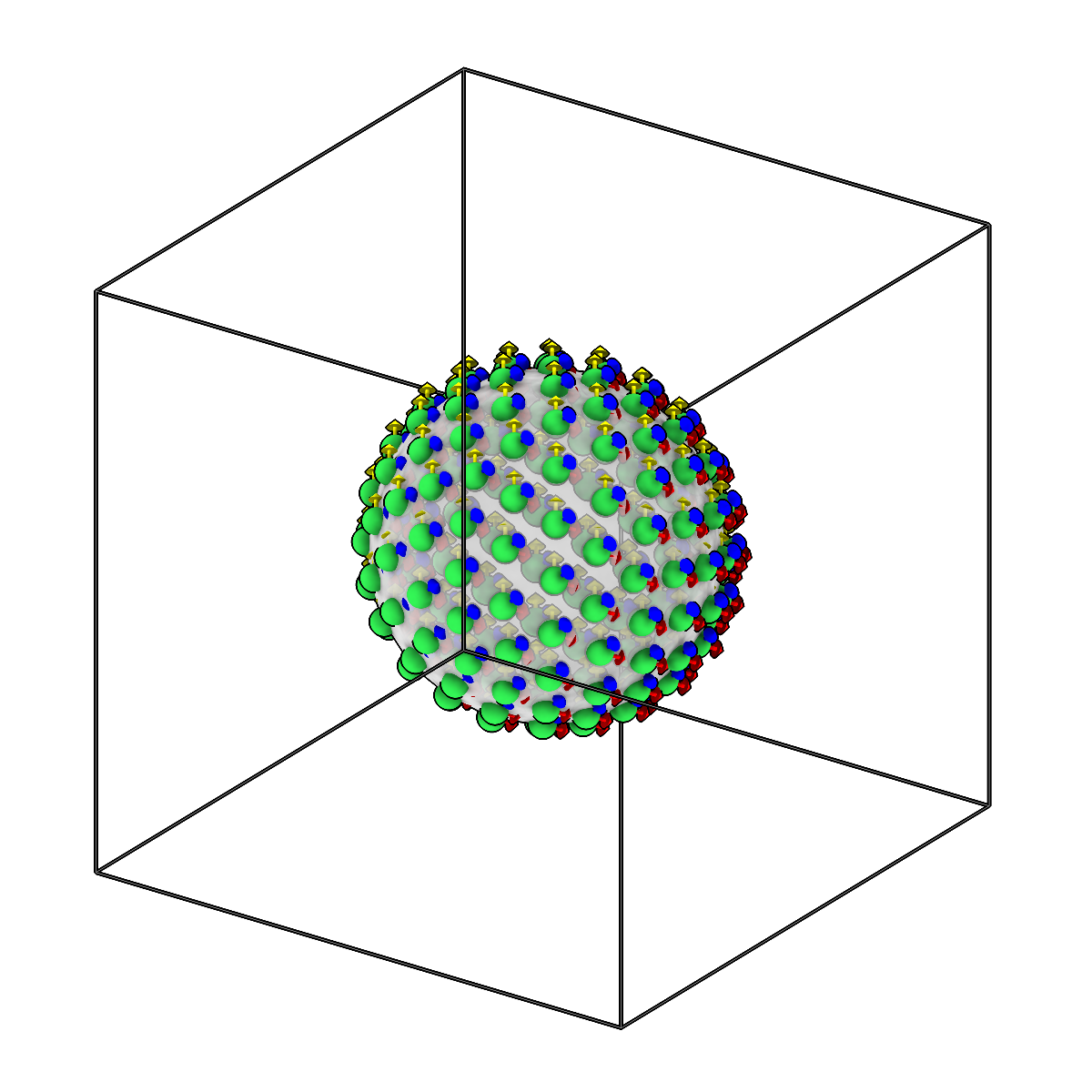
Convert meshes to picks using different sampling strategies.
Usage
Description
Samples points from copick meshes and writes them out as picks. Four sampling types
are supported: inside (points within the mesh volume), surface (points on the
mesh surface), outside (points outside the mesh), and vertices (the mesh vertices
themselves). For surface sampling you can attach the surface normals as orientations,
or request random orientations for any type.
A tomogram is required to define the volume bounds: it constrains inside/outside
sampling and the --edge-dist buffer (in voxels) that keeps points away from the
volume edges, and its voxel spacing sets the default --min-dist between points.
URI Format
Meshes: object_name:user_id/session_id
Picks: object_name:user_id/session_id
Tomograms: tomo_type@voxel_spacing
Options
| Option | Type | Default | Description |
|---|---|---|---|
-c, --config |
path | — | Path to the configuration file. |
--run-names, -r |
text · multiple | — | Specific run names to process (default: all runs). Repeatable; pass -r once per run. |
--debug / --no-debug |
boolean flag | False |
Enable debug logging. |
Input Options
| Option | Type | Default | Description |
|---|---|---|---|
--input, -i |
COPICK_URI | required | Input mesh URI (format: object_name:user_id/session_id). Supports glob patterns. |
--tomogram, -t |
COPICK_URI | required | Tomogram URI (format: tomo_type@voxel_spacing). Example: 'wbp@10.0' |
Tool Options
| Option | Type | Default | Description |
|---|---|---|---|
--sampling-type |
choice (inside | surface | outside | vertices) | required | Type of sampling: inside (points inside mesh), surface (points on mesh surface), outside (points outside mesh), vertices (return mesh vertices). |
--n-points |
integer | 1000 |
Number of points to sample (ignored for 'vertices' type). |
--min-dist |
float | — | Minimum distance between points (default: 2 * voxel_spacing). |
--edge-dist |
float | 32.0 |
Distance from volume edges in voxels. |
--include-normals / --no-include-normals |
boolean flag | False |
Include surface normals as orientations (surface sampling only). |
--random-orientations / --no-random-orientations |
boolean flag | False |
Generate random orientations for points. |
--seed |
integer | — | Random seed for reproducible results. |
--workers, -w |
integer | 8 |
Number of worker processes. |
Output Options
| Option | Type | Default | Description |
|---|---|---|---|
--output, -o |
COPICK_URI | required | Output picks URI. Supports smart defaults (e.g., "ribosome", "ribosome/my-session", or "/my-session"). Full format: object_name:user_id/session_id. |
Examples
# Convert a single mesh to picks with surface sampling
copick convert mesh2picks -i "boundary:user1/boundary-001" --tomogram wbp@10.0 \
    --sampling-type surface -o "boundary"

# Convert all boundary meshes using pattern matching, sampling inside the volume
copick convert mesh2picks -i "boundary:user1/boundary-.*" -t wbp@10.0 \
    --sampling-type inside -o "{input_session_id}"

# Return the mesh vertices directly as picks
copick convert mesh2picks -i "boundary:user1/boundary-001" -t wbp@10.0 \
    --sampling-type vertices -o "boundary-vertices"
See also
copick convert picks2mesh— the inverse — build a mesh from pickscopick convert mesh2caps— extract the top/bottom caps of a slab box meshcopick convert mesh2seg— rasterize a mesh into a segmentation