copick logical clippicks
utils
Limit picks to those within distance of a reference surface.
Plugin command — copick-utils
This command is provided by the copick-utils plugin, not copick core. Install it to make this command available:
See the plugin system guide for details.
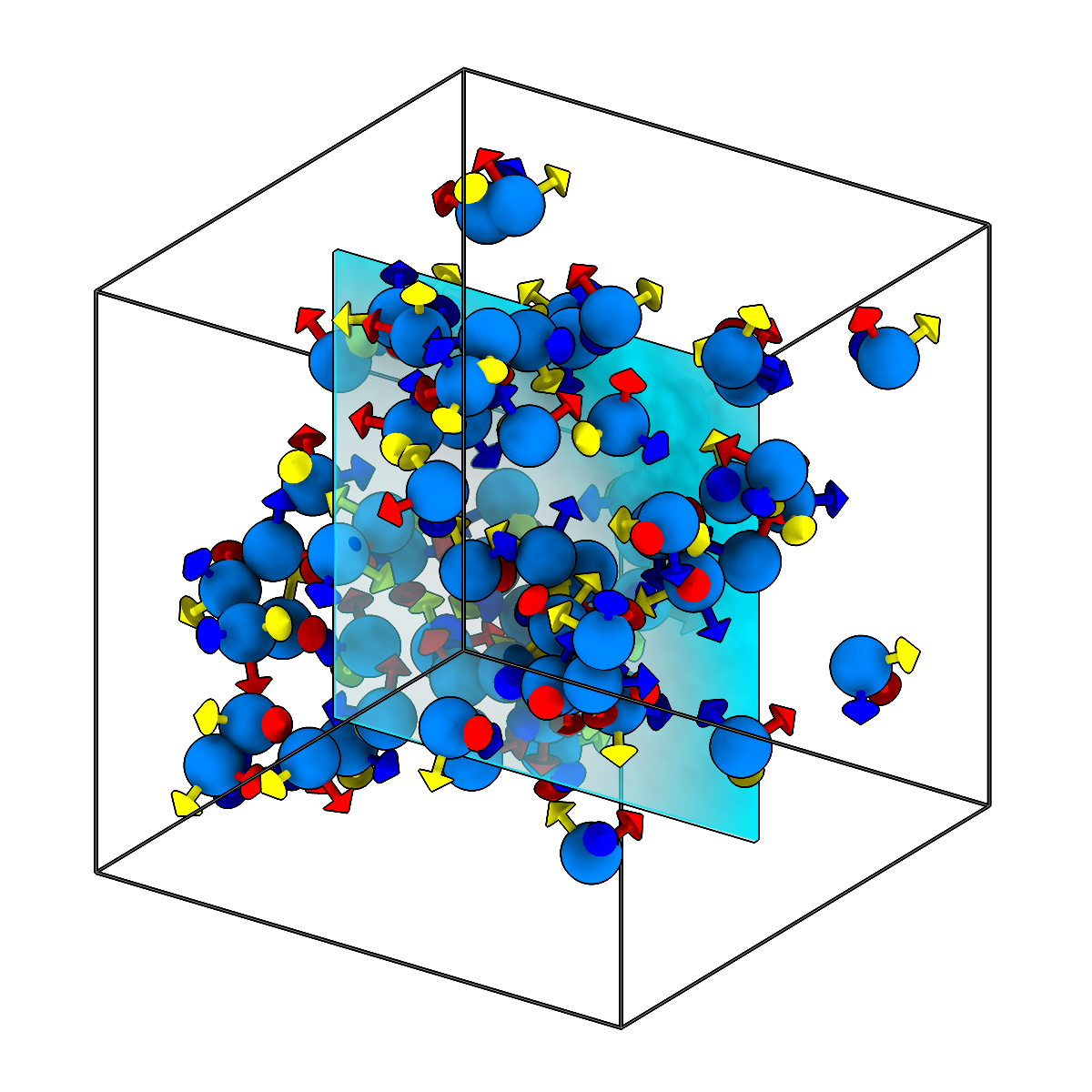
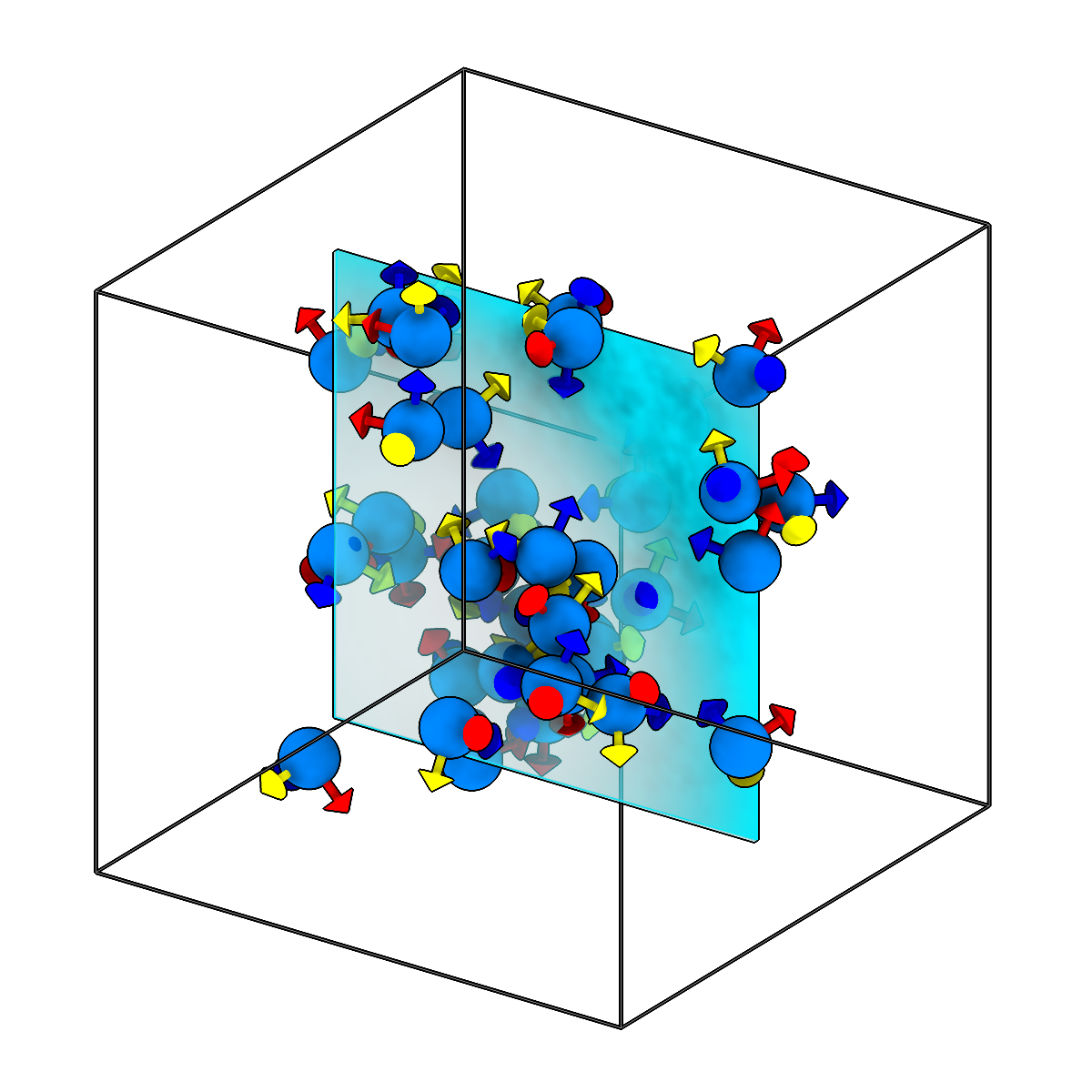
Limit picks to those within distance of a reference surface.
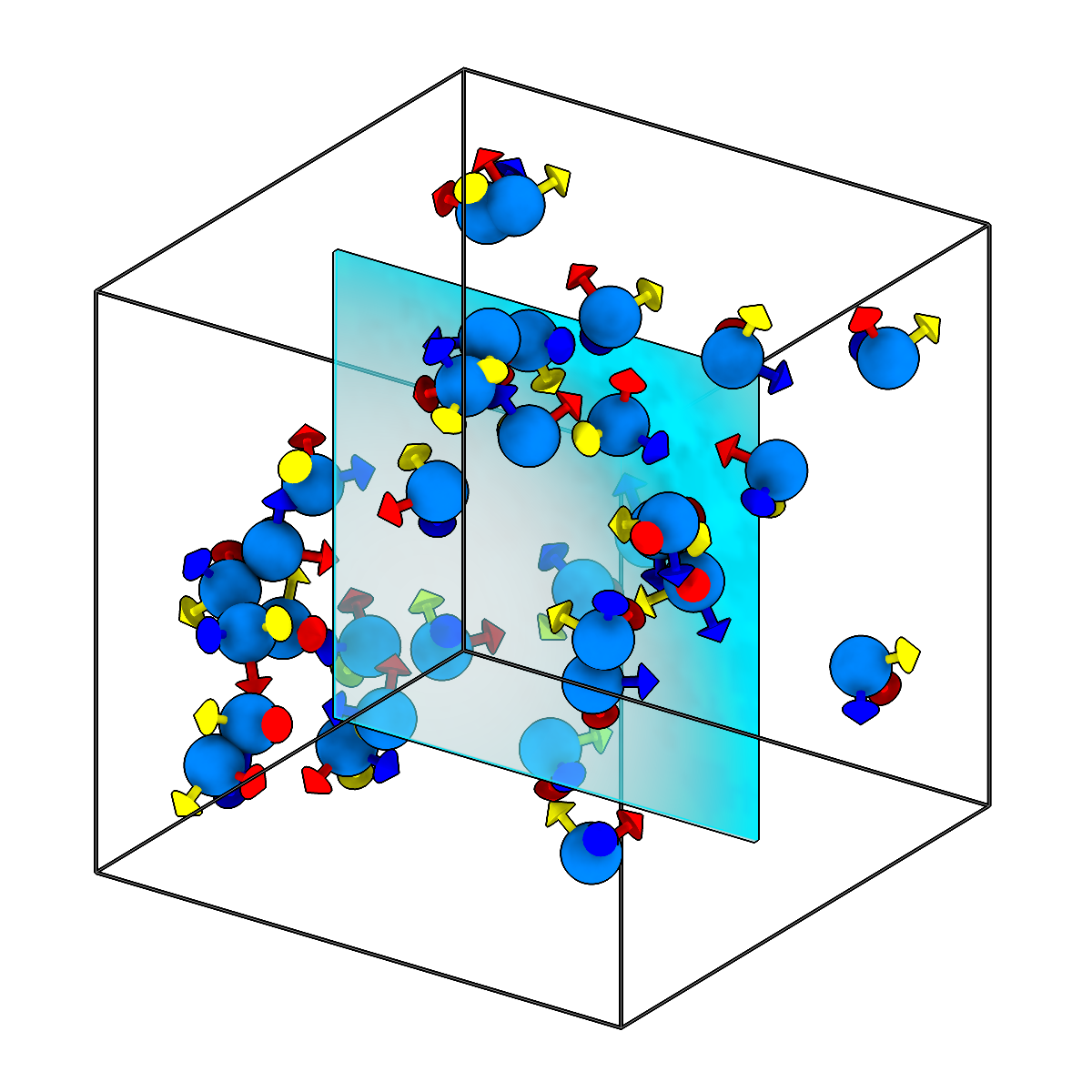
Limit picks to those within distance of a reference surface.
Usage
Description
The reference surface can be a mesh, segmentation, or tomogram boundary. Each input
pick is kept or dropped based on its distance to the nearest point on that surface.
By default, picks within the specified --max-distance are kept; use --invert to
keep only the picks that lie beyond that distance instead.
Exactly one reference must be supplied via --ref-mesh, --ref-seg, or
--ref-tomogram. Distances are measured in angstroms.
Each pick is measured at its particle centre (its location plus the shift stored in its transform). Kept picks are written unchanged and in their original order, so their orientations, instance IDs (e.g. filament IDs) and scores survive. If no pick is kept, an empty pick set is written.
URI Format
Picks: object_name:user_id/session_id
Meshes: object_name:user_id/session_id
Segmentations: name:user_id/session_id@voxel_spacing
Tomograms: tomo_type@voxel_spacing
Options
| Option | Type | Default | Description |
|---|---|---|---|
-c, --config |
path | — | Path to the configuration file. |
--run-names, -r |
text · multiple | — | Specific run names to process (default: all runs). Repeatable; pass -r once per run. |
--debug / --no-debug |
boolean flag | False |
Enable debug logging. |
Input Options
| Option | Type | Default | Description |
|---|---|---|---|
--input, -i |
COPICK_URI | required | Input picks URI (format: object_name:user_id/session_id). Supports glob patterns. |
Reference Options
| Option | Type | Default | Description |
|---|---|---|---|
--ref-mesh, -rm |
COPICK_URI | — | Reference mesh URI (format: object_name:user_id/session_id). Supports glob patterns. |
--ref-seg, -rs |
COPICK_URI | — | Reference segmentation URI (format: name:user_id/session_id@voxel_spacing). Supports glob patterns. Append ?instance=true or ?panoptic=true to use an instance or panoptic segmentation (any non-zero voxel of an instance segmentation, or of a panoptic one's label channel, counts). |
--ref-tomogram, -rt |
COPICK_URI | — | Reference tomogram boundary URI (format: tomo_type@voxel_spacing). Uses tomogram volume boundaries as reference surface. Example: 'wbp@10.0' |
Tool Options
| Option | Type | Default | Description |
|---|---|---|---|
--max-distance, -d |
float | 100.0 |
Maximum distance from reference surface (in angstroms). |
--mesh-voxel-spacing, -mvs |
float | — | Voxel spacing for mesh voxelization when using mesh reference (defaults to target voxel spacing). |
--invert / --no-invert |
boolean flag | False |
Invert filtering: keep data BEYOND max_distance instead of WITHIN (default: keep within). |
--workers, -w |
integer | 8 |
Number of worker processes. |
Output Options
| Option | Type | Default | Description |
|---|---|---|---|
--output, -o |
COPICK_URI | required | Output picks URI. Supports smart defaults (e.g., "ribosome", "ribosome/my-session", or "/my-session"). Full format: object_name:user_id/session_id. |
Examples
# Keep picks within 50A of a mesh reference
copick logical clippicks -i "ribosome:user1/all-001" -rm "boundary:user1/boundary-001" \
    -o "ribosome:clippicks/near-001" --max-distance 50.0

# Remove picks within 50A of a tomogram boundary (keep interior picks)
copick logical clippicks -i "ribosome:user1/all-001" -rt "wbp@10.0" \
    -o "ribosome:clippicks/interior-001" --max-distance 50.0 --invert

# Keep picks beyond 100A from a segmentation reference
copick logical clippicks -i "ribosome:user1/all-001" -rs "mask:user1/mask-001@10.0" \
    -o "ribosome:clippicks/far-001" --max-distance 100.0 --invert
See also
copick convert mesh2caps— extract slab caps so clipping ignores the side wallscopick logical meshop— build the reference mesh used as the clipping surface