copick process filter-components
utils
Filter connected components in segmentations by size.
Plugin command — copick-utils
This command is provided by the copick-utils plugin, not copick core. Install it to make this command available:
See the plugin system guide for details.
Filter connected components in segmentations by size.
Usage
Description
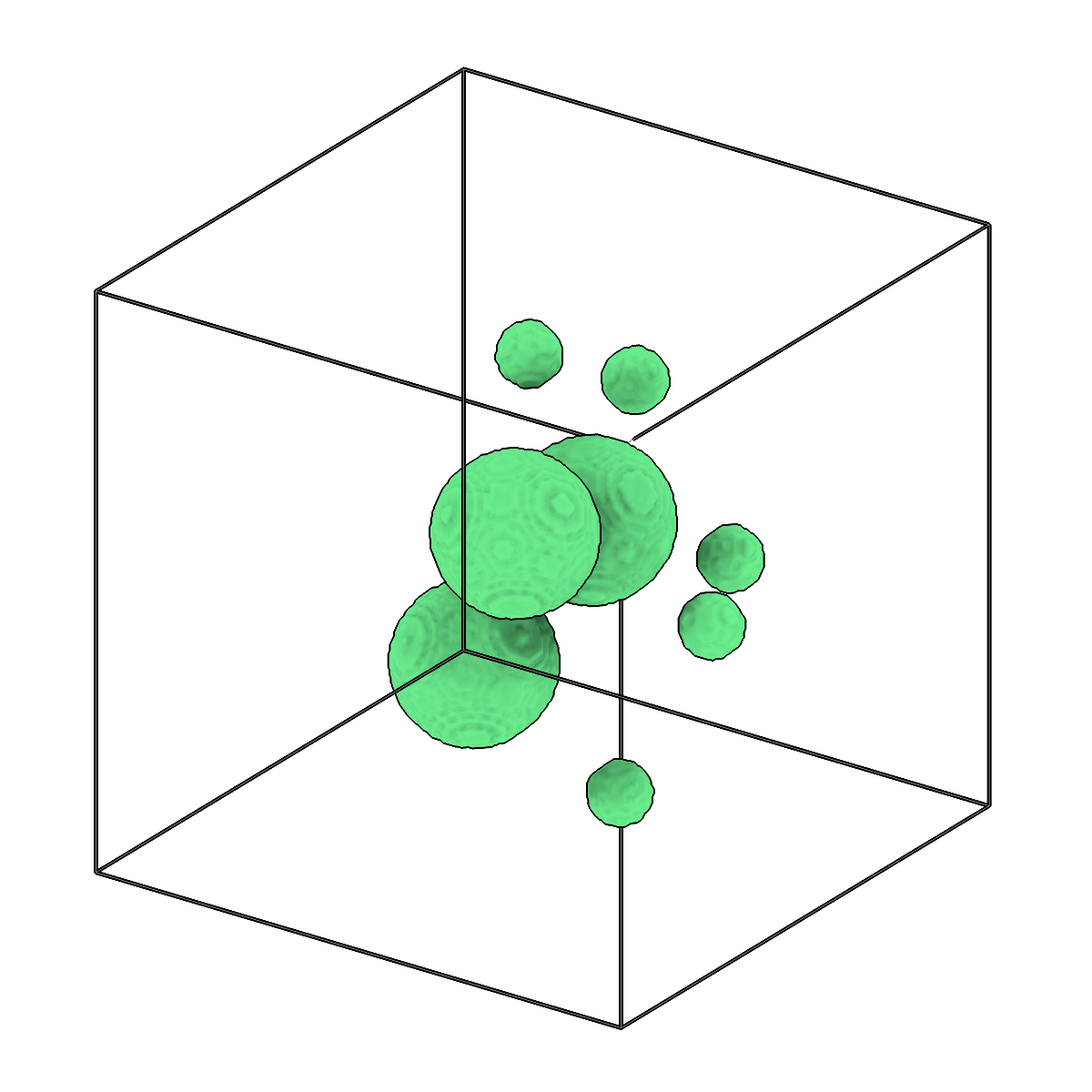
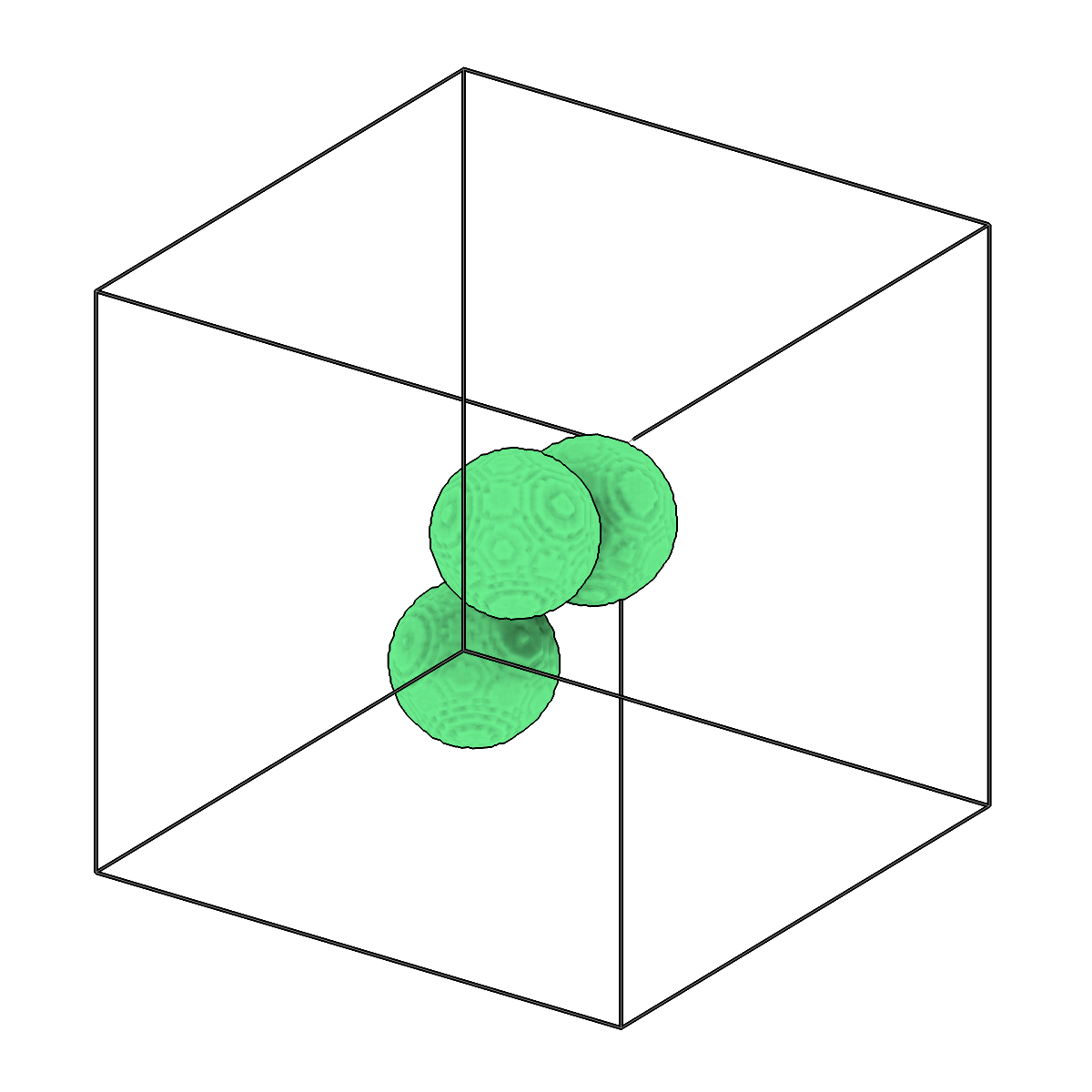
This command identifies connected components in a segmentation and removes those that fall outside the specified size range. Sizes can be given in cubic angstroms (default) or cubic voxels via --size-unit, and component adjacency is controlled by --connectivity (face = 6-connected, face-edge = 18-connected, all = 26-connected).
Pass --keep-largest N to retain only the N largest components by voxel count, applied on
top of any --min-size/--max-size limits. Run copick process seg-stats first to inspect
component sizes and choose sensible thresholds.
A multilabel segmentation is filtered label by label and keeps its labels. An instance
segmentation (?instance=true) is filtered instance by instance: whole instances are
dropped, and the IDs of the kept ones do not change, so picks and filaments with the same
IDs still match. --min-skeleton-length also drops components (or instances) whose
skeleton is shorter than the given length.
URI Format
Options
| Option | Type | Default | Description |
|---|---|---|---|
-c, --config |
path | — | Path to the configuration file. |
--run-names, -r |
text · multiple | — | Specific run names to process (default: all runs). Repeatable; pass -r once per run. |
--debug / --no-debug |
boolean flag | False |
Enable debug logging. |
Input Options
| Option | Type | Default | Description |
|---|---|---|---|
--input, -i |
COPICK_URI | required | Input segmentation URI (format: name:user_id/session_id@voxel_spacing). Supports glob patterns. Append ?instance=true or ?panoptic=true to read those segmentation types. |
Tool Options
| Option | Type | Default | Description |
|---|---|---|---|
--connectivity, -cn |
choice (face | face-edge | all) | all |
Connectivity for connected components (face=6-connected, face-edge=18-connected, all=26-connected). |
--min-size |
float | — | Minimum component volume to keep (optional). Unit set by --size-unit. |
--max-size |
float | — | Maximum component volume to keep (optional). Unit set by --size-unit. |
--size-unit |
choice (angstrom | voxel) | angstrom |
Unit for --min-size and --max-size: 'angstrom' for ų, 'voxel' for cubic voxels. |
--keep-largest |
integer | — | Keep only the N largest connected components by voxel count (e.g. 1 = keep only the single largest). Applied in addition to any --min-size/--max-size filter. |
--min-skeleton-length |
float | — | Minimum skeleton length of a component (or instance) to keep, in the unit set by --length-unit (optional). Drops specks and short blobs of filamentous structures; see seg-stats --skeleton. |
--length-unit |
choice (angstrom | voxel) | angstrom |
Unit for --min-skeleton-length: 'angstrom' for Å, 'voxel' for voxels. |
--workers, -w |
integer | 8 |
Number of worker processes. |
Output Options
| Option | Type | Default | Description |
|---|---|---|---|
--output, -o |
COPICK_URI | required | Output segmentation URI. Supports smart defaults (e.g., "membrane", "membrane/my-session", or "/my-session"). Full format: object_name:user_id/session_id@voxel_spacing. Append ?instance=true or ?panoptic=true to write those segmentation types. |
Examples
# Remove small noise components (keep only larger than 50000 ų)
copick process filter-components -i "membrane:user1/auto-001@10.0" -o "membrane_clean" --min-size 50000

# Filter by cubic voxels instead of angstroms
copick process filter-components -i "membrane:user1/auto-001@10.0" -o "membrane_clean" \
    --min-size 50 --size-unit voxel

# Keep only medium-sized components (between 10000 and 1000000 ų)
copick process filter-components -i "particles:user1/.*@10.0" -o "particles_filtered" \
    --min-size 10000 --max-size 1000000

# Keep only the single largest connected component
copick process filter-components -i "membrane:user1/auto-001@10.0" -o "membrane_main" --keep-largest 1

# Drop microtubule instances shorter than 100 nm, keeping the IDs of the others
copick process filter-components -i "microtubule:trace/1@10.0?instance=true" -o "microtubule:trace/1-long" \
    --min-skeleton-length 1000
See also
copick process seg-stats— report connected-component size statistics to choose thresholdscopick process separate-components— relabel each connected component as a distinct classcopick logical enclosed— remove components fully enclosed by another segmentation