copick logical enclosed
utils
Remove enclosed components from a segmentation.
Plugin command — copick-utils
This command is provided by the copick-utils plugin, not copick core. Install it to make this command available:
See the plugin system guide for details.
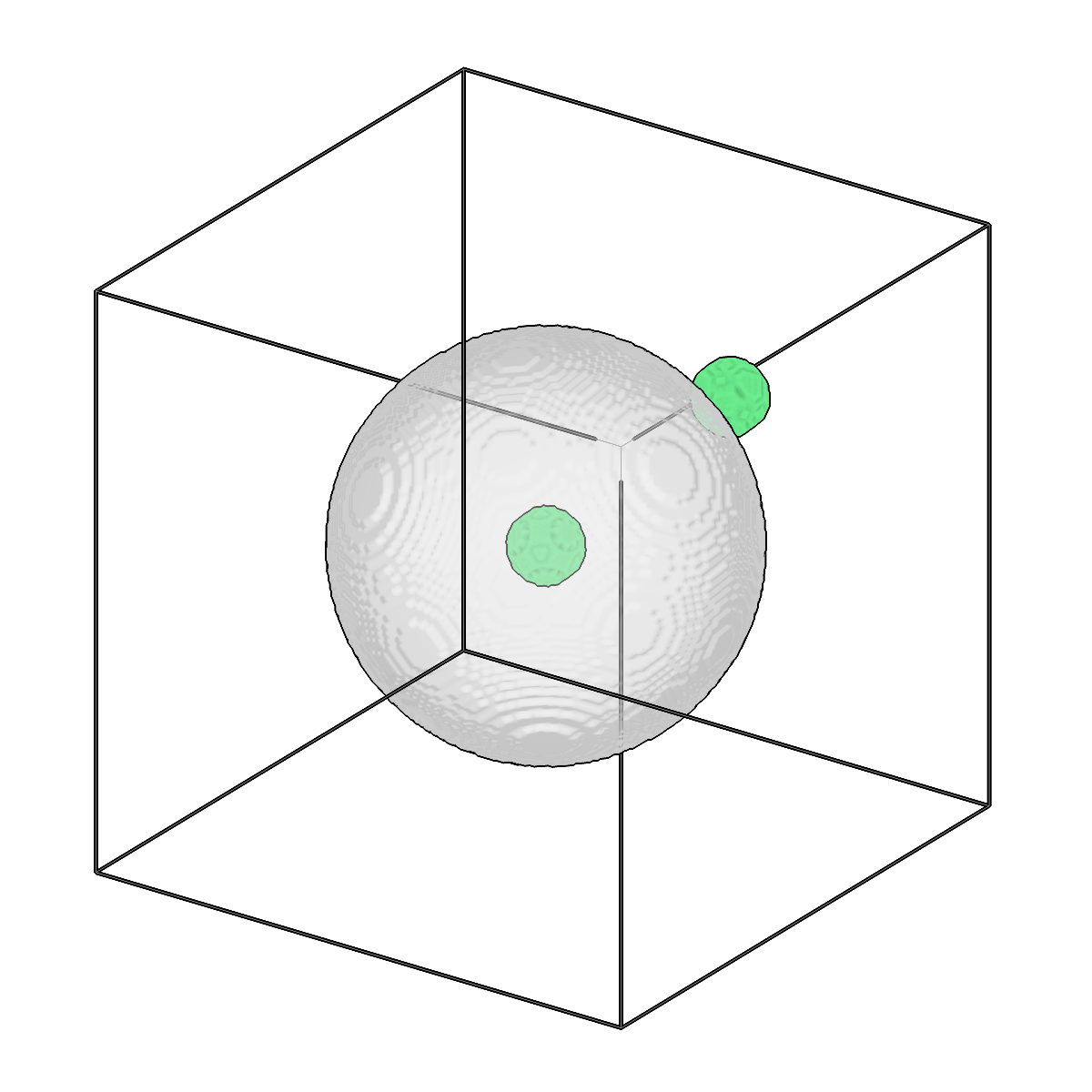
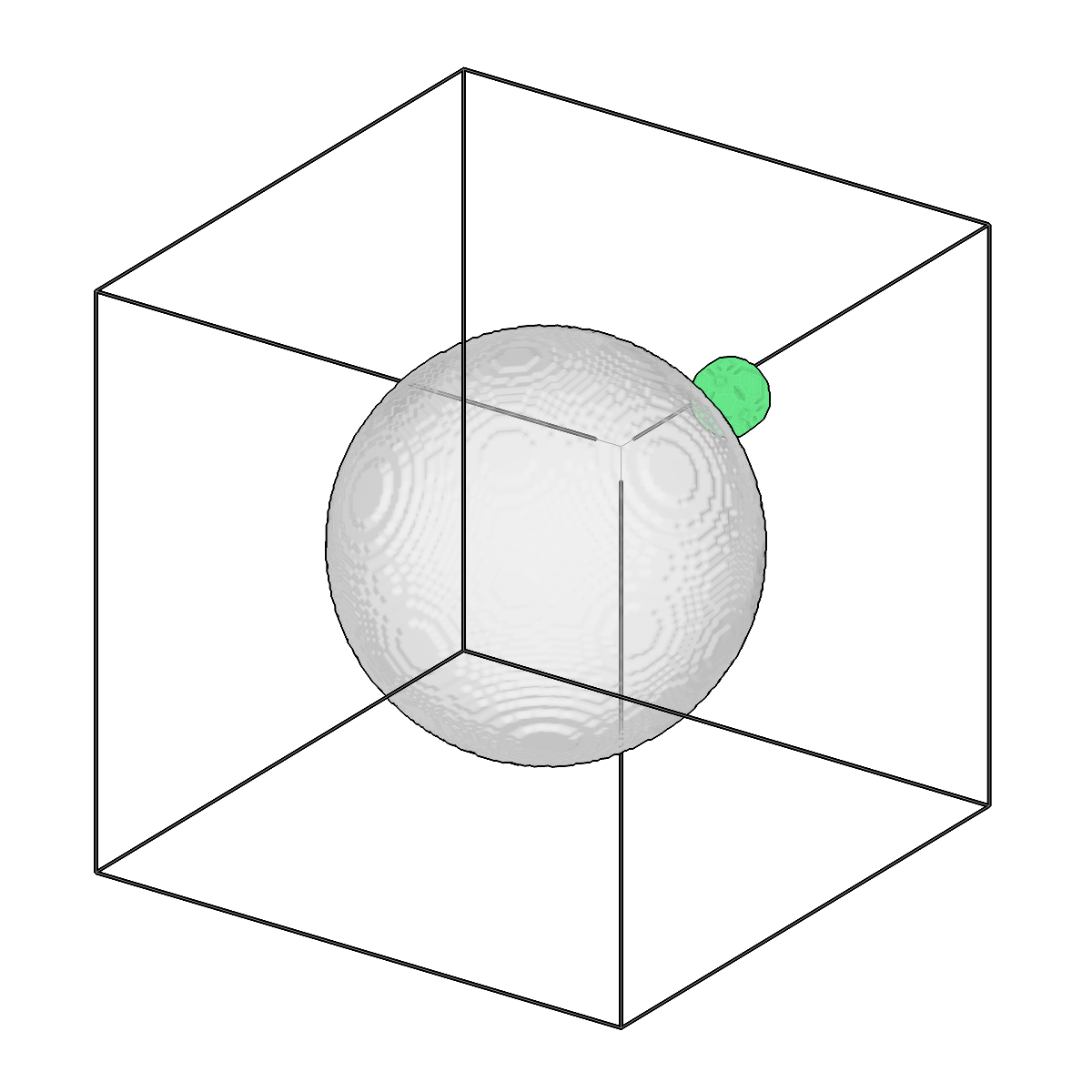
Remove enclosed components from a segmentation.
Usage
Description
This command identifies connected components in the first segmentation (inner) that are completely surrounded by the second segmentation (outer), and removes them from the inner segmentation. Useful for cleaning up noise, artifacts, or unwanted fragments that are trapped inside a larger structure.
Components are filtered geometrically: each is dilated by --margin voxels and kept only if it
is fully contained within the outer segmentation. Optional --min-size/--max-size bounds (in
cubic angstroms) restrict which components are considered for removal.
Algorithm:
1. Label connected components in the inner segmentation (input1)
2. Dilate each component by the specified margin
3. Check if the dilated component is fully contained within the outer segmentation (input2)
4. If enclosed (and within size limits), remove the component from the inner segmentation
5. Output cleaned version of the inner segmentation
URI Format
Options
| Option | Type | Default | Description |
|---|---|---|---|
-c, --config |
path | — | Path to the configuration file. |
--run-names, -r |
text · multiple | — | Specific run names to process (default: all runs). Repeatable; pass -r once per run. |
--debug / --no-debug |
boolean flag | False |
Enable debug logging. |
Input Options
| Option | Type | Default | Description |
|---|---|---|---|
--input1, -i1 |
COPICK_URI | required | First input segmentation URI (format: name:user_id/session_id@voxel_spacing). Supports glob patterns. |
--input2, -i2 |
COPICK_URI | required | Second input segmentation URI (format: name:user_id/session_id@voxel_spacing). Supports glob patterns. |
Tool Options
| Option | Type | Default | Description |
|---|---|---|---|
--voxel-spacing, -vs |
float | required | Voxel spacing for input and output segmentations. |
--margin, -m |
integer | 1 |
Number of voxels to dilate when checking if components are enclosed. |
--connectivity, -cn |
choice (face | face-edge | all) | all |
Connectivity for connected components (face=6-connected, face-edge=18-connected, all=26-connected). |
--min-size |
float | — | Minimum component volume in cubic angstroms (ų) to consider (optional). |
--max-size |
float | — | Maximum component volume in cubic angstroms (ų) to consider (optional). |
--workers, -w |
integer | 8 |
Number of worker processes. |
Output Options
| Option | Type | Default | Description |
|---|---|---|---|
--output, -o |
COPICK_URI | required | Output segmentation URI. Supports smart defaults (e.g., "membrane", "membrane/my-session", or "/my-session"). Full format: object_name:user_id/session_id@voxel_spacing. Append ?instance=true or ?panoptic=true to write those segmentation types. |
Examples
# Remove small vesicle fragments that are enclosed by membrane
copick logical enclosed -vs 10.0 -i1 "vesicle:user1/auto-001" -i2 "membrane:user1/manual-001" \
    -o "vesicle-clean:enclosed/0"

# Remove noise fragments with size filtering (volumes in ų)
copick logical enclosed -vs 10.0 -i1 "fragments:user1/.*" -i2 "cell:user1/.*" \
    -o "cleaned:enclosed/0" --min-size 1000 --max-size 100000 --margin 2
See also
copick logical segop— combine two segmentations with boolean operationscopick logical clipseg— limit segmentation voxels by distance to a referencecopick process filter-components— remove connected components by size instead of enclosure