copick convert mesh2seg
utils
Convert meshes to segmentation volumes.
Plugin command — copick-utils
This command is provided by the copick-utils plugin, not copick core. Install it to make this command available:
See the plugin system guide for details.
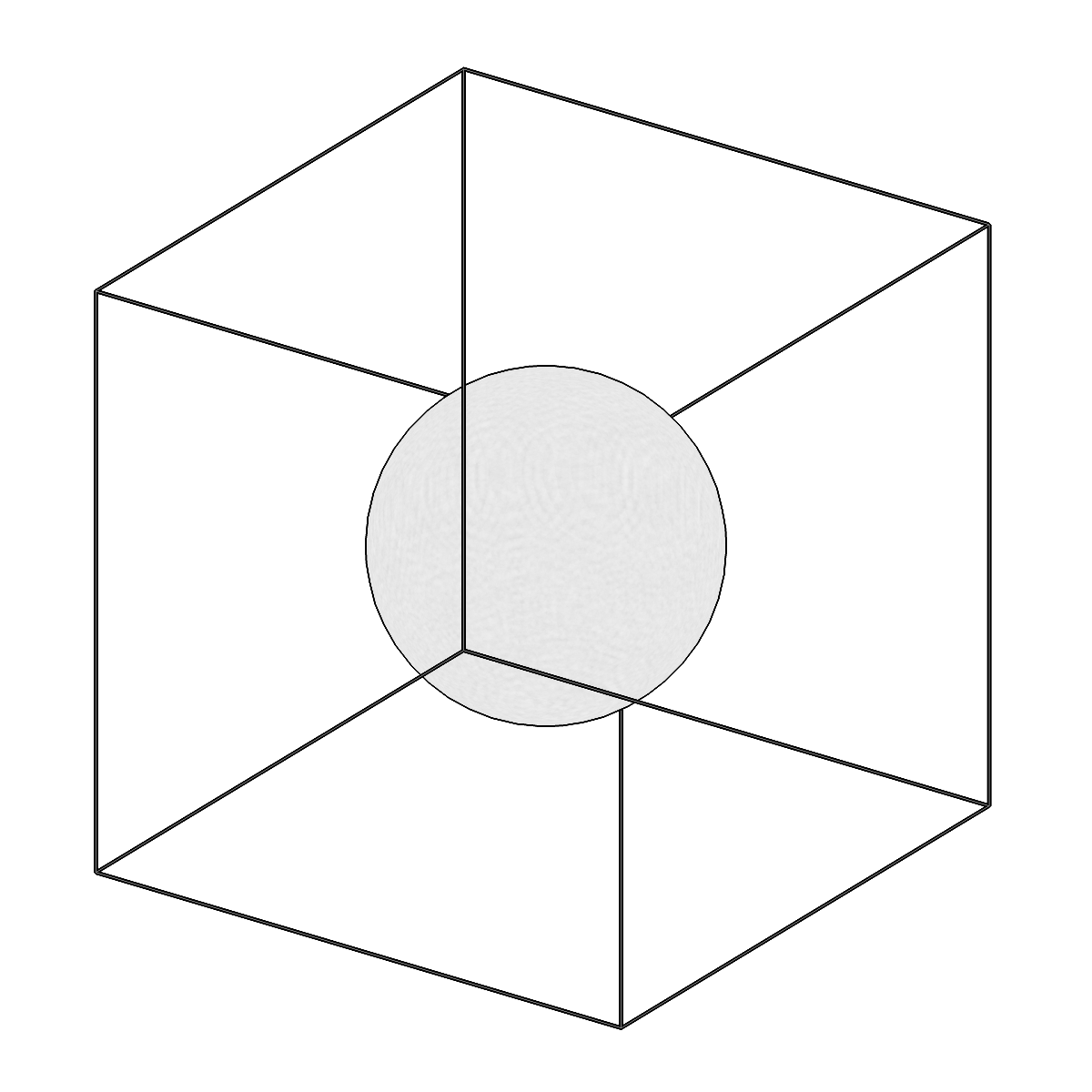
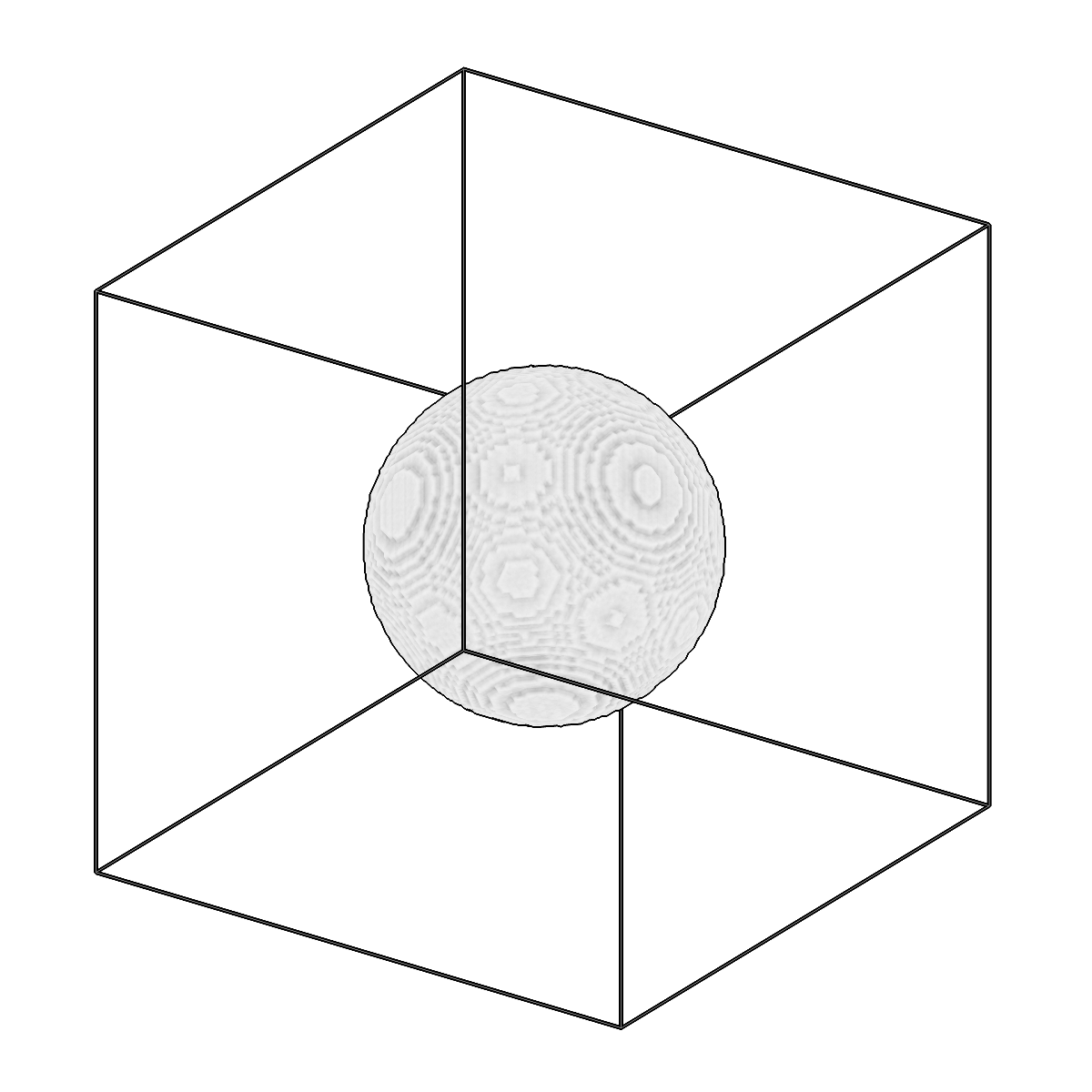
Convert meshes to segmentation volumes.
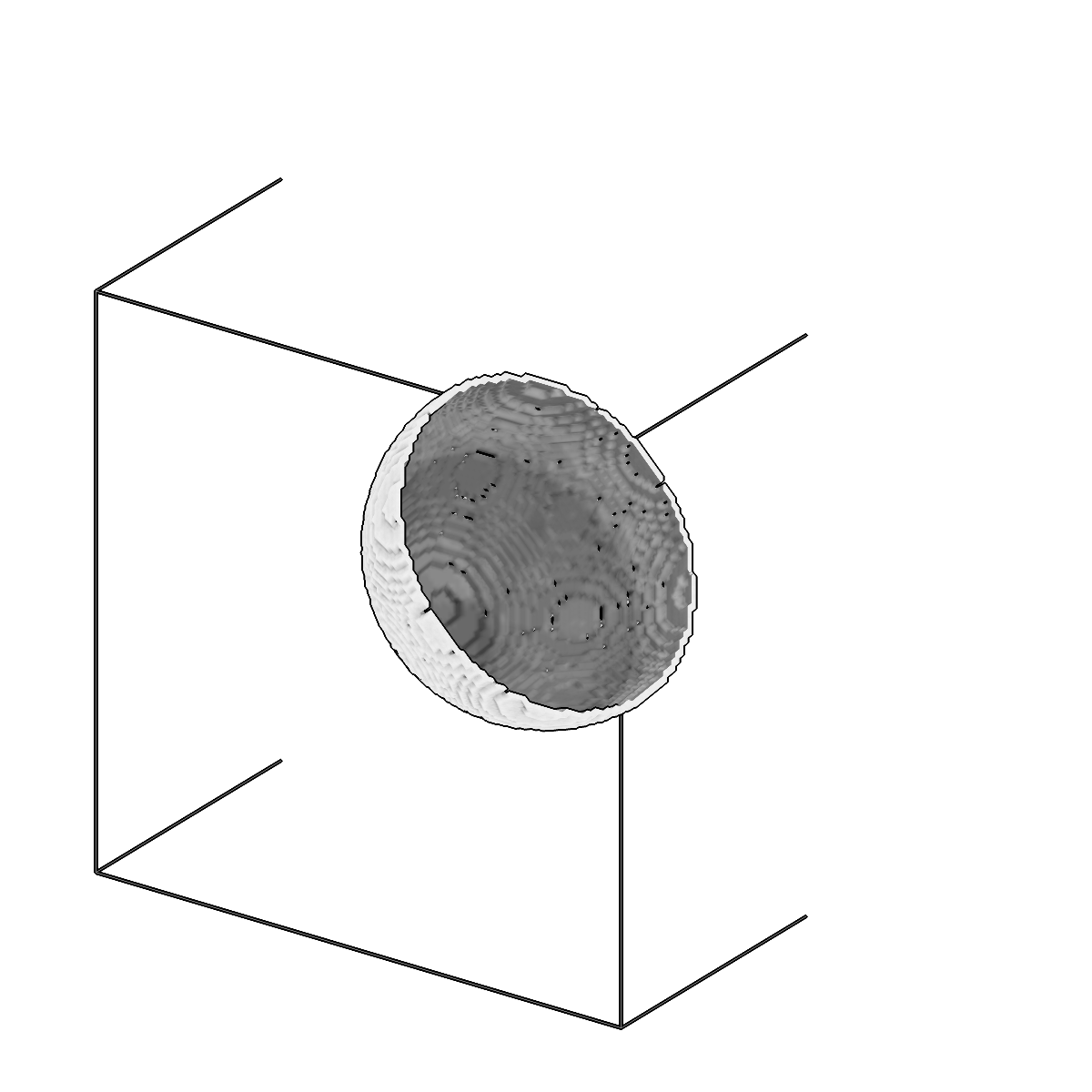
Convert meshes to segmentation volumes.
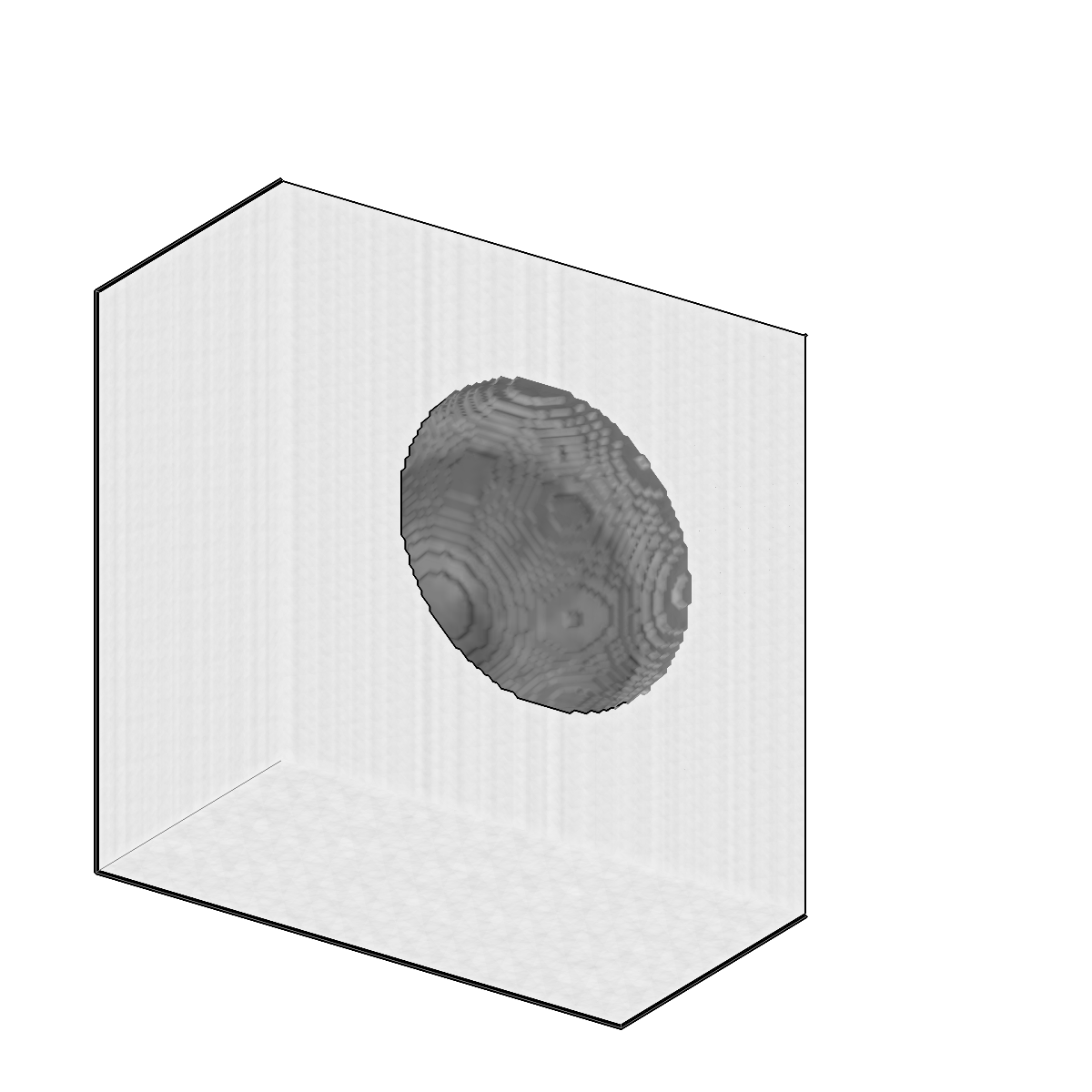
Convert meshes to segmentation volumes.
Usage
Description
Voxelize one or more meshes into a label volume on a reference tomogram grid. Two
voxelization modes are supported: watertight fills the entire interior using ray
casting, while boundary voxelizes only the surface with a controllable sampling
density. Use --invert to fill outside the mesh instead of inside (watertight mode),
and --boundary-sampling-density to tune the surface sampling in boundary mode.
Input meshes are selected by pattern: exact (membrane:user1/session1), glob
(membrane:user1/session*), regex (re:membrane:user\d+/session\d+), or a bare
wildcard (membrane, which expands to membrane:*/*).
URI Format
Meshes: object_name:user_id/session_id
Segmentations: name:user_id/session_id@voxel_spacing?multilabel=true
Options
| Option | Type | Default | Description |
|---|---|---|---|
-c, --config |
path | — | Path to the configuration file. |
--run-names, -r |
text · multiple | — | Specific run names to process (default: all runs). Repeatable; pass -r once per run. |
--debug / --no-debug |
boolean flag | False |
Enable debug logging. |
Input Options
| Option | Type | Default | Description |
|---|---|---|---|
--input, -i |
COPICK_URI | required | Input mesh URI (format: object_name:user_id/session_id). Supports glob patterns. |
Tool Options
| Option | Type | Default | Description |
|---|---|---|---|
--mode |
choice (watertight | boundary) | watertight |
Voxelization mode: 'watertight' fills the entire mesh interior, 'boundary' only voxelizes the surface. |
--boundary-sampling-density |
float | 1.0 |
Surface sampling density for boundary mode (samples per voxel edge length). |
--invert / --no-invert |
boolean flag | False |
Invert the volume (fill outside instead of inside for watertight mode). |
--tomo-type, -tt |
text | wbp |
Type of tomogram to use as reference. |
--workers, -w |
integer | 8 |
Number of worker processes. |
Output Options
| Option | Type | Default | Description |
|---|---|---|---|
--output, -o |
COPICK_URI | required | Output segmentation URI. Supports smart defaults (e.g., "membrane", "membrane/my-session", or "/my-session"). Full format: object_name:user_id/session_id@voxel_spacing. Append ?instance=true or ?panoptic=true to write those segmentation types. |
Examples
# Convert mesh interior to segmentation (default)
copick convert mesh2seg -i "membrane:user1/manual-001" -o "membrane:mesh2seg/from-mesh-001@10.0"

# Convert mesh boundary only with high sampling density
copick convert mesh2seg --mode boundary --boundary-sampling-density 2.0 \
    -i "membrane:user1/manual-001" -o "membrane:mesh2seg/boundary-001@10.0"

# Invert watertight mesh (fill outside)
copick convert mesh2seg --invert -i "membrane:user1/manual-001" -o "membrane:mesh2seg/inverted-001@10.0"

# Convert all manual meshes using pattern matching with multilabel output
copick convert mesh2seg -i "membrane:user1/manual-.*" -o "membrane:mesh2seg/from-mesh-{input_session_id}@10.0?multilabel=true"
See also
copick convert seg2mesh— the inverse conversion (segmentation back to a mesh)copick convert mesh2picks— sample picks from a mesh surfacecopick convert mesh2caps— extract the top/bottom caps of a slab box mesh