Easymode
Segmenting cellular features with easymode
Citation
easymode's models are described in So-Last et al. (2026), Easymode: general pretrained networks for cellular cryo-ET enable flexible approaches to subtomogram averaging, bioRxiv. If you use these segmentations in your research, please cite it.
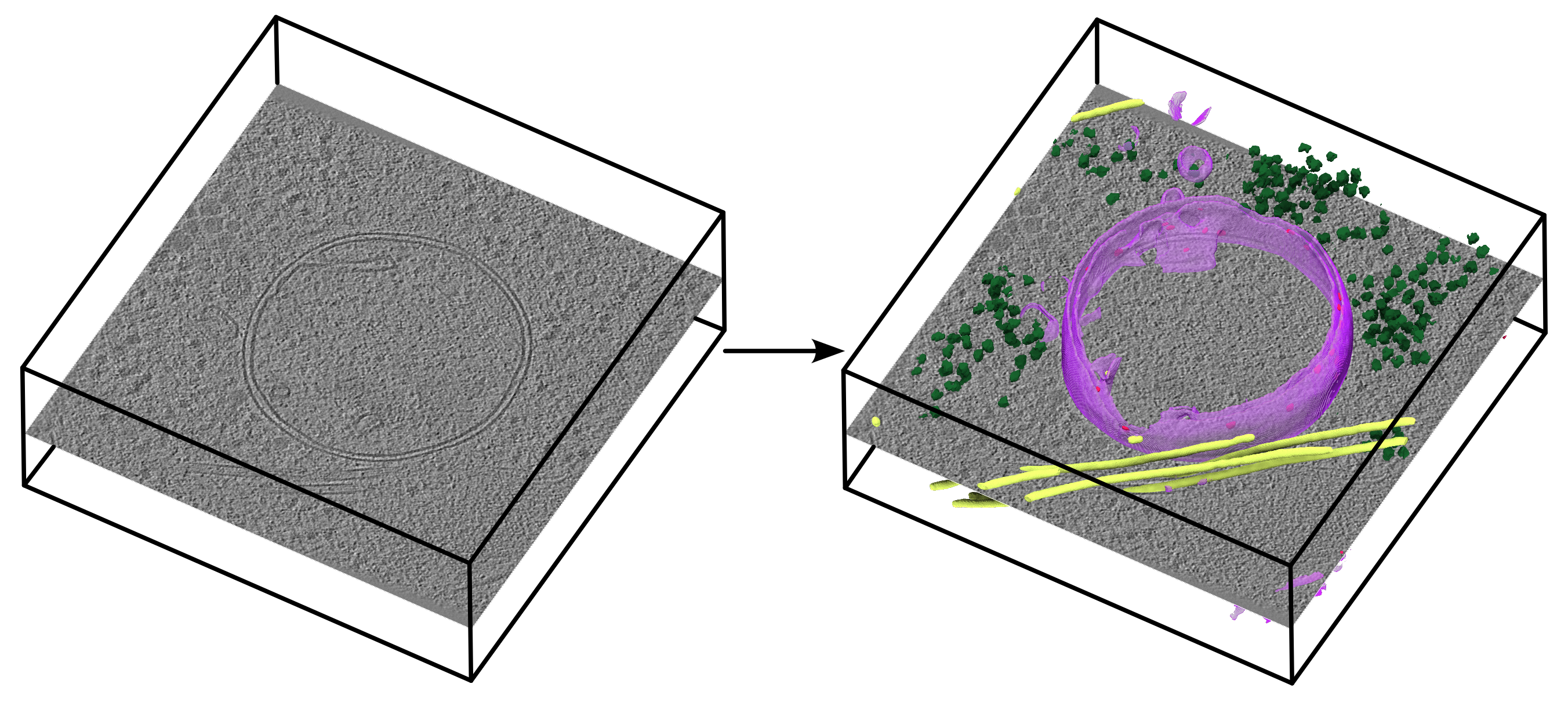
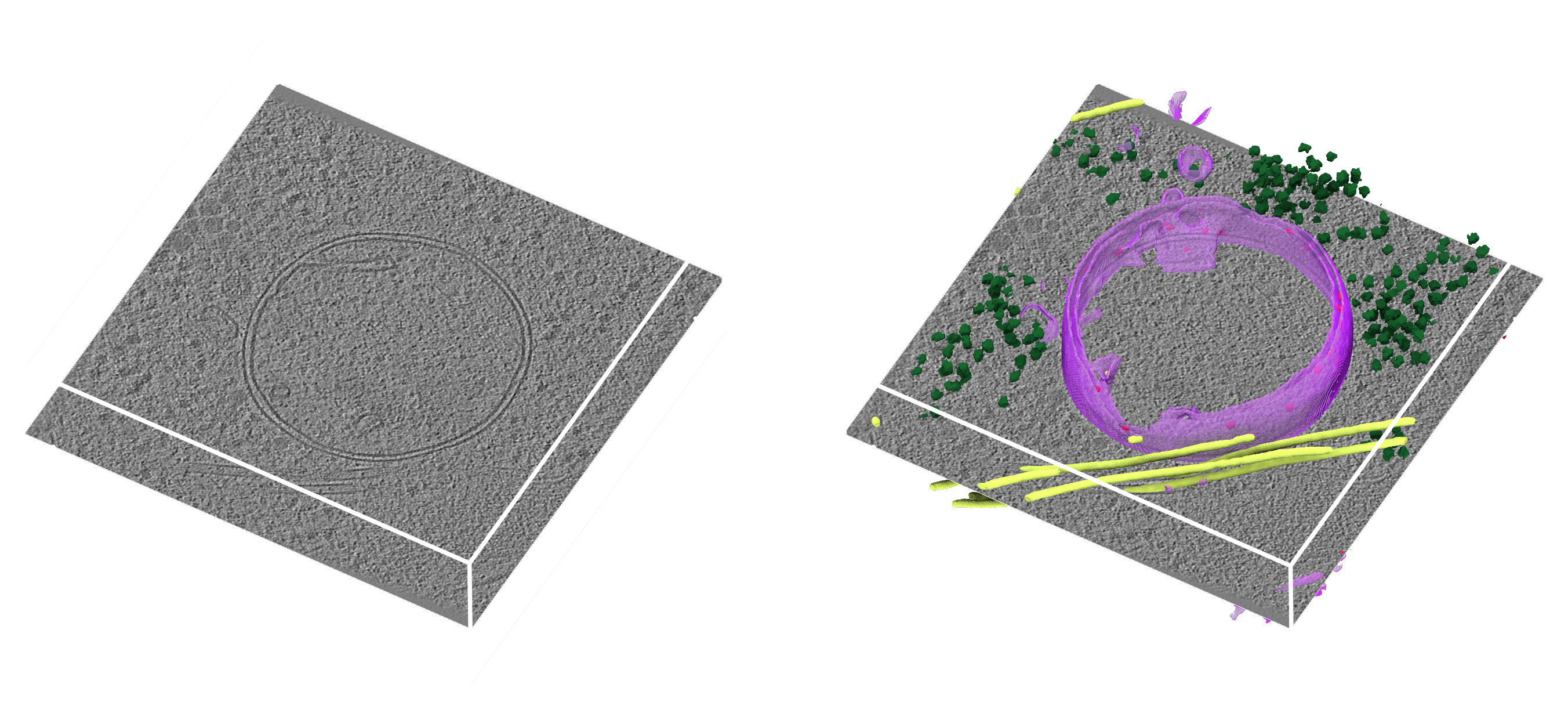
easymode is a collection of pretrained, general-purpose 3D
U-Nets for segmenting common eukaryotic features in cryo-ET — membranes, ribosomes,
microtubules and more. The copick-easymode plugin
wraps it as a copick CLI command, copick inference easymode, so you can run it directly against a
copick project: it reads each tomogram, predicts one or more features, and writes each back as a
segmentation — no notebook required.
In this tutorial we run it on the in-situ HeLa-cell tomograms of CZ cryoET Data Portal dataset 10476, a mitochondrial-stress study whose lamellae are full of membranes, ribosomes and cytoskeletal filaments. The tomograms sit at 10.012 Å, right at easymode's 10 Å working resolution.
What you get
One single-label segmentation per feature (membrane:easymode/1, ribosome:easymode/1, …)
at the tomogram's voxel size, written to your project overlay. Each feature is also registered as
a pickable object in the config (via --add-objects, on by default), so the masks are ready to
curate or convert downstream.
Step 0: Prerequisites
The command ships with copick-easymode. easymode itself is installed from GitHub (it is not on
PyPI), and because its published metadata pins an old NumPy, install copick first and then easymode
with --no-deps — see the
copick-easymode README for the full
rationale:
pip install git+https://github.com/copick/copick-easymode.git
pip install --no-deps git+https://github.com/mgflast/easymode.git
Weights download automatically — but bring a GPU
The first time you request a feature, easymode downloads its pretrained network from Hugging Face and caches it; you do not fetch any weights by hand. Inference is a tiled 3D U-Net with test-time augmentation, so a CUDA GPU is strongly recommended — it will fall back to CPU, but expect many minutes per tomogram there.
Step 1: Set up the project
Create a copick project backed by the Data Portal tomograms, storing locally created annotations in
an overlay directory (swap --overlay/--dataset-id for your own data source):
copick config dataportal \
  --dataset-id 10476 \
  --overlay /home/bob/copick_easymode/ \
  --output config.json
The tomograms in this dataset are CTF-deconvolved weighted back-projections at 10.012 Å, addressed as
wbp-filtered-aretomo3V2.2.8-ctfdeconv@10.012. For a walk-through of the Data Portal integration,
see the Data Portal setup tutorial.
Find the tomogram type
Portal tomogram names encode the reconstruction and processing, so they can be long. List what a run offers from Python:
Step 2: Segment the features
Point the command at your config, choose the features with -m, the input tomogram with -t
(type@voxel_size), and — because dataset 10476 has 200 runs — restrict it to a single run with
--run:
copick inference easymode \
  --config config.json \
  -m membrane,ribosome,microtubule,prohibitin \
  -t wbp-filtered-aretomo3V2.2.8-ctfdeconv@10.012 \
  --run 33427 \
  --user-id easymode \
  --tta 4
This writes one segmentation per feature — membrane:easymode/1@10.012, ribosome:easymode/1@10.012,
and so on — each a binary mask aligned to the input tomogram.
Useful options
--runrestricts processing to one or more runs (by name). Omit it to segment every run in the project — handy for a whole dataset, but start with one run while you dial things in.--tta(1–16, default4) sets the test-time augmentation level: higher averages more rotated/flipped predictions for cleaner masks, at proportionally more compute.--threshold(default0.5) binarizes the network output. Raise it for a more conservative mask, lower it to capture fainter features.--gpusselects GPU IDs (e.g.0,1);--user-id/--session-idtag the output so you can keep several runs side by side (e.g. one per threshold).
See the copick-easymode README for the full option table.
How easymode runs under the hood
Each tomogram is rescaled to the model's training pixel size (~10 Å), margin-normalized, and padded
to a tile-friendly size. It is then segmented in 256³ tiles with 48-voxel overlap; the chosen
test-time augmentations (90° rotations and flips that respect the missing wedge) are averaged, and
the result is thresholded into the binary mask. You only pick the input tomogram, the features, and
--tta/--threshold.
Step 3: Inspect and use the result
Open the project in ChimeraX-copick or napari-copick to overlay the new
*:easymode/1 segmentations on the tomogram and check the predictions. If a feature is over- or
under-segmented, re-run Step 2 with a different --threshold (and a fresh --session-id to compare).
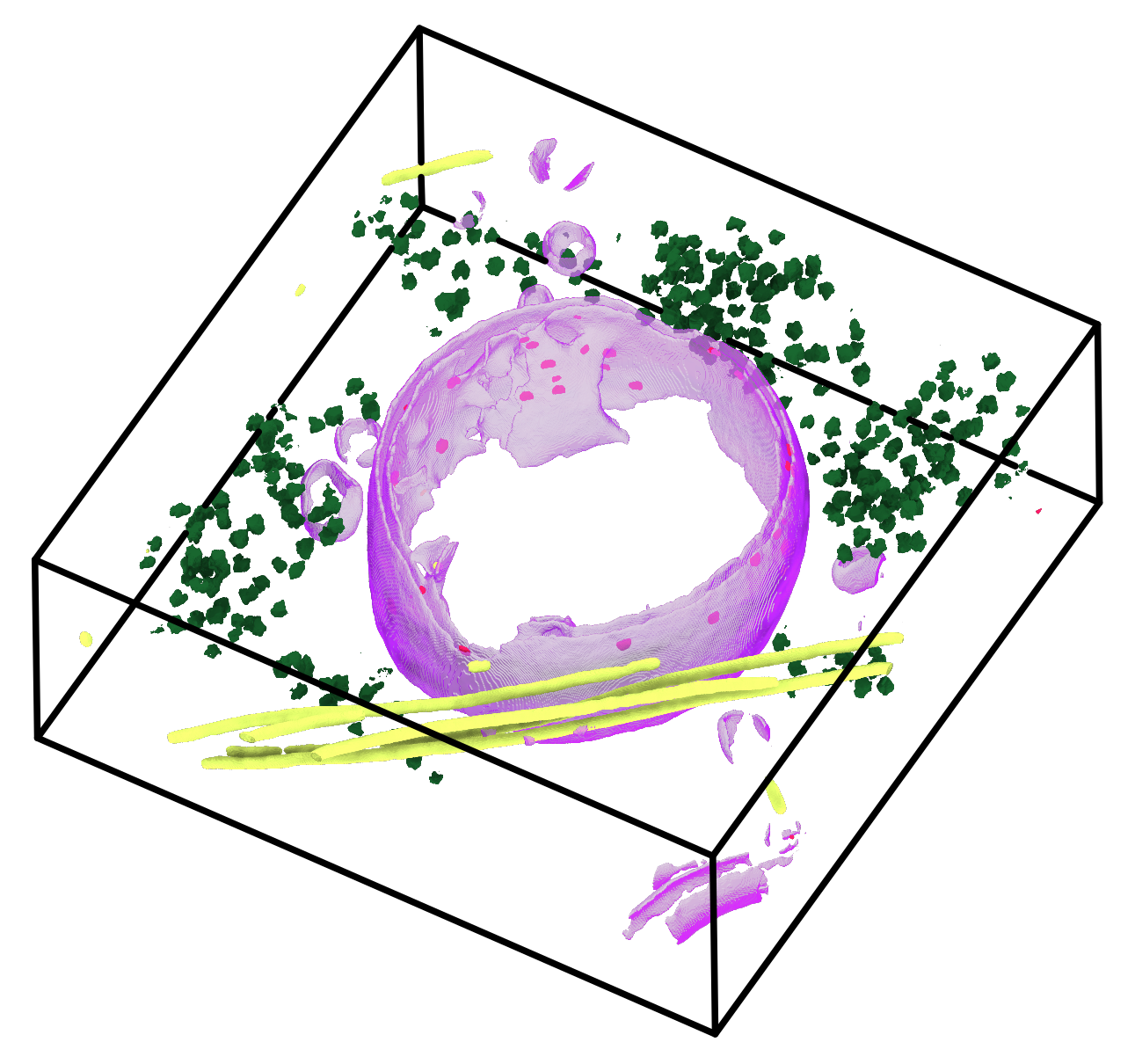
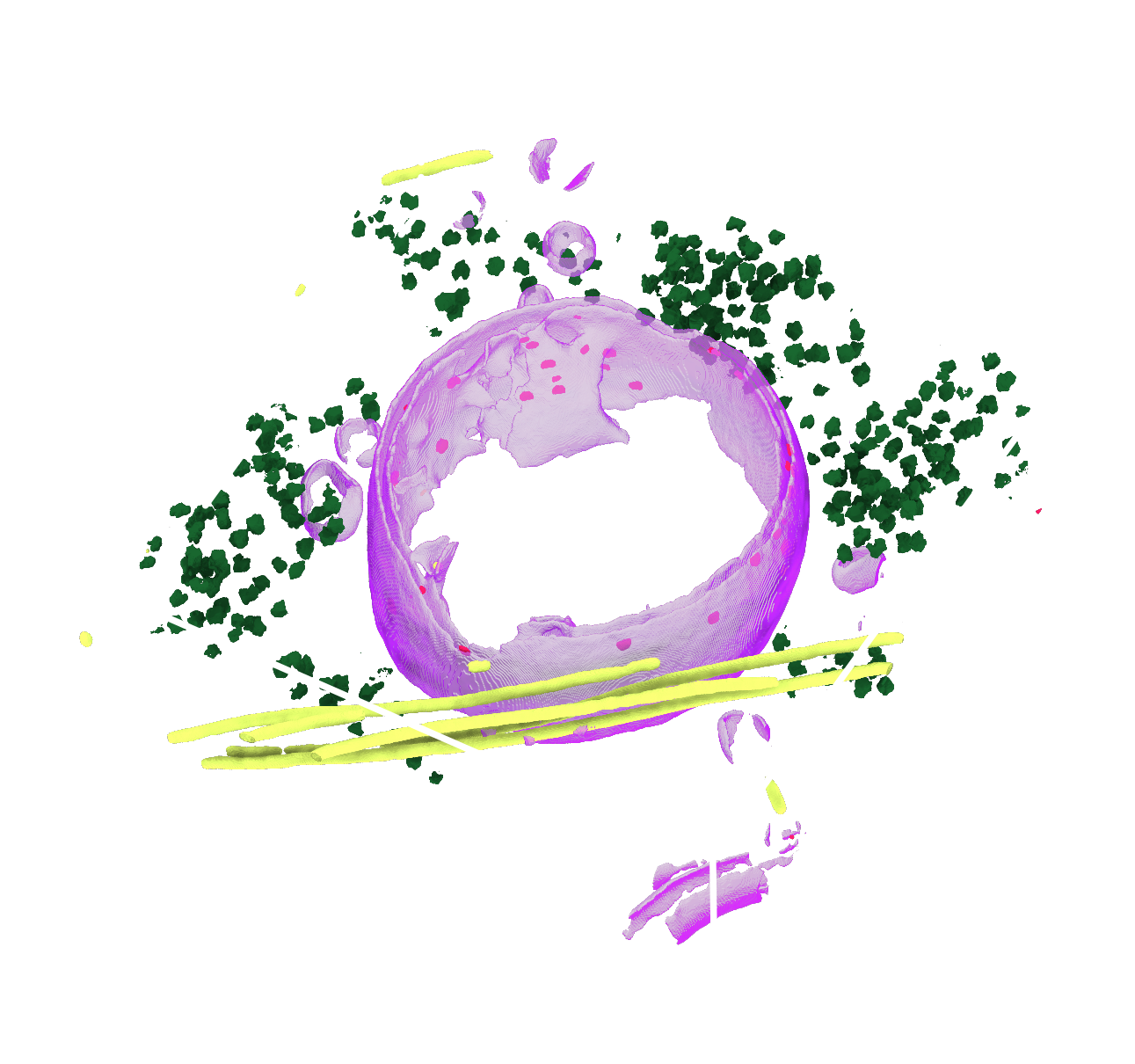
Because dataset 10476 already ships a portal membrane annotation (from
membrain-seg), you can sanity-check easymode against an independent method on the very
same tomogram:
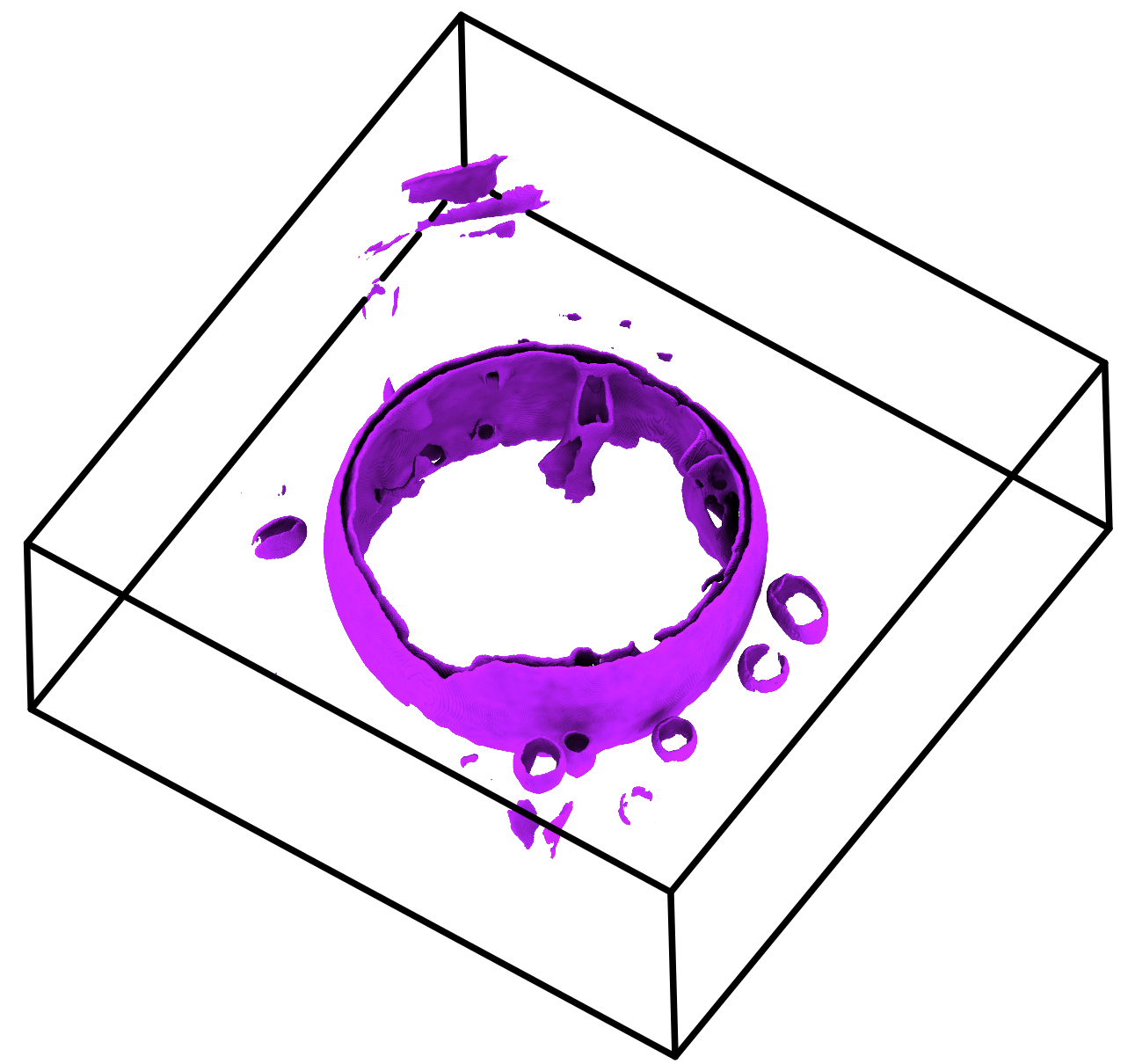
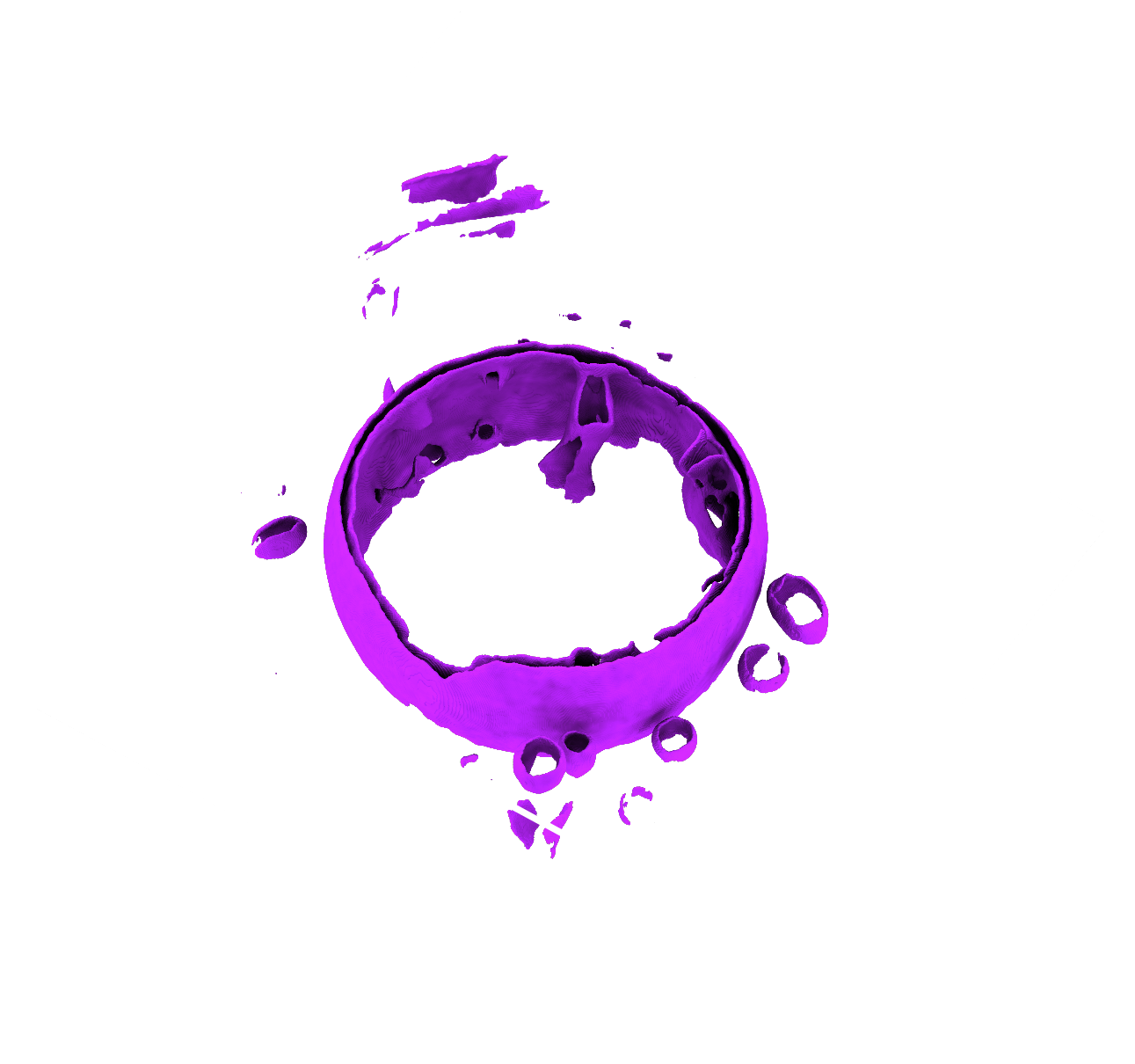
membrane (purple)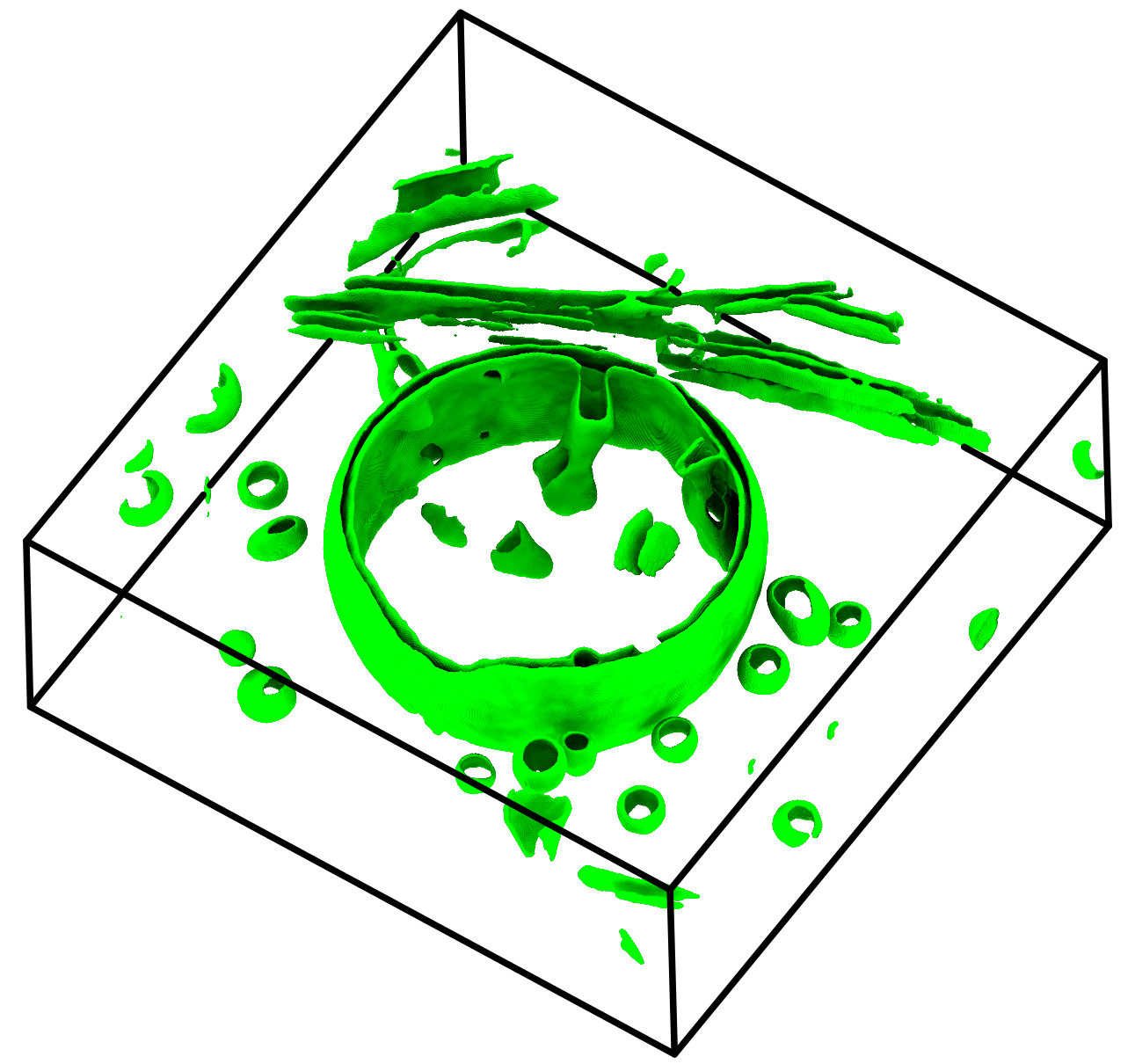

membrane (green)easymode (left) and membrain-seg (right) — two independent networks picking out the same membranes on the same tomogram.
Make a 3D figure
For a publication-style render, open the segmentations in
ChimeraX-copick and capture a 3D view of the masks over the tomogram, or turn a
mask into a surface with copick convert seg2mesh and render the mesh.
From here the masks feed straight into copick's processing tools — for
example, copick convert seg2mesh turns a membrane mask into a surface mesh for visualization or
downstream geometry operations.
Full pipeline (copy/paste)
# 1. install copick-easymode, then easymode from GitHub (no-deps)
pip install git+https://github.com/copick/copick-easymode.git
pip install --no-deps git+https://github.com/mgflast/easymode.git

# 2. create a project from Data Portal dataset 10476
copick config dataportal \
  --dataset-id 10476 \
  --overlay /home/bob/copick_easymode/ \
  --output config.json

# 3. segment four features on a single run (downloads the models on first run)
copick inference easymode \
  --config config.json \
  -m membrane,ribosome,microtubule,prohibitin \
  -t wbp-filtered-aretomo3V2.2.8-ctfdeconv@10.012 \
  --run 33427 \
  --user-id easymode \
  --tta 4